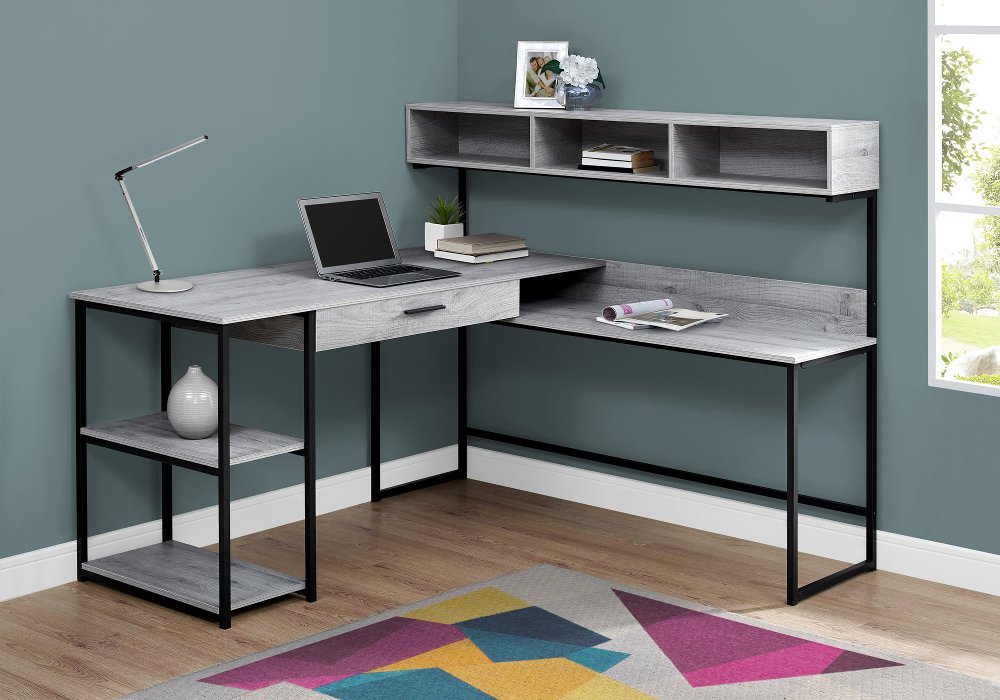
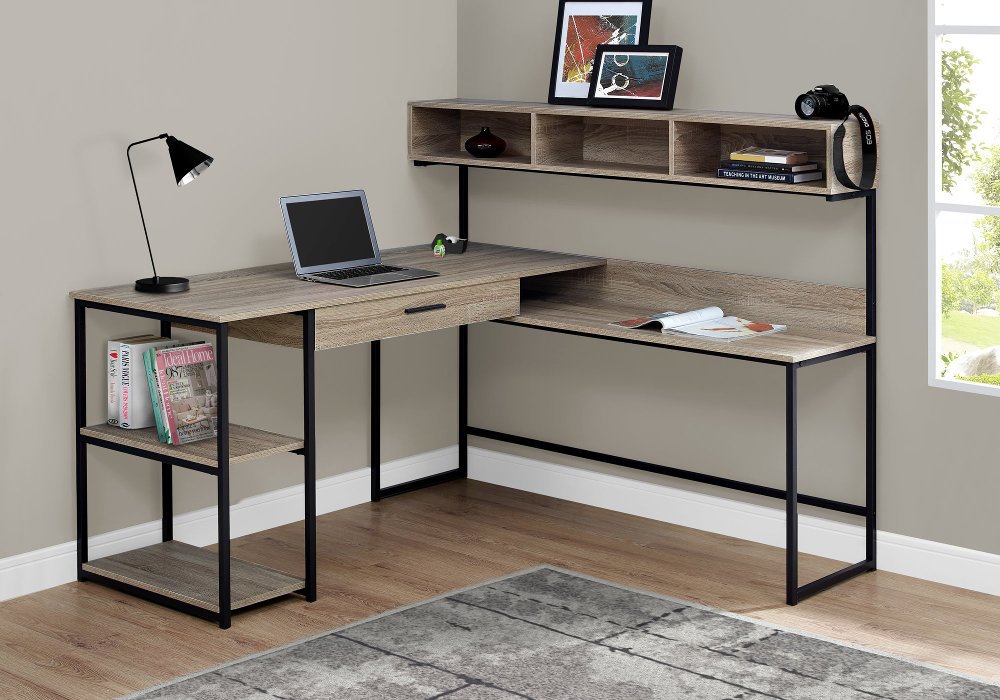
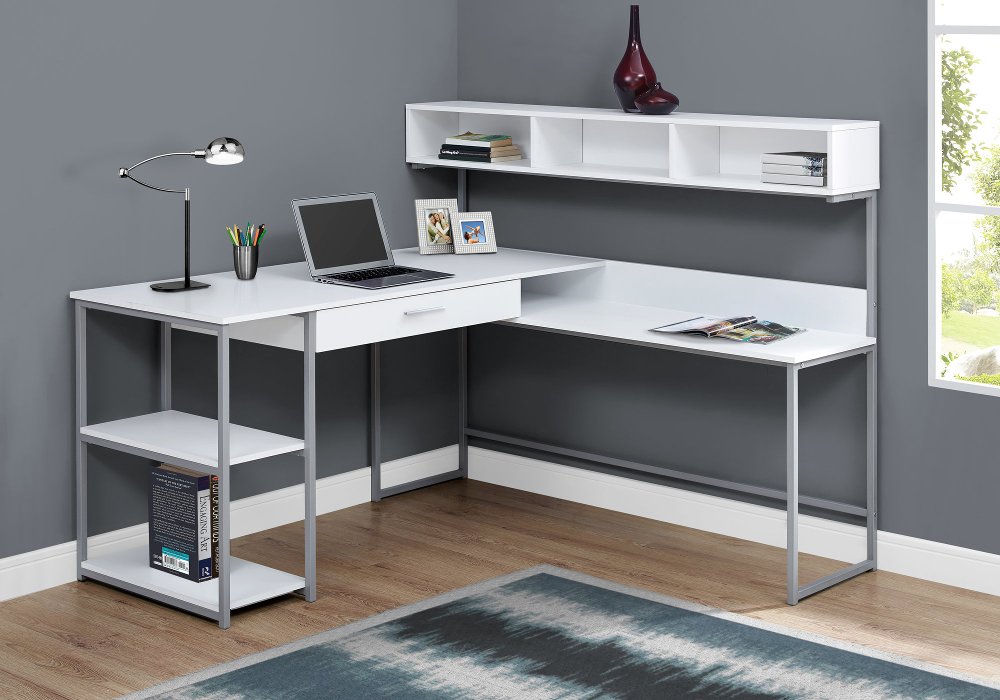
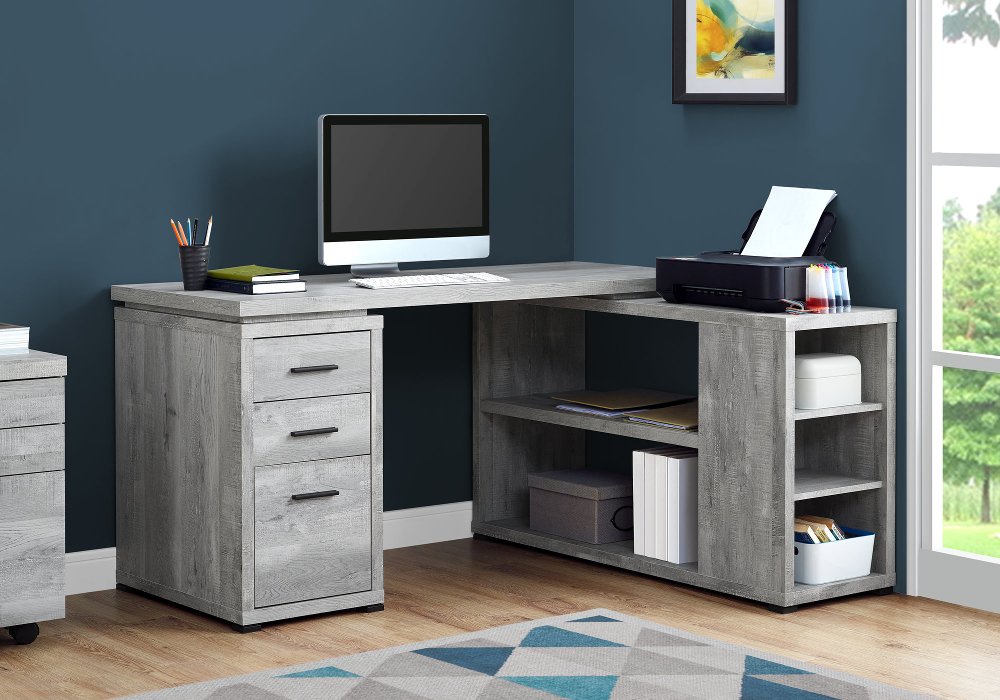
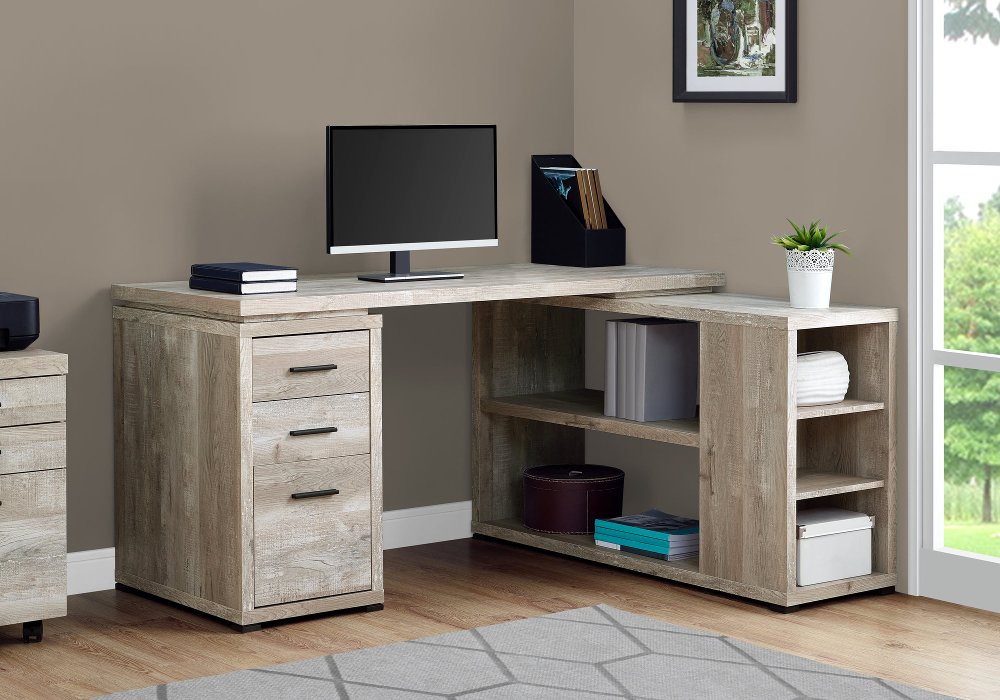
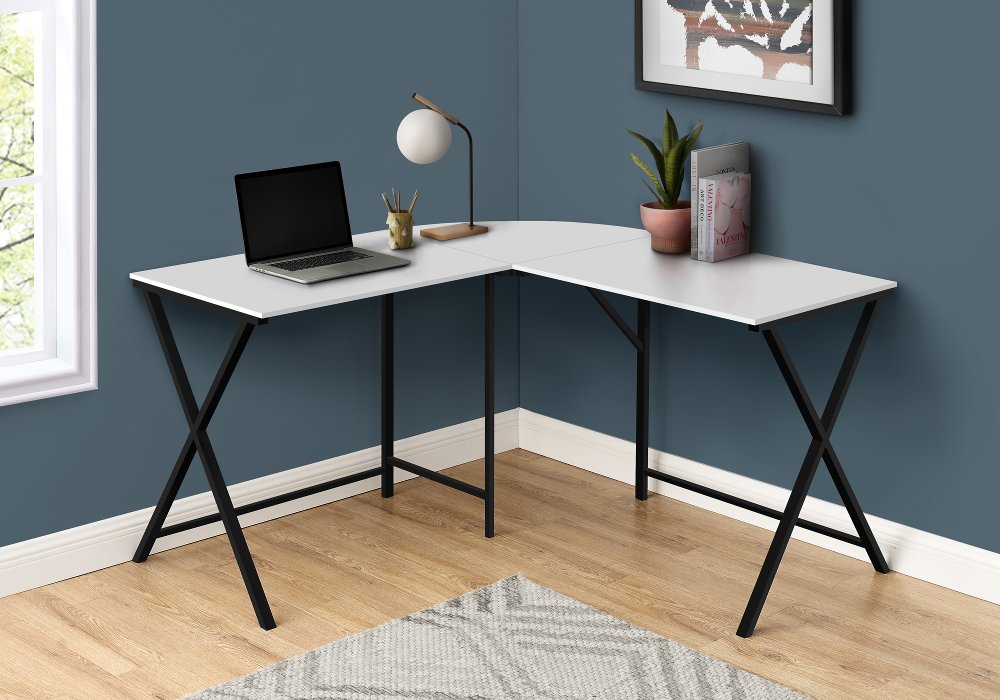
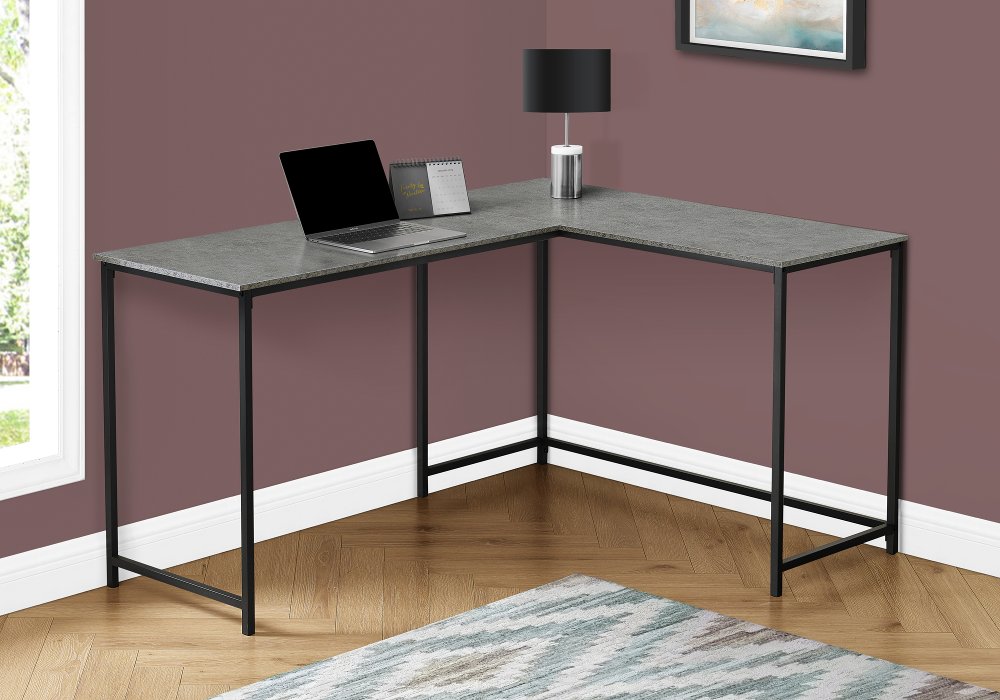
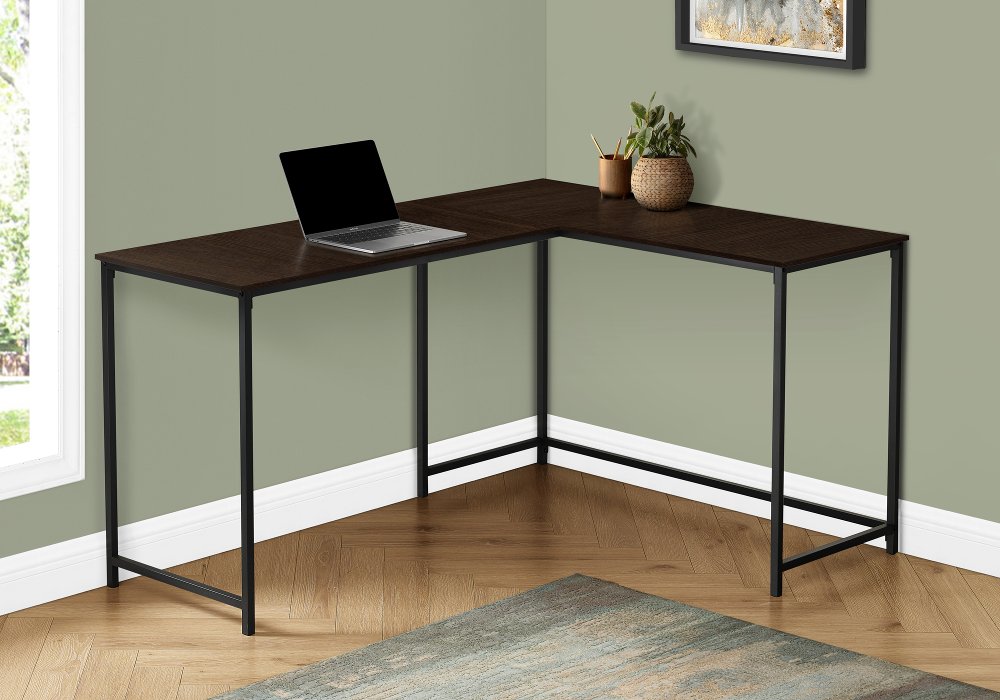
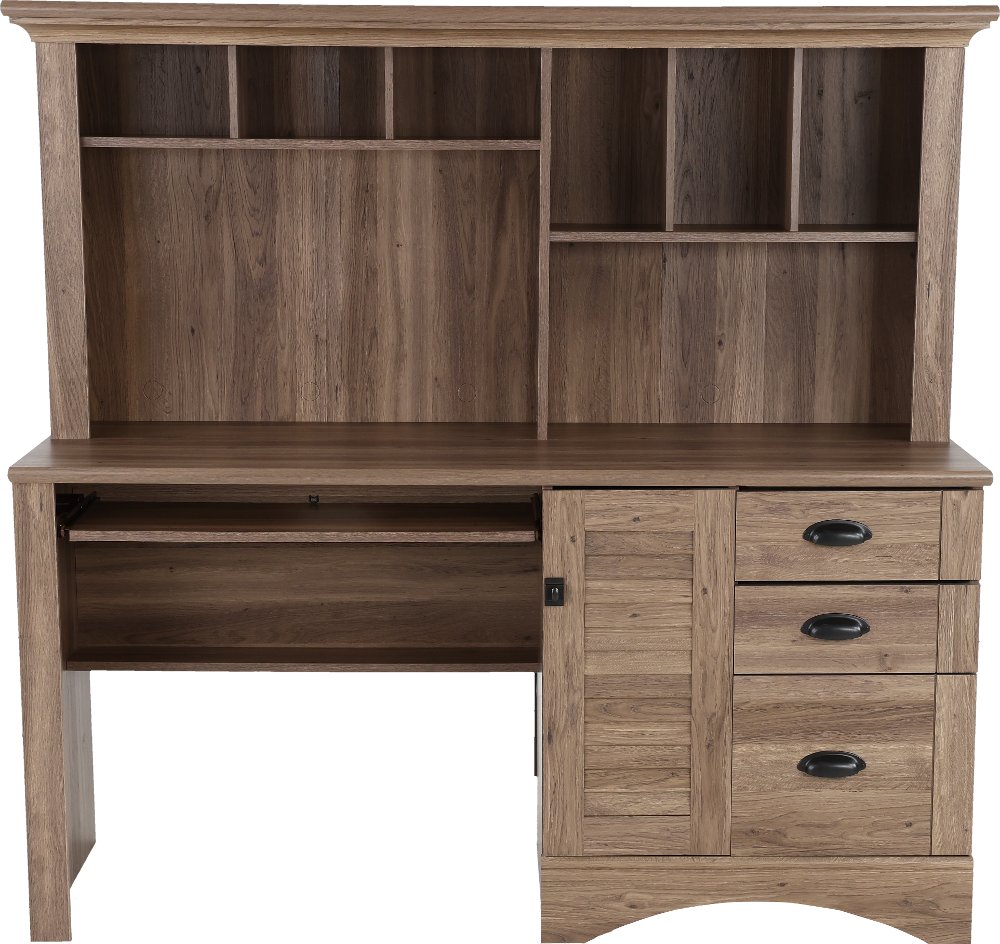
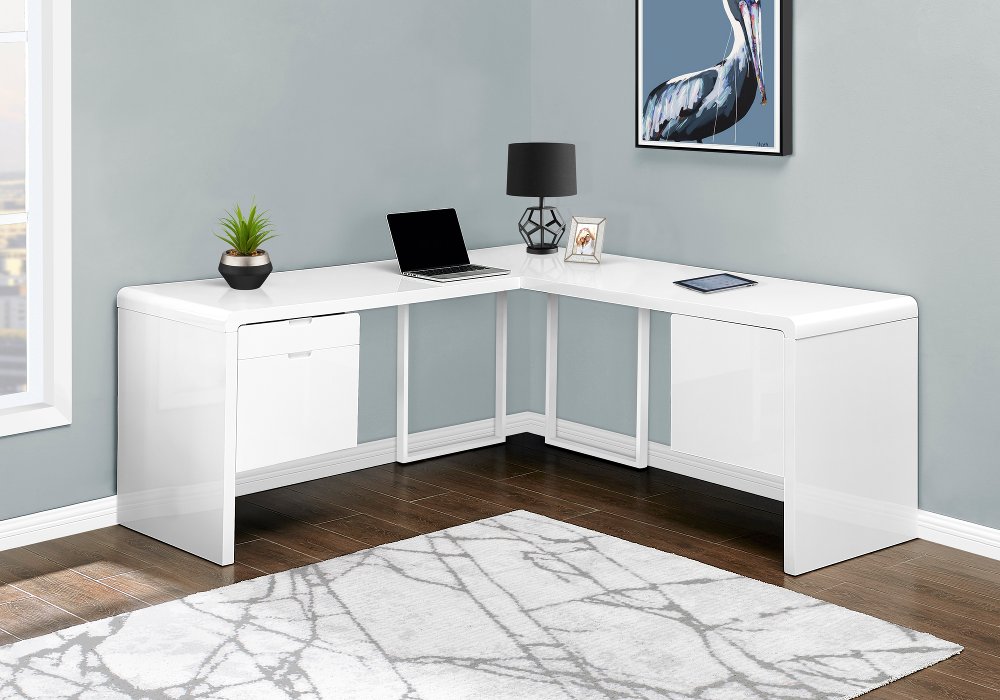
Desks for corners make useful workspace out of the meeting point between two walls, giving a home office, bedroom, or shared living area a more defined purpose. A compact corner desk often has an angled or triangular surface that tucks into the corner, while an L-shaped desk extends along two sides to create a larger work area. That extra section, sometimes called a return, can keep a notebook open beside a computer or give a printer its own landing spot. Neither shape is automatically the better fit; the right layout depends on the room and what needs to happen at the desk. A student working with a laptop and a textbook may need less surface area than someone managing two monitors, paperwork, and video calls. For smaller rooms, compact corner computer desks can establish a dedicated work spot while leaving more floor space for other furniture. Larger L-shaped layouts can separate computer work from sketching, sorting mail, or keeping reference materials within reach. Fit involves more than the length of an open wall. Overall width, depth, and height matter, along with the distance each side extends from the corner. Baseboards, low windowsills, floor vents, and nearby closet doors can affect placement, especially when a desk has a solid back or enclosed storage. Space behind the chair matters, too: a desk can fit neatly against both walls yet leave too little room to sit down comfortably. In a shared room, keeping a clear walking path helps the work area feel settled rather than squeezed in. Left-facing and right-facing returns create different arrangements, and some reversible designs allow either orientation during assembly. Confirming the finished configuration is especially important when drawers or shelves occupy one side. A cardboard outline or painter’s tape on the floor can make the footprint easier to picture, including the space needed to pull out a drawer, swivel a chair, or step away from the screen.
Materials give corner desks much of their character and help determine how they handle daily use. Solid wood brings natural grain and variation, with a substantial feel that suits both traditional offices and relaxed living spaces. Its surface can still dent or scratch, and care requirements depend on the finish. Wood veneer places a thin layer of real wood over a supporting core, creating a wood-grain appearance without making every component solid lumber. Engineered wood with a laminate surface is another common construction, often chosen for a consistent finish and straightforward upkeep. Resistance to scratches, spills, and wear varies by surface, so a protective desk pad is useful beneath a frequently moved keyboard, writing area, or craft project. Metal frames can create an open appearance, while glass tops offer a lighter visual profile but tend to show fingerprints and require attention to load limits and edge protection. Color and shape also influence how comfortably a desk fits into the rest of the home. A lighter finish can blend with pale walls, a wood tone can connect with nearby shelving, and a dark frame can echo cabinet hardware or lighting. In a bedroom, rounded corners and a less imposing silhouette may feel more natural beside a dresser than a tall workstation with a hutch. Durability comes from construction as well as material: secure connections, appropriate desktop support, smoothly operating drawers, and stable legs all contribute to everyday performance. A long work surface needs support suited to its span and intended load, particularly when holding several pieces of equipment. Routine care is usually simple, but the manufacturer’s directions should lead. Dusting with a soft cloth, wiping spills promptly, and drying any surface after approved damp cleaning help protect the finish. Coasters keep drinks off the desktop, and lifting equipment rather than dragging it helps preserve the work surface.
The most useful corner desk supports the details of a normal day, from the first opened laptop to the last notebook put away. Open legroom makes it easier to change position, while drawers and shelves give frequently used supplies a home. A shallow drawer can hold pens, charging cords, and sticky notes without taking over the desktop; deeper storage can keep folders or larger supplies close by. A file drawer should match the paper size being stored, and shelving needs enough height and depth for the equipment intended to sit there. For someone who handles paper records, enclosed storage can keep a shared room looking tidy after work. A student may prefer an open shelf for textbooks, while a hobbyist may value a broad, clear surface more than extra compartments. Gamers and remote workers often need room for multiple screens, speakers, and accessories, making usable desktop depth just as important as overall width. Screens should sit where they’re easy to view without forcing an awkward turn, with the keyboard and mouse positioned for relaxed shoulders and comfortable reach. A chair that adjusts to the user can help accommodate a fixed-height desk, provided armrests fit beneath the surface. Cable openings, under-desk trays, and integrated power connections can reduce trailing cords when included, but outlet placement and cord length still affect the setup. Power features should match the equipment’s requirements, and cords need clearance from moving drawers and chair wheels. Anyone planning to use a clamp-mounted monitor arm should check desktop thickness, edge access, material compatibility, and weight limits before attaching it. Computer towers also need ventilation rather than a tightly enclosed cubby. A task lamp can brighten paperwork without filling the entire room with light, and thoughtful screen placement can reduce reflections from nearby windows. With room for both the work itself and the small tools that support it, a corner desk can make an underused space feel purposeful without letting the workspace take over the room.
Read More