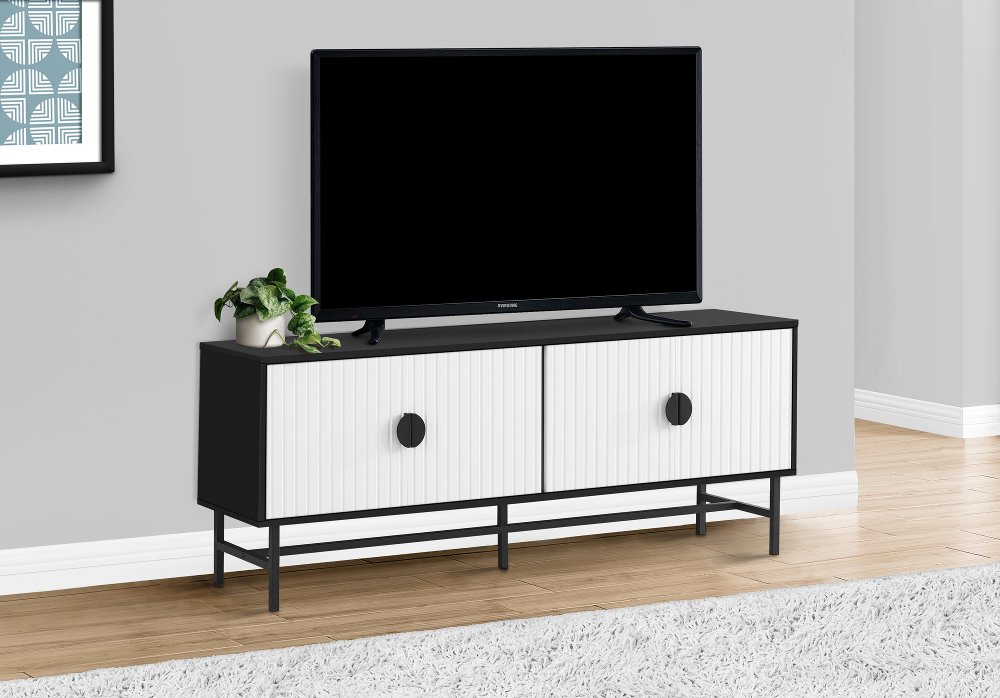
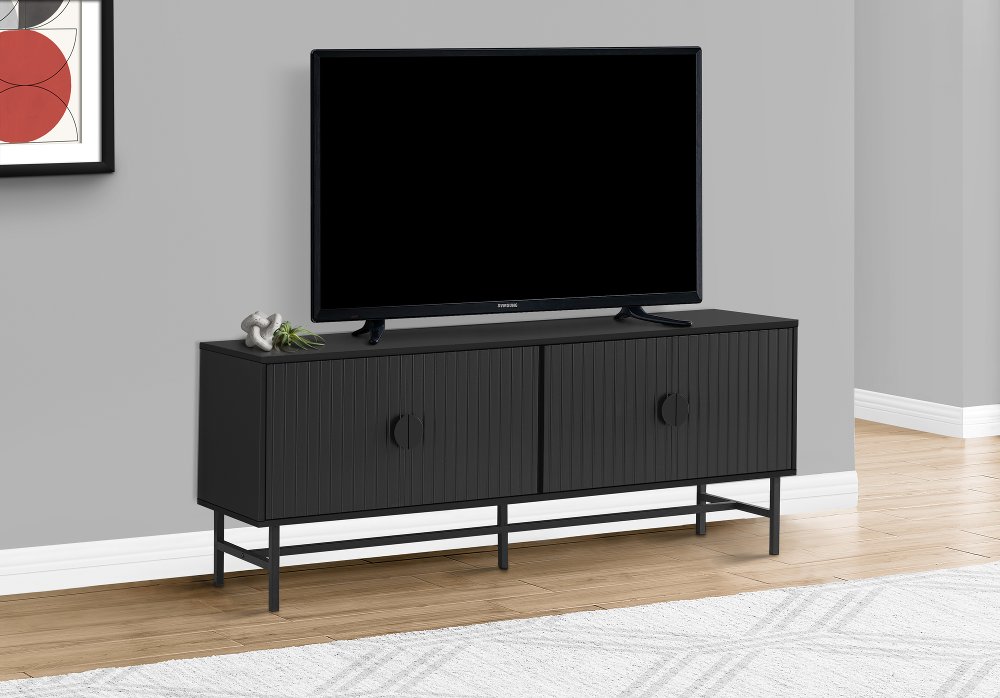
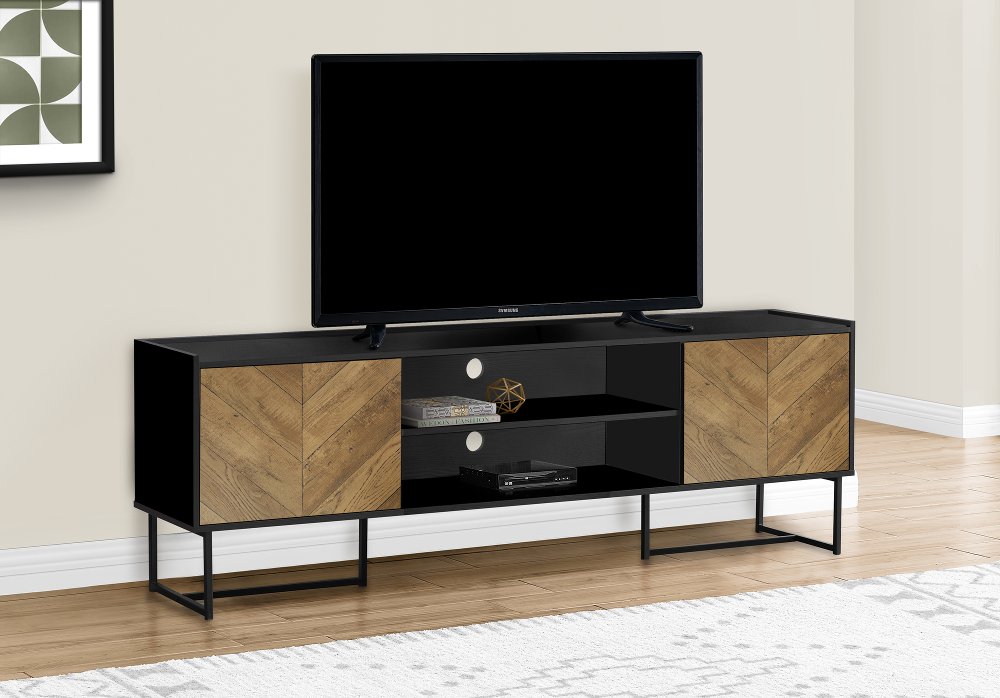
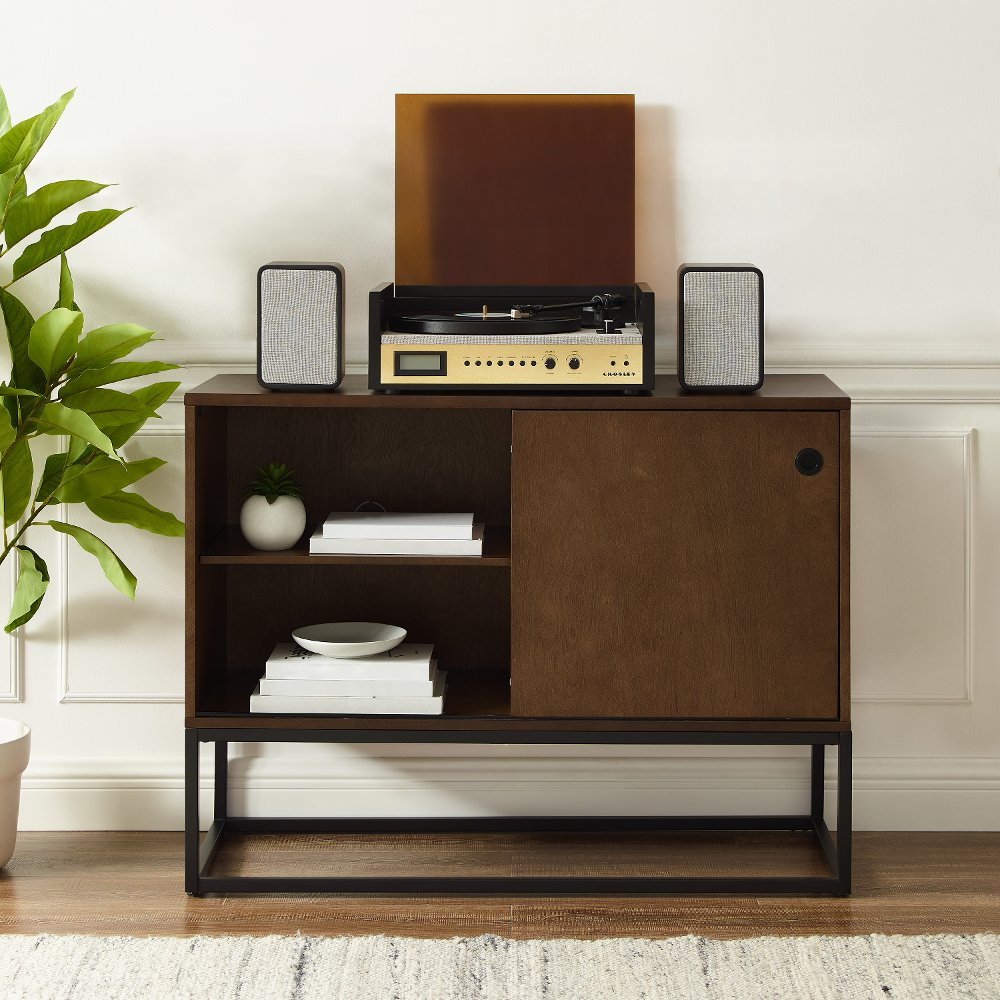
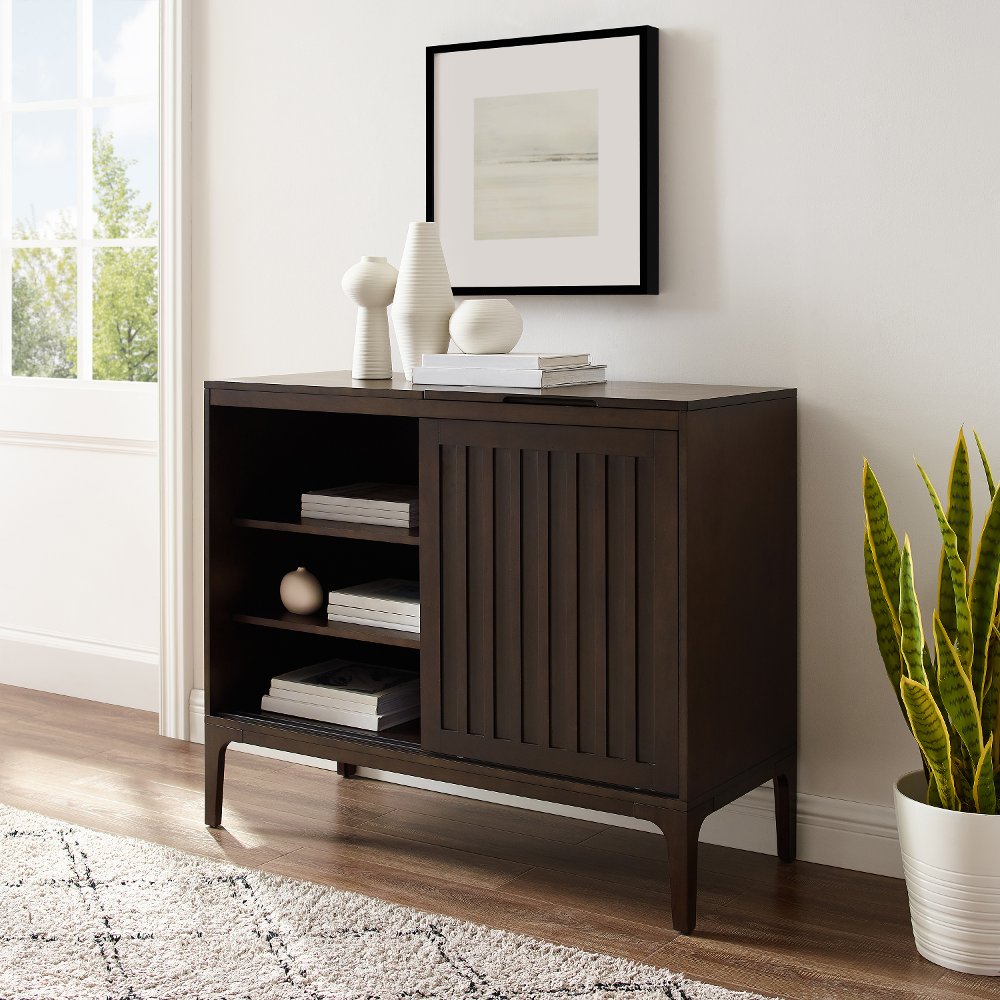
Media furniture includes TV stands, media consoles, entertainment centers, and cabinets designed to support televisions, organize electronics, and keep cords and accessories under control. These pieces give your entertainment setup a dedicated home, whether that means a compact stand across from an apartment sofa or a larger console anchoring a family room. A TV stand typically provides a surface for a television with storage below, while a media console often emphasizes a wider cabinet profile with drawers, doors, or open shelves. Larger entertainment centers can add surrounding storage and display space. The right fit depends on more than the screen size printed on the TV box. Television sizes are measured diagonally, so the screen’s actual width, the spacing of its feet, and the furniture’s usable surface dimensions all matter. A television’s entire base should fit securely on the top, and its weight should stay within the furniture manufacturer’s stated capacity. A console that extends beyond the screen can also help the arrangement feel balanced while leaving room for a small decorative accent. For a wall-mounted television, the furniture below still plays an important role: it houses connected equipment, grounds the display visually, and keeps everyday accessories within reach. Viewing height deserves attention, too. A comfortable setup lets you watch from your usual seat without continually lifting your chin. In a narrow room, a shallower cabinet can preserve walking space between the entertainment area and the coffee table. In an open living space, a longer console can help define the seating area without adding the height of a full wall unit. Door swings, drawer clearance, nearby outlets, and the path into the room also affect how comfortably a piece works once it’s in place. Follow the manufacturer’s installation and anchoring instructions, especially in homes with children or pets, and use mounting hardware appropriate for the television and wall construction.
Materials and construction shape both the look of media furniture and how it handles everyday use. Solid wood brings natural grain variation and a substantial feel, while wood veneers provide a real-wood surface over a supporting core. Engineered wood can offer a consistent surface for painted finishes, laminates, or veneers; its durability depends on the quality of the material, construction, and finish rather than the category name alone. Metal frames add structure and can create an open, streamlined appearance, while glass shelves or doors keep a cabinet from looking visually heavy. Where glass is used, check the stated load limits and follow the care instructions, even when the glass is tempered. A house with active children, a frequently used game system, or a television that runs throughout the day may benefit from sturdy joinery, stable shelving, and hardware that feels secure through repeated use. Adjustable hinges and smoothly operating drawers can make a noticeable difference when the cabinet gets opened several times each evening. Style matters just as much as practicality because media furniture often occupies one of the most visible walls in a room. Warm wood tones can soften a large black screen, painted finishes can blend with nearby cabinetry, and slim metal details can connect with lighting or occasional tables. A low profile keeps the wall feeling open, while taller cabinetry creates more space for books, framed photos, and collected objects. Finishes don’t have to match every other piece exactly; repeating a wood tone, hardware finish, or simple silhouette can create a comfortable connection. Routine care helps preserve that look. Dust with a soft cloth, clean spills promptly, and use only cleaners approved for the material. Spray cleaner onto the cloth rather than toward electronics, openings, or seams. Coasters under drinks and protective pads beneath decorative objects help limit rings and scratches, while avoiding prolonged direct sunlight can reduce uneven fading on susceptible finishes.
Good media storage makes the details of daily life easier to manage. Open shelves keep streaming devices and frequently used equipment accessible, while drawers give remotes, charging cables, game controllers, and instruction booklets a place to land. Closed cabinets create a calmer-looking room when the system is turned off, especially in shared spaces where the television isn’t the only focus. For a balance of concealed storage and space to show favorite objects, media display cabinets can bring electronics, books, and decorative pieces into one coordinated arrangement. The most useful configuration depends on what actually needs to fit inside. A slim streaming device has different space requirements than a deep audio receiver, and game consoles may need room around multiple sides for ventilation. Shelf depth should account for plugs and cables behind the equipment, not just the dimensions of the equipment itself. Adjustable shelves make it easier to accommodate different components, while rear access openings help route cords without pinching them against the wall. Cable openings alone don’t guarantee adequate airflow; electronics still need the clearances specified by their manufacturers. Doors also affect operation. Some remote controls require a clear path to the device, and certain door materials or finishes can interfere with the signal. A soundbar needs a position that leaves the screen visible and allows sound to travel without obstruction. For households that gather for movies, generous drawers can keep shared accessories together instead of scattered across the sofa. Gamers may prioritize accessible connections and ventilated compartments, while someone furnishing a small living room may value a cabinet that stores both media equipment and everyday household essentials. Leaving a little unused shelf space can make a future equipment change easier without replacing the whole console. With the right proportions, accessible storage, and construction suited to your routine, media furniture helps an entertainment area feel organized, comfortable, and connected to the rest of your home.
Read More