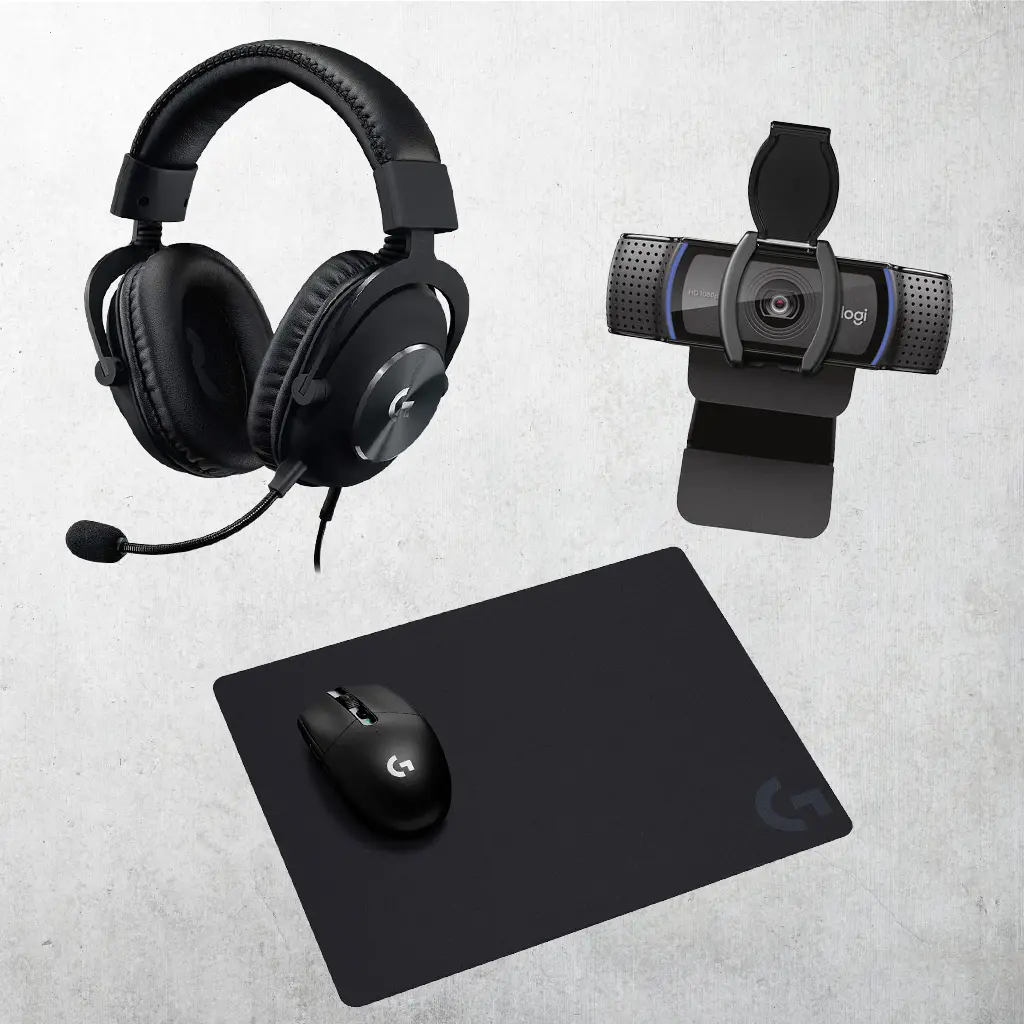
Logitech at RC Willey

Logitech

Optimized for Productivity and Play

Recognized for its commitment to quality and user-friendly design, Logitech has products that optimize the interface between you and your devices. Prioritizing comfort, speed, and accuracy boosts your performance when gaming and productivity while working.

View All Products
Viewing 1 - 32 of 46 Results
Sort by:
View Filters
Sale
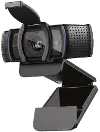
Logitech C920s HD Pro Webcam
4.5 stars (55 reviews)
$59.99
$69.99Save $10
Sale
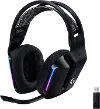
Logitech PRO X Gaming Headset Premium
3.5 stars (12 reviews)
$99.99
$129.99Save $30
Sale
Sale
Logitech M310 Wireless Mouse - Glossy Red
4 stars (46 reviews)
$18.99
$22.99Save $4
Sale
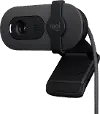
Logitech Brio 100 1080p Full HD Webcam
4 stars (16 reviews)
$24.99
$39.99Save $15
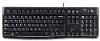
Logitech Keyboard
Logitech Keyboard
4 stars (39 reviews)
$12.99

#myrcwilleyhome

See how real customers are transforming their spaces with RC Willey. Get inspired, share your style, and create a space that's Your Home. Your Way.

Explore Now

Logitech — The Keyboard and Mouse Brand Most Professionals Already Use

Ask anyone with a well-set-up desk what mouse they use, and there's a good chance the answer is Logitech. Ask the same question about keyboards and the answer is similar. Logitech has spent more than four decades building computer peripherals that solve the specific, daily frustrations of people who spend serious time at a desk: the mouse that loses its charge at the wrong moment, the keyboard that sounds like a construction site in a quiet office, the scroll wheel that makes you manually drag through 300 lines of code one rotation at a time. One by one, Logitech has engineered its way through those problems until its products became the default recommendation across professional reviews, IT departments, and anyone who's graduated past the keyboard that shipped in the box.

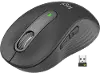
RC Willey carries Logitech's core consumer and professional lineup: keyboards, mice, and the accessories that complete a productive, comfortable desktop setup.

The Logitech Story

Logitech was founded in 1981 in Apples, Switzerland, by Daniel Borel, Pierluigi Zappacosta, and Giacomo Marini, building its first product, a computer mouse, for the newly emerging personal computer market. The timing was good. Apple's Lisa, which launched in 1983, was among the first mass-market computers to ship with a mouse as a primary input device, and Logitech was already positioned to supply the hardware behind the gesture.

What followed was four decades of steady, unglamorous, important product development: the first cordless mouse in 1991, the first optical mouse in 1996, and an ongoing series of incremental engineering improvements that have collectively made Logitech's core lineup the most widely recommended in independent reviews. The MX Master mouse series in particular, launched in 2015 and now in its fourth generation with the MX Master 4, has become something of a benchmark for what a productivity-focused wireless mouse should feel and function like. The same applies to the MX Keys keyboard lineup, which addressed the same problem from the keyboard side: premium wireless typing with multi-device switching, low-profile keys shaped for fingertip accuracy, and software customization that adapts to whichever application is active.

Why Buy Logitech

A handful of qualities keep Logitech near the top of every peripheral buying guide published in any given year.

  • The MX Master 4 sets the benchmark for productivity mice: The MX Master 4 connects via Bluetooth or Logi Bolt USB receiver, includes a Haptic Sense Panel for a fully customizable Action Ring menu, and adapts shortcuts to whatever app is currently in use, making it the most widely recommended wireless mouse for professional use
  • Multi-device switching built into the hardware: Most MX keyboards and mice support up to three paired devices simultaneously, with Easy Switch buttons that move between a laptop, desktop, and tablet in a single keystroke rather than requiring re-pairing
  • Platform-agnostic compatibility: Logitech's MX lineup works across Windows, macOS, iPadOS, Android, and ChromeOS, and Mac-specific variants are available for users who want color-matched hardware for their Apple setup
  • Logi Options+ software adds genuinely useful customization: App-specific profiles, custom shortcut mapping, and Flow multi-computer cursor movement (which lets the mouse cross between two computers as if they shared one screen) are all available through the free Logi Options+ app
  • A lineup that covers every price point and use case: From the Signature series at under $40 for straightforward everyday use to the MX Master 4 at the professional premium tier, Logitech covers more ground in a single brand than most categories require

Exploring the Logitech Lineup at RC Willey

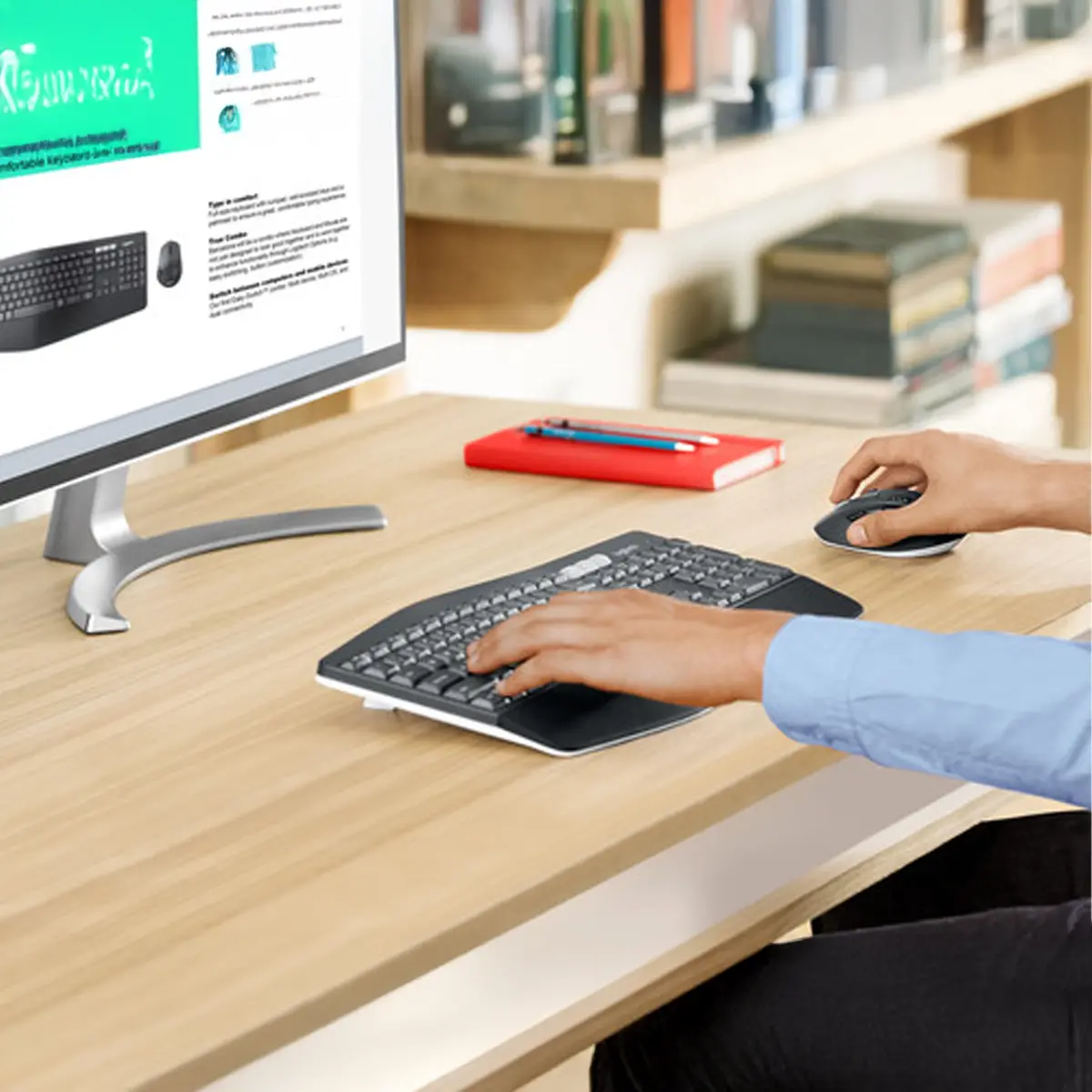
Logitech keyboards span three distinct series, each built around a different typing priority. The MX Keys lineup offers low-profile wireless keyboards with spherically-dished keys shaped for fingertip accuracy, multi-device Easy Switch, and smart backlighting that activates when hands approach. The MX Mechanical lineup is the upgrade for typists who want the tactile feedback of mechanical switches with the wireless convenience and multi-device features of the MX series. The Signature and Pebble series cover everyday wireless typing at accessible price points, with compact and standard layouts available depending on desk space.

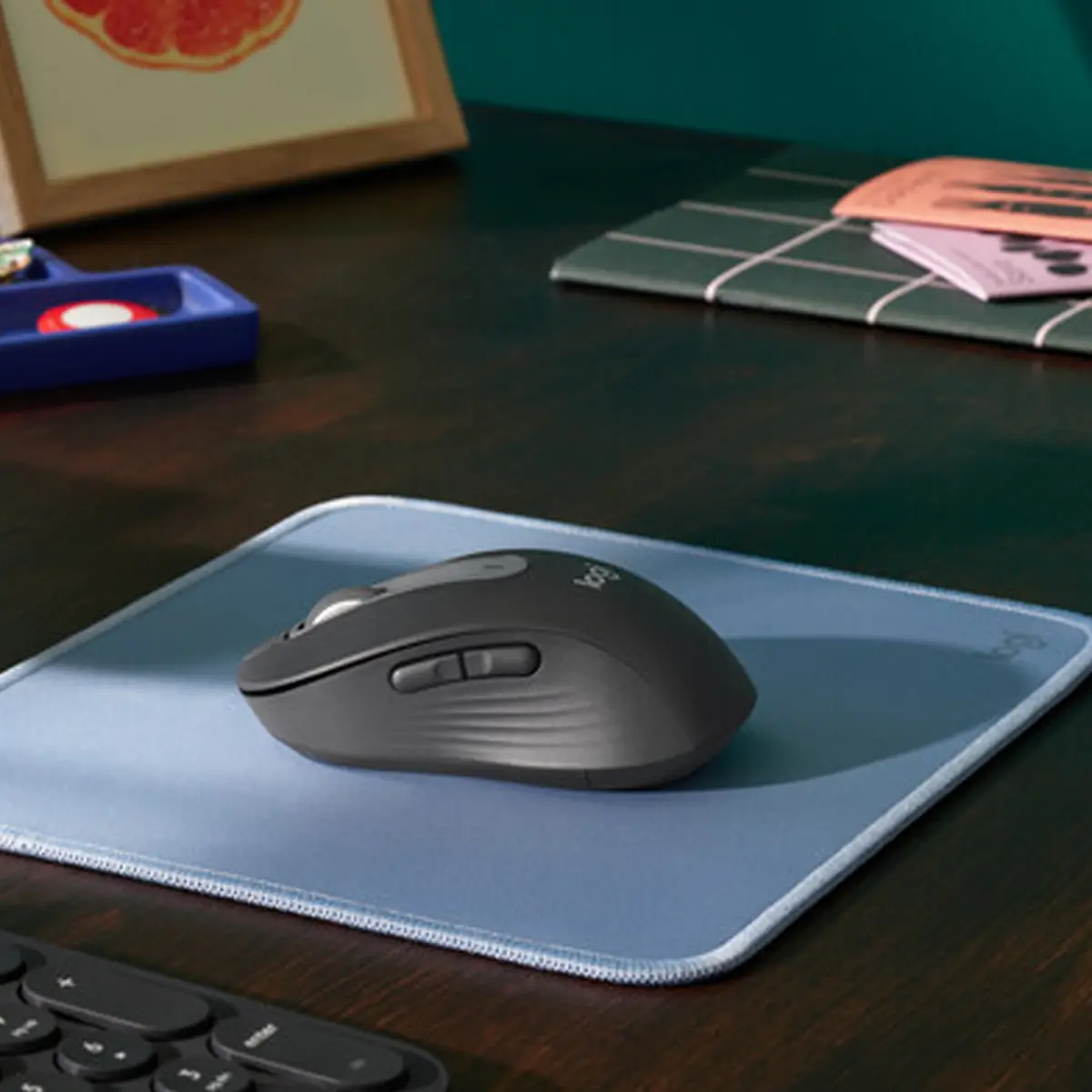
Logitech mice cover four core series with meaningfully different purposes. The MX series is built for productivity-focused power users, with the MagSpeed scroll wheel, haptic feedback, and app-specific customization. The Ergo series is built around hand posture and long-term comfort, using tilted and vertical designs to reduce wrist strain for desk workers who spend extended hours with a mouse. The Signature series covers casual everyday use at accessible pricing, while gaming mice fall under the Logitech G sub-brand with precision sensors and polling rates aimed at competitive play.

Additional accessories include the Logitech G gaming lineup of mice and gaming-specific keyboards and accessories, as well as the Creative Console, a macro pad and dial system designed for creative professionals working in design, video, and content creation applications.

The MX Series — Logitech's Core Lineup in Detail

Product Current Model Best For Key Feature
MX Master Mouse MX Master 4 Productivity, multi-device users, developers Haptic Sense Panel, Action Ring menu, MagSpeed scroll
MX Keys Keyboard MX Keys S Professional typing, multi-device switching Spherically-dished keys, smart backlit, Easy Switch
MX Mechanical Keyboard MX Mechanical Mini Typists wanting mechanical switches wirelessly Quiet, tactile, or clicky switches in a compact layout
MX Ergo Mouse MX Ergo S Wrist comfort, extended desk work Adjustable tilt angle, trackball design reduces wrist movement
MX Anywhere Mouse MX Anywhere 3S Travel and portable use Compact, works on any surface including glass

Who Logitech Is Best For

Logitech's lineup is wide enough to suit almost any desk worker, but a few audiences find it the most consistently right fit.

Professionals who spend full days at a desk, whether writing, coding, designing, or managing, get the most value from the MX series, since the multi-device switching, customizable shortcuts, and MagSpeed scroll wheel address real daily friction rather than adding features that look good on paper. The MX Flow feature, which allows a single mouse to move across two side-by-side computers as if they shared one screen, is genuinely transformative for anyone who works across a laptop and a desktop simultaneously.

Desk workers dealing with wrist or shoulder strain find the MX Ergo's adjustable tilt design and trackball format meaningfully reduce the repetitive lateral movement that standard mice require, which is why the Ergo series consistently appears in ergonomic workspace recommendations. Budget-conscious households or students wanting reliable wireless peripherals without the MX series price point find the Signature lineup covers everyday computing needs competently at a fraction of the cost.

How Logitech Compares to Other Peripheral Brands

Feature Logitech Microsoft Razer
Productivity Focus MX Master series, deepest productivity lineup Arc and Bluetooth series Limited productivity focus
Gaming Focus Logitech G sub-brand, LIGHTSPEED wireless Limited Core business, competitive gaming
Multi-Device Switching Yes, up to 3 devices on most MX products Select models Limited
Ergonomic Options MX Ergo, Lift vertical mouse Ergonomic Mouse and Keyboard Limited
Software Ecosystem LogiOptions+, G Hub for gaming Microsoft Mouse and Keyboard Center Razer Synapse

Logitech's clearest advantages are the breadth and depth of its productivity lineup, multi-device switching hardware, and the Logi Options+ software ecosystem. Microsoft has a strong ergonomic lineup but a narrower overall range. Razer dominates gaming peripheral reviews but has a limited productivity presence, making it less directly competitive for desk workers outside gaming contexts.

A Few Things Worth Knowing About Logitech

A handful of practical details are worth knowing before you shop the Logitech lineup.

  • Logi Bolt and Bluetooth are both available on most MX products: Logi Bolt uses a USB-A nano receiver for a more stable, lower-latency connection in environments with heavy Bluetooth interference, while Bluetooth works without occupying a USB port — some users prefer one over the other depending on their setup
  • MagSpeed scroll wheel is a significant feature, not just a spec: The electromagnetic scroll wheel on MX mice can switch between a ratcheted click-by-click mode and a virtually frictionless hyper-scroll mode, scrolling up to 1,000 lines per second, which changes how fast document and web navigation actually feels
  • Mac and universal versions are separate products: Logitech offers Mac-specific variants of most MX products in Apple-matched colorways with Mac OS keyboard shortcuts and features, which are worth choosing if your primary device is a Mac
  • Battery life is strong across the MX lineup: MX mice typically last 70 days per charge, and MX keyboards last up to 10 days with backlighting on and up to 5 months with it off, making charging an occasional event rather than a daily routine
  • The Logi Options+ app is required for full functionality: Features like app-specific shortcut profiles, Flow, and the Action Ring menu on the MX Master 4 require installing the free Logi Options+ software

Frequently Asked Questions

Logitech shoppers often arrive with a specific question about which product fits a particular setup or workflow. Here are the most common ones answered directly.

What's the difference between the Logitech MX Master and MX Anywhere mouse?

The MX Master 4 is a full-size productivity mouse designed for desk use, with a larger grip, MagSpeed scroll wheel, and a Haptic Sense Panel for workflow customization. The MX Anywhere 3S is compact and travel-focused, lighter and more portable, but without the haptic panel or the same ergonomic grip depth.

Can a Logitech MX keyboard and mouse connect to more than one computer?

Yes. Most MX keyboards and mice support up to three paired devices simultaneously, switchable with a dedicated Easy Switch button, and Logi Flow allows the mouse to cross between two computers automatically when the cursor reaches the edge of the screen.

What is Logi Bolt and do I need it instead of Bluetooth?

Logi Bolt is Logitech's proprietary wireless protocol, delivered via a small USB-A nano receiver. It offers a more stable, lower-latency connection than Bluetooth in wireless-congested environments like open offices. Most users find Bluetooth works fine, but Bolt is the better choice for open offices or anyone who's experienced Bluetooth interference.

Is Logitech MX worth the price over a basic wireless mouse?

For everyday light computing, a basic wireless mouse does the job. For anyone who spends significant time at a desk, the MagSpeed scroll wheel, multi-device switching, app-specific shortcut customization, and 70-day battery life of the MX Master series represent genuine daily productivity gains rather than premium features for the sake of it.

What is the Logitech MX Ergo and who is it for?

The MX Ergo is a trackball mouse with an adjustable tilt angle, designed to reduce wrist and forearm strain by keeping the hand in a more neutral position. It's recommended for anyone dealing with wrist discomfort from extended mouse use or anyone whose work involves long, continuous cursor sessions.

Does Logitech make a keyboard and mouse combo?

Yes. Logitech offers several keyboard and mouse combos, including the MX Keys S Combo, which pairs the MX Keys S keyboard with an MX Master 3S mouse and a palm rest, designed to work together as a coordinated productivity setup.

Find Your Perfect Logitech Setup

Whether you need the benchmark wireless mouse for professional productivity, a mechanical keyboard that doesn't disturb a quiet office, or an ergonomic setup that keeps your wrists comfortable through a long workday, Logitech's lineup covers more of what a serious desk worker actually needs than almost any other brand. Explore RC Willey's full Logitech collection and find the keyboard, mouse, and accessories that fit the way you work.

Browse the full brand directory to compare Logitech against other electronics brands, explore RC Willey's complete electronics selection, or shop the computers and tablets collection to find Logitech accessories alongside the laptops and desktops they're designed to complement.