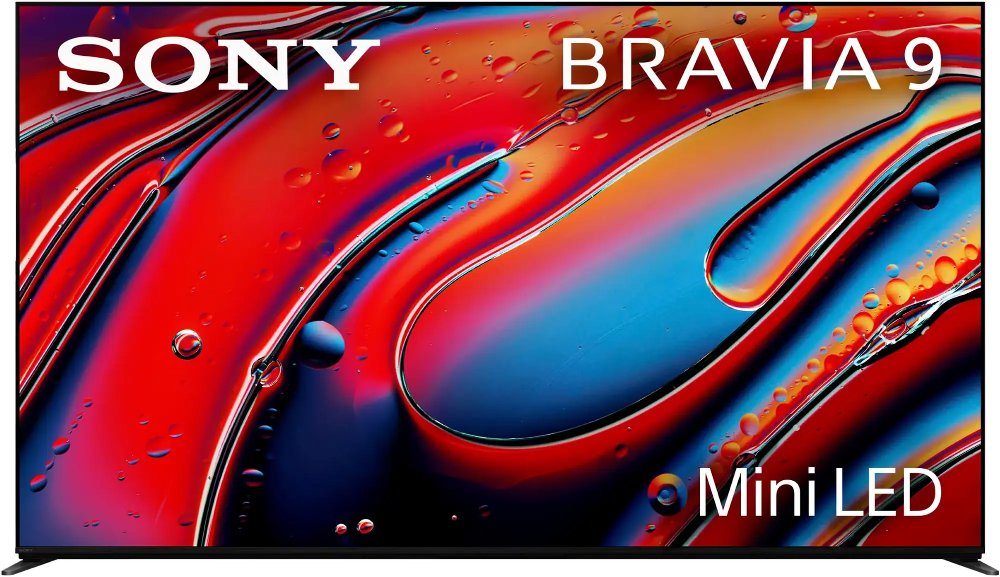
120Hz televisions refresh the picture 120 times per second, giving fast-moving content more opportunities to appear smoothly on screen. That higher refresh rate can make a difference when you’re following a basketball pass across the court, tracking a race car through a turn, or navigating a fast-paced video game. A native 120Hz panel is the key distinction: it physically refreshes at that rate, rather than relying on a motion-enhancement label that may describe software processing on a 60Hz screen. Marketing terms such as “motion rate” aren’t always the same as the panel’s native refresh rate, so the panel specification provides a more useful comparison. Refresh rate also differs from response time, which describes how quickly pixels change, and input lag, which measures the delay between an action and its appearance on screen. Together, these characteristics affect how clear and responsive a television feels. A 120Hz refresh rate doesn’t guarantee blur-free motion, because the source footage, pixel response, and motion settings still matter. It also doesn’t turn every broadcast or streaming program into true 120-frame-per-second content. Many programs deliver fewer frames, and the television repeats those frames or uses optional processing to create intermediate ones. For movies filmed at 24 frames per second, a compatible 120Hz television can display each frame five times, maintaining an even cadence without the uneven frame repetition associated with converting film to 60Hz. Motion smoothing is a separate setting that can make movement look more fluid, although some viewers prefer to reduce or disable it to preserve a movie’s familiar cinematic appearance. For households that move between live sports, dramatic films, and everyday shows, adjustable picture settings make it easier to give each kind of entertainment the presentation it deserves. The benefit is less about making everything look faster and more about handling movement with greater flexibility.
For gaming, a native 120Hz television can display up to 120 distinct frames per second when the game, connected device, and input connection all support that output. A 4K 120Hz signal combines detailed resolution with high-frame-rate motion, helping supported games feel fluid as you steer through a tight corner or turn quickly to follow on-screen action. Native refresh rate and supported input formats are separate specifications, however; a 120Hz panel doesn’t automatically mean every HDMI port accepts 4K at 120Hz. HDMI inputs that specifically support 4K 120Hz, typically through HDMI 2.1 capabilities, are important for that connection. An appropriately certified Ultra High Speed HDMI cable helps carry the signal, and any receiver or other device between the gaming system and television needs compatible passthrough support, too. Variable refresh rate, or VRR, adjusts the television’s refresh timing to match a compatible device’s changing frame rate, helping reduce screen tearing and stutter. Auto low latency mode, or ALLM, allows compatible equipment to switch the television into a lower-latency setting automatically. These features work alongside game mode rather than replacing the need to check device compatibility. Picture technology adds another layer to the experience. OLED screens use self-emitting pixels that can produce deep blacks and strong contrast, especially noticeable in dimly lit scenes. LED-backlit LCD televisions use a backlight behind the panel; designs with local dimming can adjust separate areas of that light to improve contrast. Mini-LED refers to smaller backlight LEDs, while quantum-dot technology helps expand color performance in compatible displays. Neither label alone establishes a television’s native refresh rate. Room lighting matters as much as the technology name: reflections from a window opposite the screen can compete with a dark movie scene, while a group watching from different seats may benefit from consistent off-center picture quality. Brightness, reflection handling, contrast, and viewing angles all help shape how a 120Hz television fits your everyday entertainment.
Within the broader category of Flat Screen Televisions, a 120Hz display can suit a shared family room, a dedicated gaming space, or a movie-focused living room. Screen size works best when it fits both the viewing distance and the room’s layout, leaving everyone a comfortable view without overwhelming the space. The diagonal screen measurement doesn’t tell you the full width of the television, the spread of its stand feet, or how much room connected cables need behind it. Those dimensions matter when a screen sits on an entertainment console, particularly if a soundbar occupies the same surface. A sturdy furniture top with adequate depth and weight capacity supports the setup, while a properly rated wall mount must match the television’s mounting pattern, weight, and the wall’s construction. Positioning the screen near seated eye level can make longer viewing sessions more comfortable than placing it high above the seating area. Ventilation space also deserves attention, especially inside cabinetry or around a closely fitted wall installation; the manufacturer’s clearance requirements help keep heat from building up. The screen surface, slim housing, and electronic components benefit from careful handling and routine care. A clean, soft microfiber cloth is usually the starting point for removing dust, with any additional cleaning method guided by the manufacturer’s instructions. Spraying liquid directly onto the screen or using abrasive cleaners can damage surfaces or coatings. When moving a television, support its housing rather than pressing against the display, and follow its handling instructions. For OLED televisions, enabled panel-care features and varied content can help reduce the risk of permanent image retention from repeatedly displayed static graphics. Everyday usability matters, too. Accessible inputs, clear menus, useful accessibility settings, and compatibility with your preferred entertainment devices can make the television easier for the whole household to enjoy. A well-matched 120Hz television brings together motion performance, comfortable placement, and practical features, whether the evening centers on a close game, a favorite film, or a few rounds of multiplayer gaming.
Read More