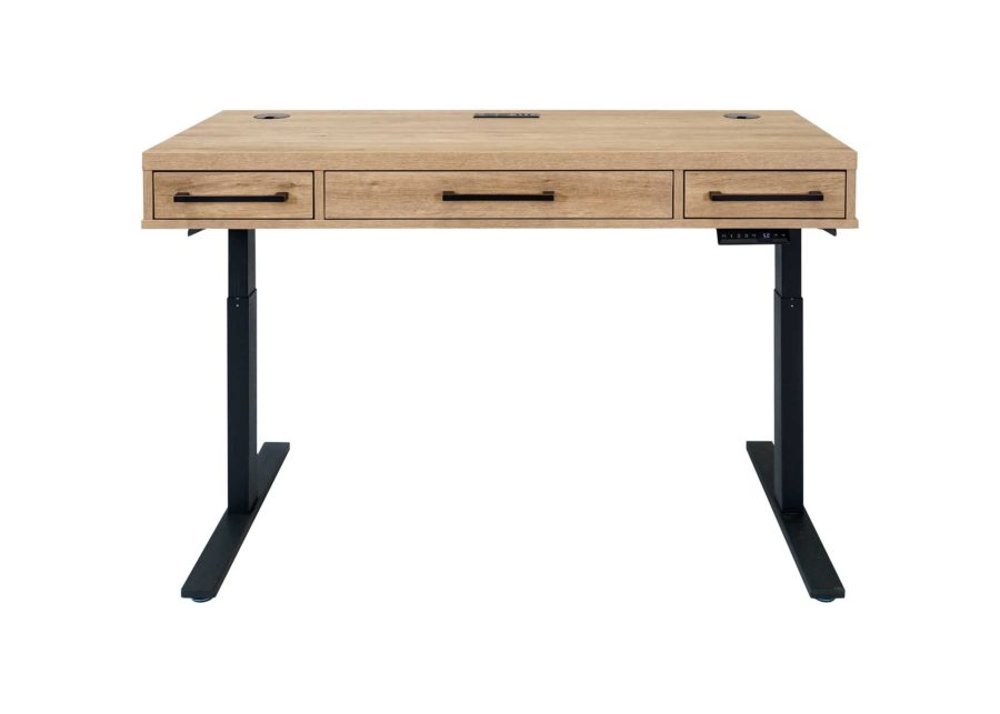
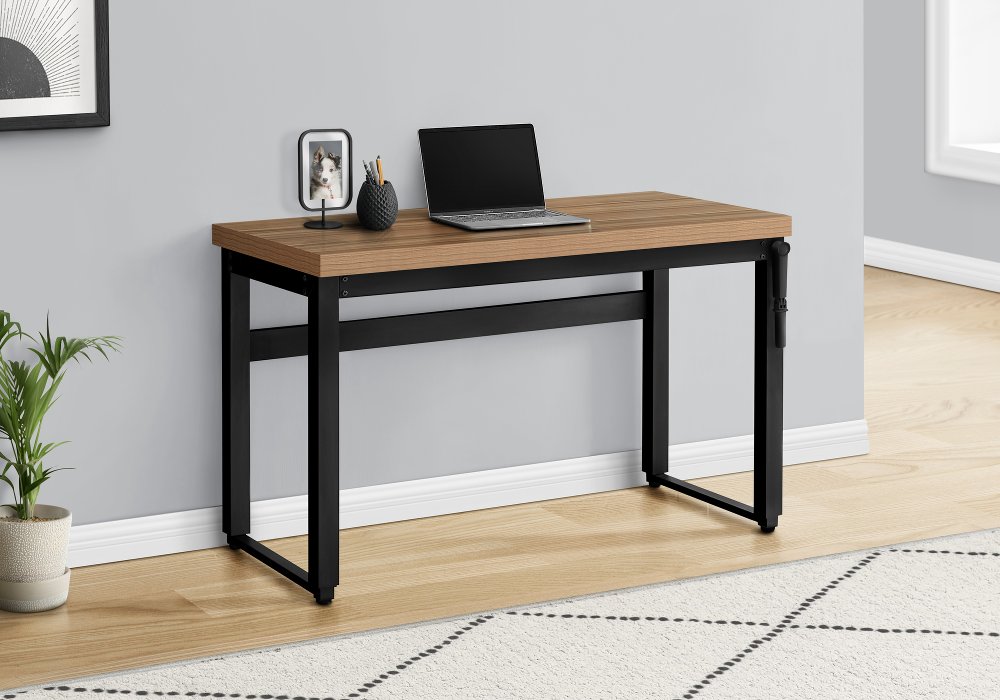
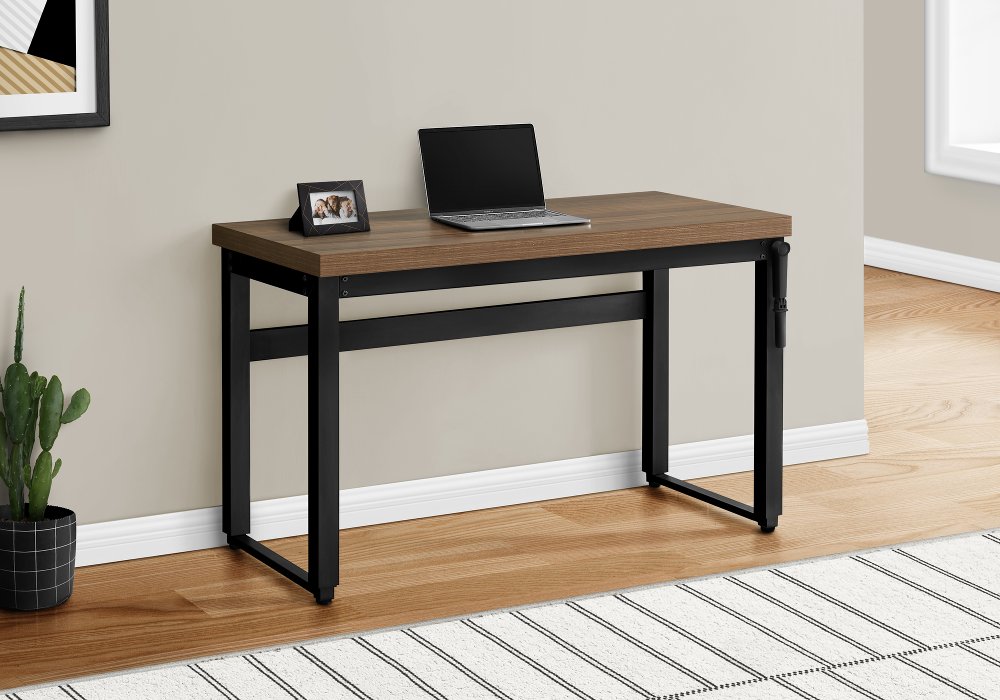
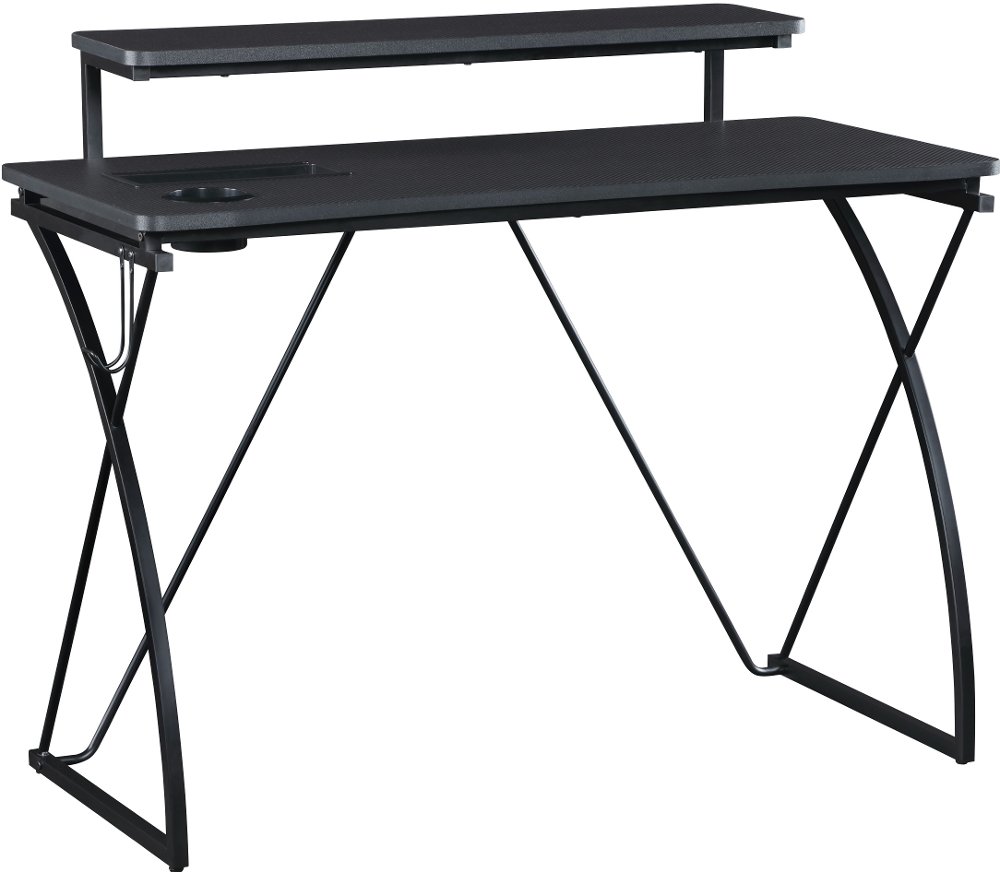
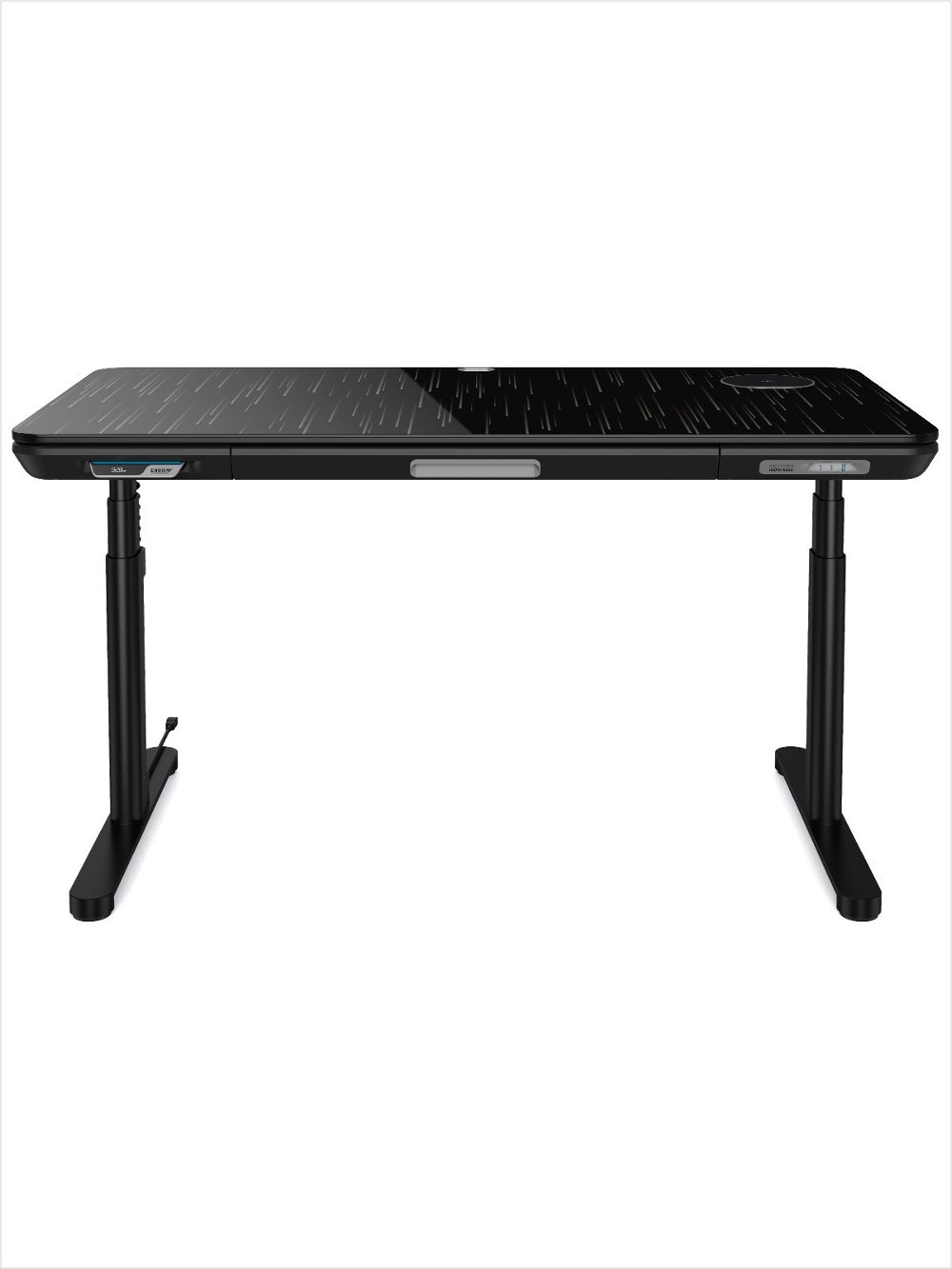
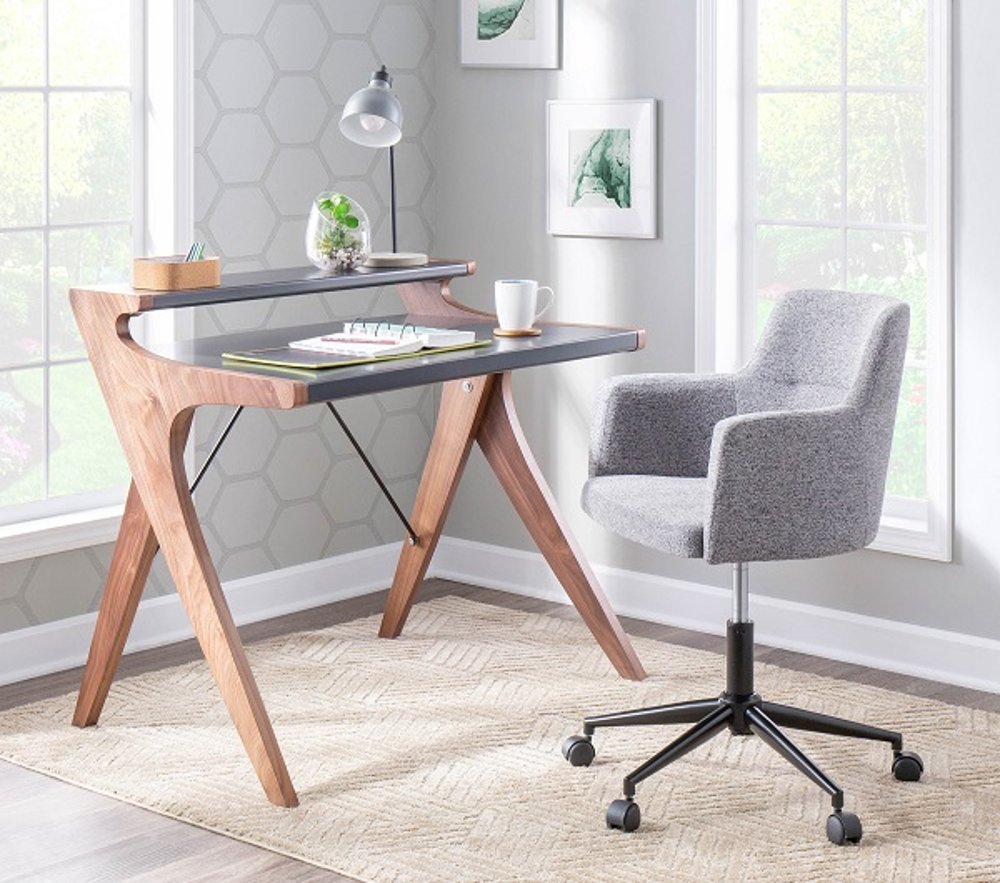
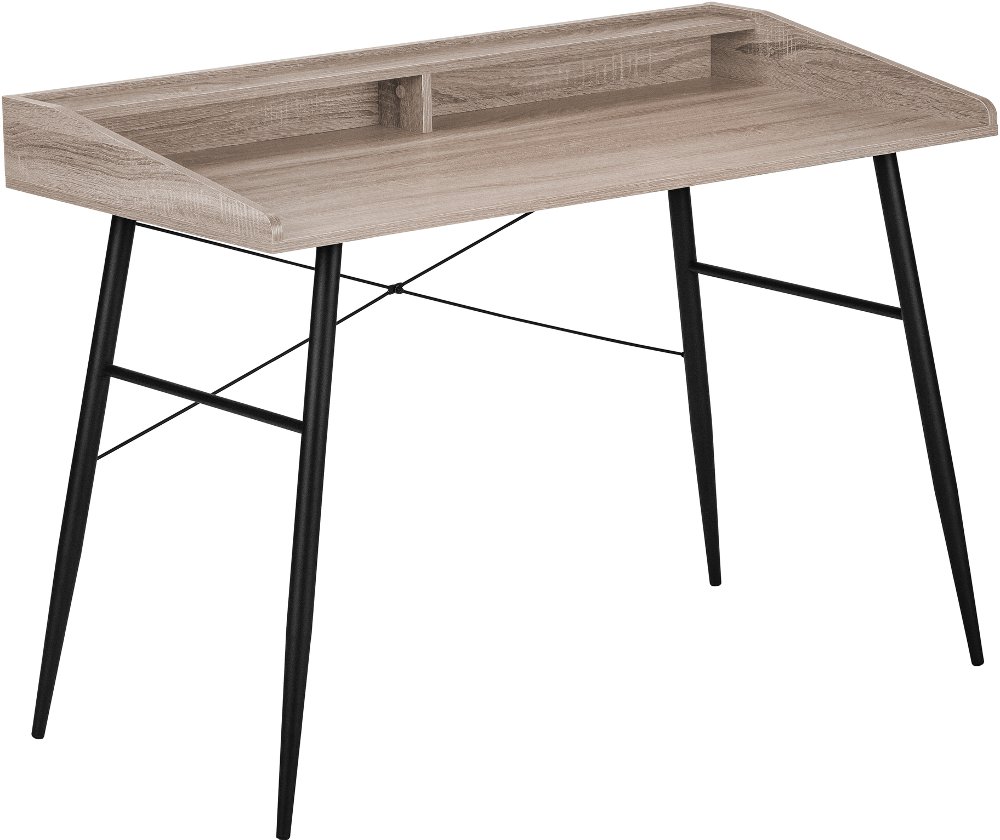
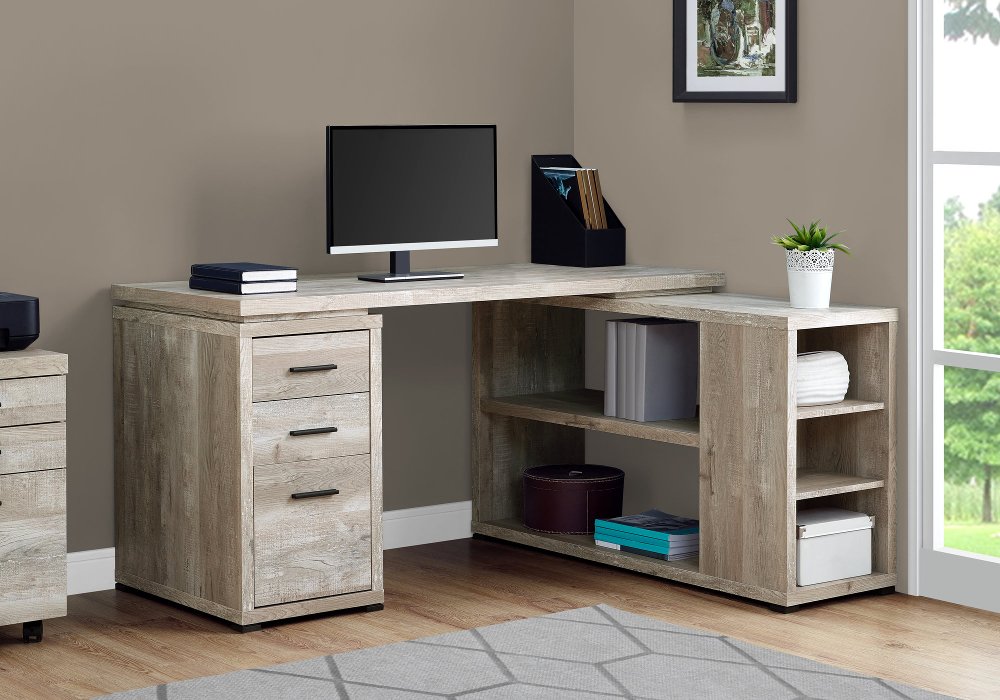
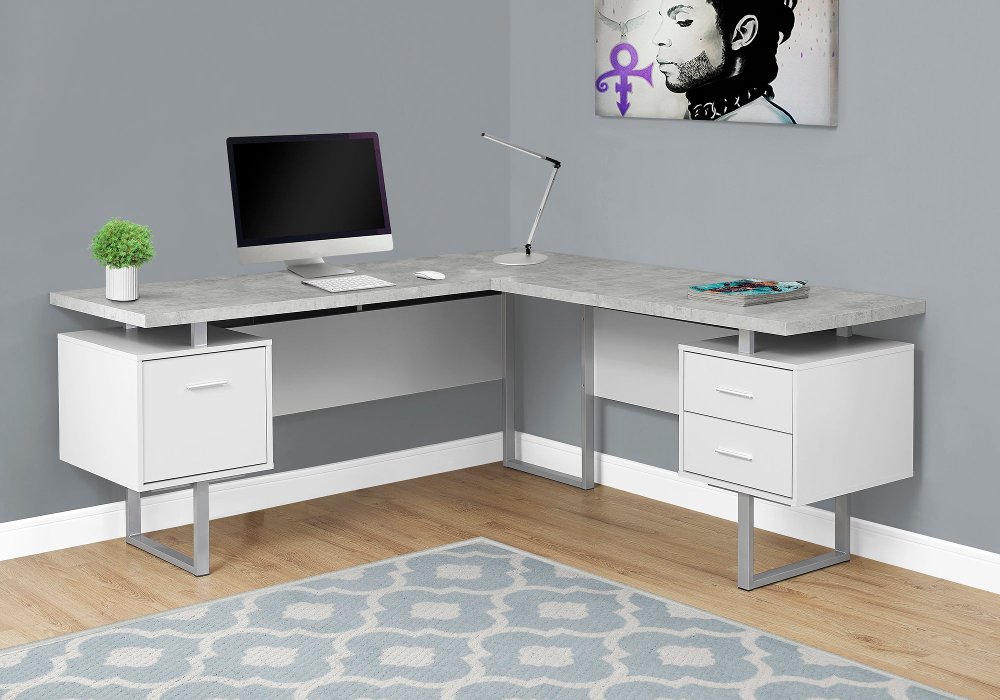
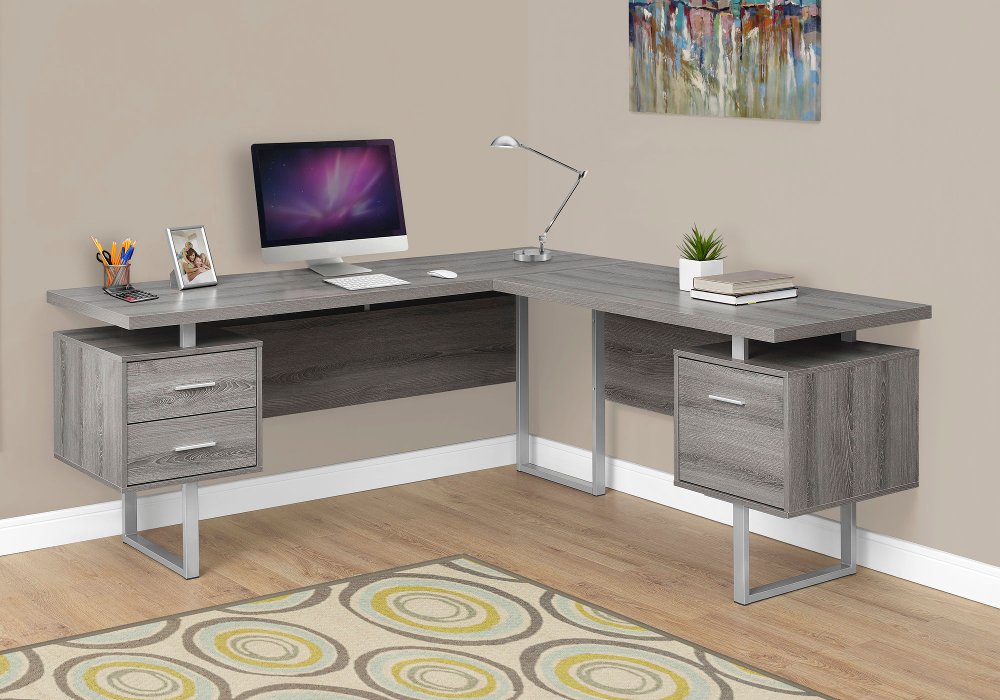
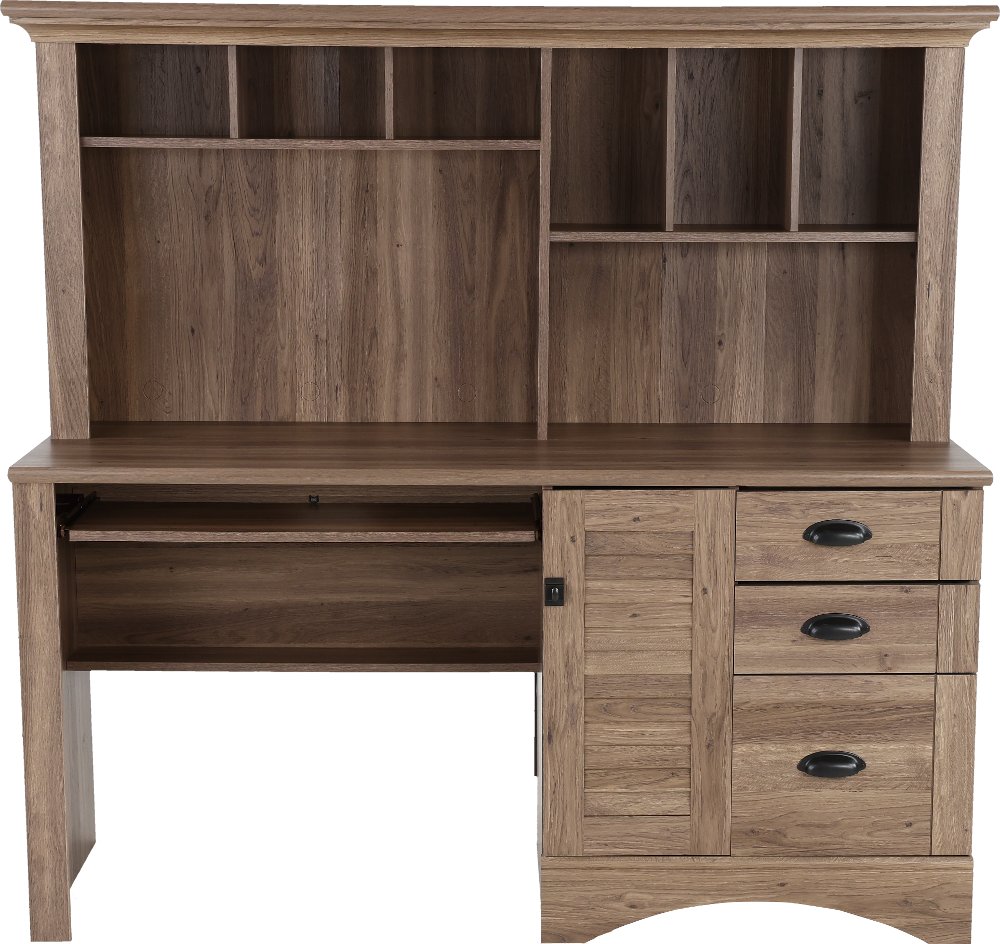
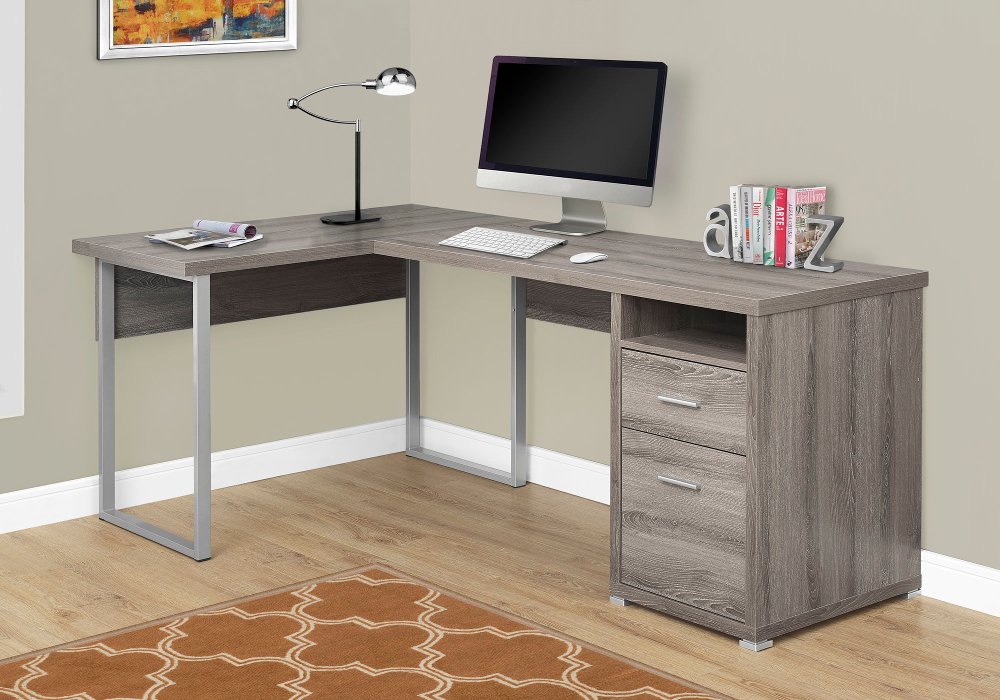
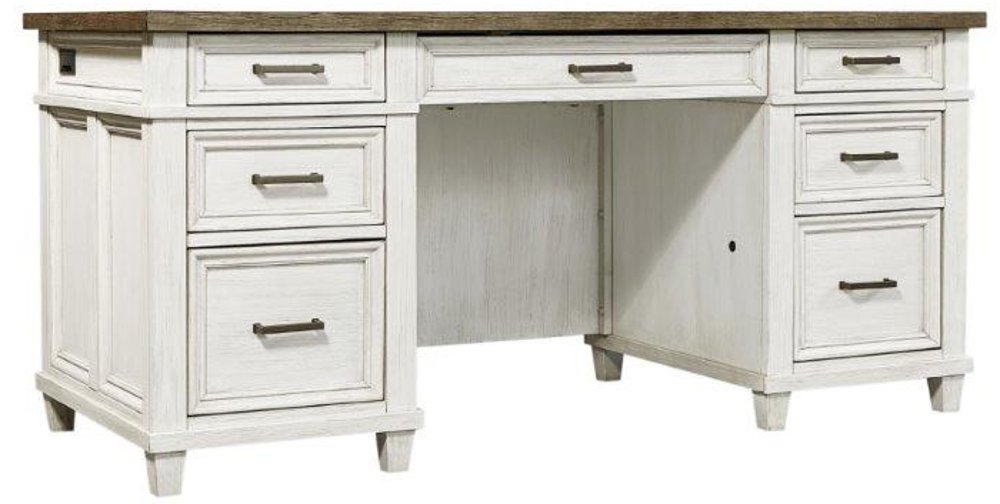
A desk with risers gives your workspace a little more room to work, bringing a screen or other essentials above the main desktop while keeping the surface below useful. That extra level can make a difference when a typical day includes answering emails, reviewing paperwork, and spreading out a notebook beside the keyboard. Depending on the design, a raised shelf may run across the back of the desk or occupy a smaller section, leaving different amounts of space for writing, lighting, and computer equipment. The appeal goes beyond having another place to set things: separating your screen from your everyday work surface can help the whole area feel less crowded. A student can keep reference materials nearby without losing room for an assignment, while someone working from home can tuck small supplies beneath a raised shelf between video calls. For a shared household workspace, distinct levels can also make it easier to give frequently used items a consistent home. The right arrangement depends on what you actually do at your desk. A laptop used on a riser generally works best with a separate keyboard and mouse for longer typing sessions, since lifting the screen also lifts the built-in keyboard. A desktop monitor needs a shelf deep enough to support its entire base, with enough clearance for cables behind it. Screen height matters, too. A raised surface should help position the display comfortably, rather than leave you looking upward or leaning forward to read. A useful starting point is to keep the top of the screen at or slightly below eye level, then adjust for your seating position and vision needs. Risers can add organization and support a comfortable setup, but a fixed raised shelf doesn’t automatically turn a seated desk into a standing workstation. Think of it as a way to arrange your workspace around your habits, whether that means focused study, household planning, creative projects, or a full workday.
The best fit starts with the desk’s full dimensions, including the raised section, rather than desktop width alone. In a bedroom corner, an office nook, or a living room that does double duty, depth can be just as important as width. You need space for the screen at a comfortable viewing distance, the keyboard and mouse in easy reach, and your forearms to rest naturally without your shoulders lifting. Measure the area beneath the riser as well. A shelf that looks roomy in a photo may not leave enough clearance for the notebook, keyboard, or supply organizer you hope to tuck underneath. If you use two monitors, check the usable shelf width, the size of both monitor bases, and the stated weight capacity before planning the arrangement. Equipment should sit fully supported without overhanging an edge or crowding another device. A monitor arm requires its own checks, including whether the desktop material, thickness, and edge shape can accommodate the mounting hardware. Under the desk, clear knee space and room to move your feet make everyday use more comfortable, especially when drawers, braces, or lower shelves share that area. Leave enough room behind the chair to sit down and roll back easily, and consider how the desk will sit near outlets, windows, and nearby furniture. Daylight from the side can be easier to manage than a bright window directly behind the screen. Cable openings or an accessible rear edge can help keep power cords from running across the writing surface, though any cable-management features should be confirmed in the desk’s details. Storage deserves the same attention as screen placement. Open risers keep frequently used essentials visible, while enclosed storage gives paperwork and small supplies a place out of sight. If that balance matters for your room, a Desk With Drawers is another layout to consider alongside raised-shelf designs. A workspace feels more settled when everything fits without making the surface above or the legroom below feel crowded.
Materials and construction shape how a desk with risers looks, feels, and holds up to regular use. Wood brings natural grain and warmth to a home office, while wood veneer offers a real-wood surface over a supporting core. Engineered wood with a laminate finish can provide a consistent appearance and a surface that’s straightforward to maintain, although resistance to scratches and moisture varies by finish and construction. Metal frames can give a desk a lighter visual profile, but stability depends on the complete design, including its joints, supports, and assembly. Glass surfaces have an open, airy look and usually show fingerprints more readily, making regular wiping part of their upkeep. Whatever the material, a raised shelf needs secure support, especially when it holds a monitor or other heavier equipment. Follow the stated weight limits for the desktop and riser separately, distribute weight as directed, and assemble every brace and fastener according to the manufacturer’s instructions. A desk that feels steady while typing is more pleasant to use than one that lets the screen shake with each movement. Protecting that stability and the finish takes a few simple habits: lift equipment rather than dragging it, wipe up spills promptly, use a coaster for drinks, and keep ventilation openings on electronics clear. A soft cloth and a manufacturer-approved cleaning method are better choices than assuming every surface can handle the same cleaner. Avoid soaking seams or leaving a damp cloth against an edge, particularly on desks made with composite cores. Style matters, too, especially when the workspace is part of a bedroom or shared living area. A wood-look finish can sit comfortably beside familiar furniture, while a slim frame and simple lines can help a compact area feel open. For a student or someone setting up a home office, a desk can be a thoughtful gift when room measurements, equipment needs, and personal preferences are already known. The most useful choice supports ordinary moments: opening a notebook beside the screen, finding a pen without searching, and finishing the day with a surface that’s easy to straighten.
Read More