Computer accessories for students help turn a laptop or desktop into a workspace that fits the way you learn, whether that means writing papers at a bedroom desk, joining an online class from the kitchen table, or reviewing notes between lectures. Useful accessory categories include protective laptop sleeves, USB-C hubs, external keyboards, mice, headsets, and compatible portable power solutions. Each serves a different purpose: padding helps protect a computer during the commute, a hub connects essential peripherals, and a separate keyboard and mouse give you more flexibility when arranging your study space. The best fit depends on your computer’s connections, the work you do, and how often your setup travels. A student moving between classrooms may appreciate lightweight accessories that slip into a backpack pocket, while someone working through spreadsheets or design assignments may prefer a full-size keyboard and a mouse suited to longer sessions. For families putting together a complete school setup, Best Laptops for Students provides a related starting point for choosing the computer those accessories will support. Compatibility matters just as much as convenience. Check the computer’s operating system, available ports, and connection requirements before pairing it with an accessory. A USB-C connector describes the physical connection, but it doesn’t guarantee support for every charging, display, or data-transfer feature. Some hubs require a host port that supports video output to connect an external display, and charging through a hub depends on its power-delivery specifications and the connected charger. Bluetooth accessories need a compatible computer, while wireless accessories that use a USB receiver need an appropriate port or adapter. Those small details make a meaningful difference when you’re trying to connect a classroom display, transfer a project, or settle into an evening study session without rearranging every cable on the desk.
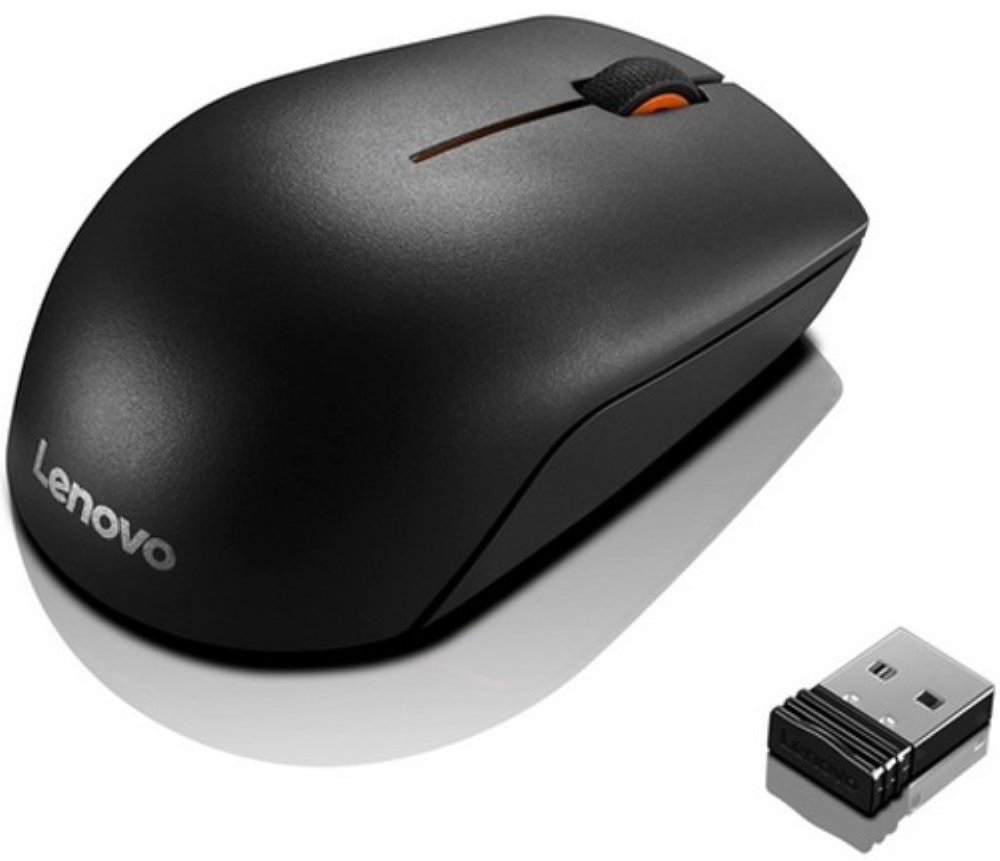
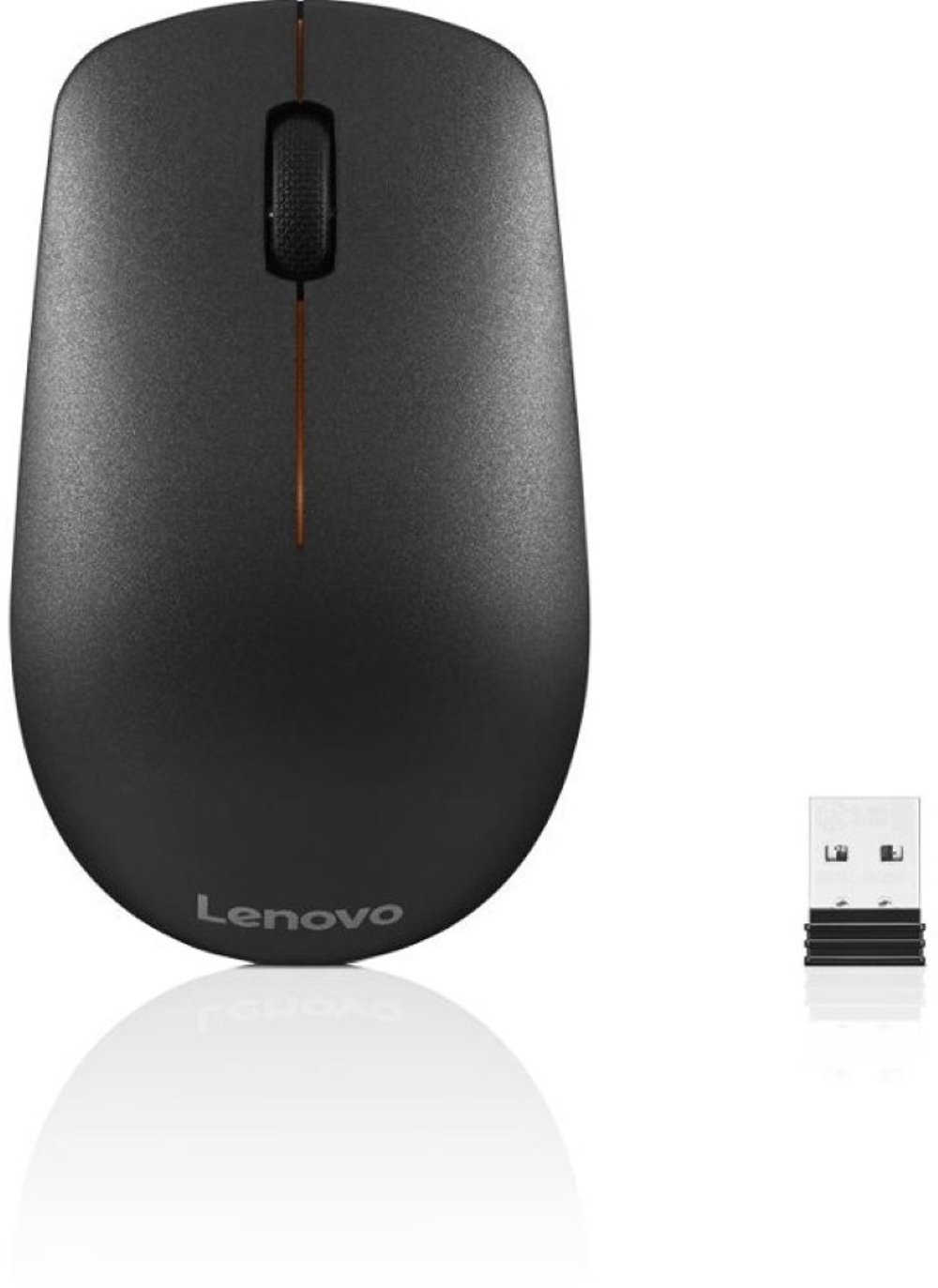
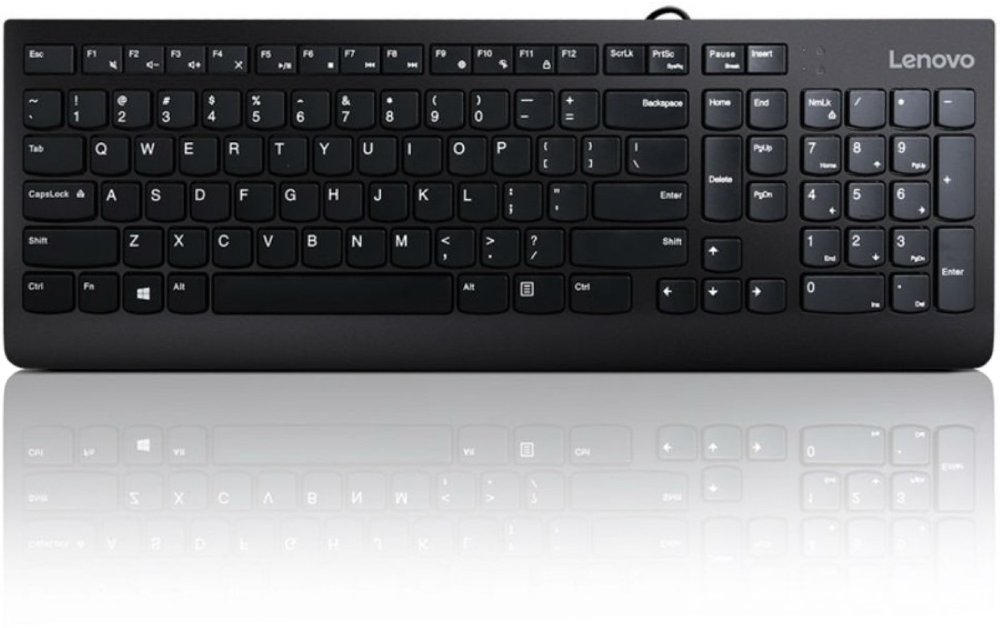
Comfortable, practical student computer accessories make everyday tasks feel more manageable, especially when assignments involve hours of typing, reading, and clicking. An external keyboard lets you position the keys independently from the screen, which can be particularly useful when a laptop rests on a stand. A compact layout leaves more room for a mouse on a narrow dorm desk, while a full-size layout with a number pad can suit accounting coursework, data entry, and math-heavy assignments. Key spacing, key travel, and typing sound all affect the experience; quieter keys may be welcome in a shared bedroom or study space. A mouse should fit your hand and give you room to move without crowding your notebook. Smaller travel designs pack easily, but a larger shape may feel more comfortable for extended desktop use. Wired connections keep peripherals ready without separate battery charging, while wireless connections allow more freedom in arranging a workspace. Neither approach suits every student, and a mix can work well. Laptop stands can raise the screen toward a more comfortable viewing position, but their usefulness depends on stable construction, the correct weight capacity, and a platform that fits the computer without blocking its vents. Pairing a raised laptop with a separate keyboard and mouse helps keep your hands at a comfortable working height. Headphones and headsets serve a different part of the school day, from listening to recorded lectures to participating in group projects. Cushioned ear pads, adjustable headbands, and a microphone positioned near your mouth can make calls easier to manage. Microphone noise reduction and headphone noise cancellation perform different jobs, so check which feature matches your needs. For students who share a room, clear voice pickup and comfortable listening at moderate volume may matter more than elaborate controls. A webcam can also support remote presentations and tutoring, with placement, lighting, and software compatibility contributing to how clearly others see you.
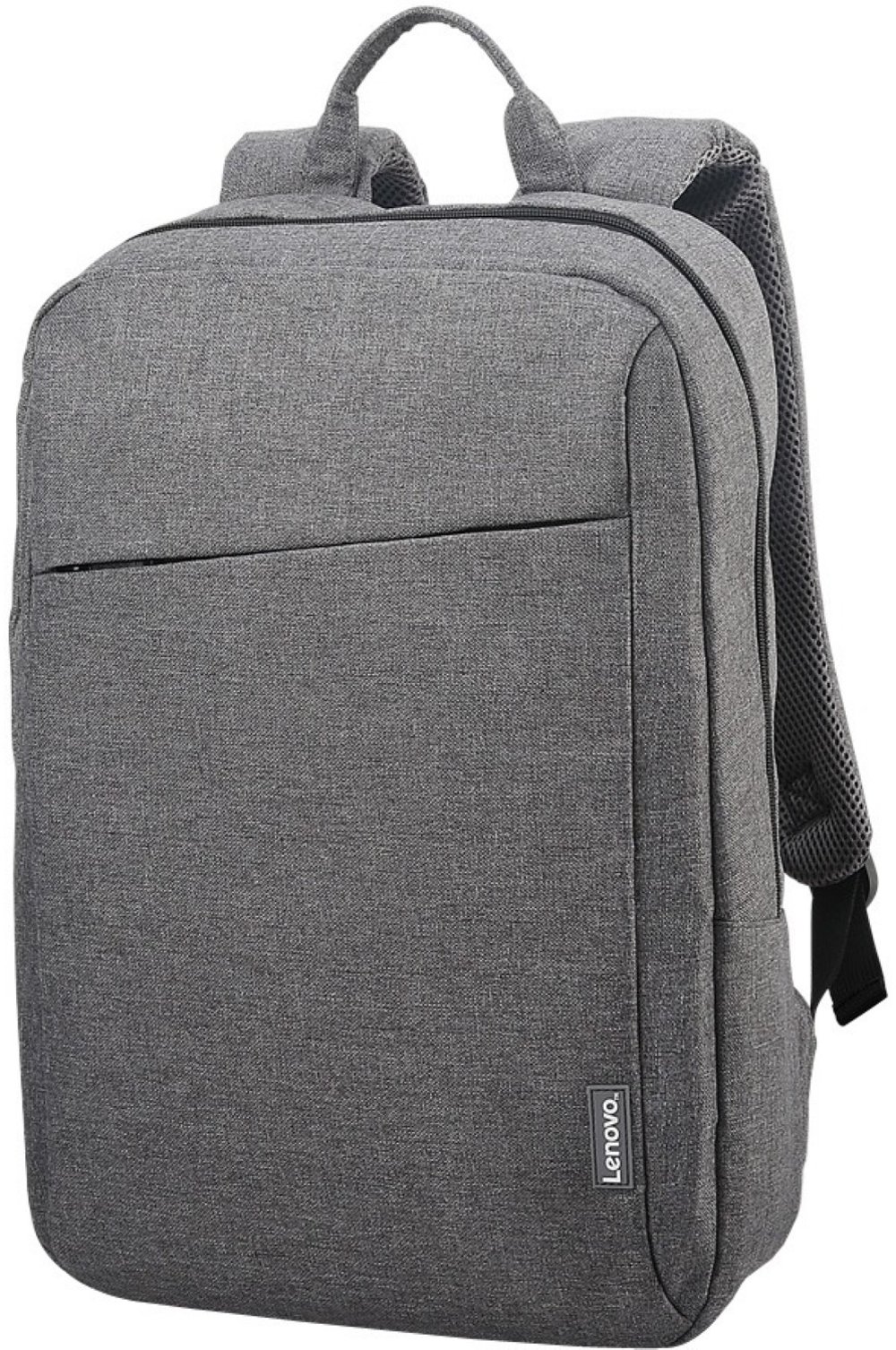
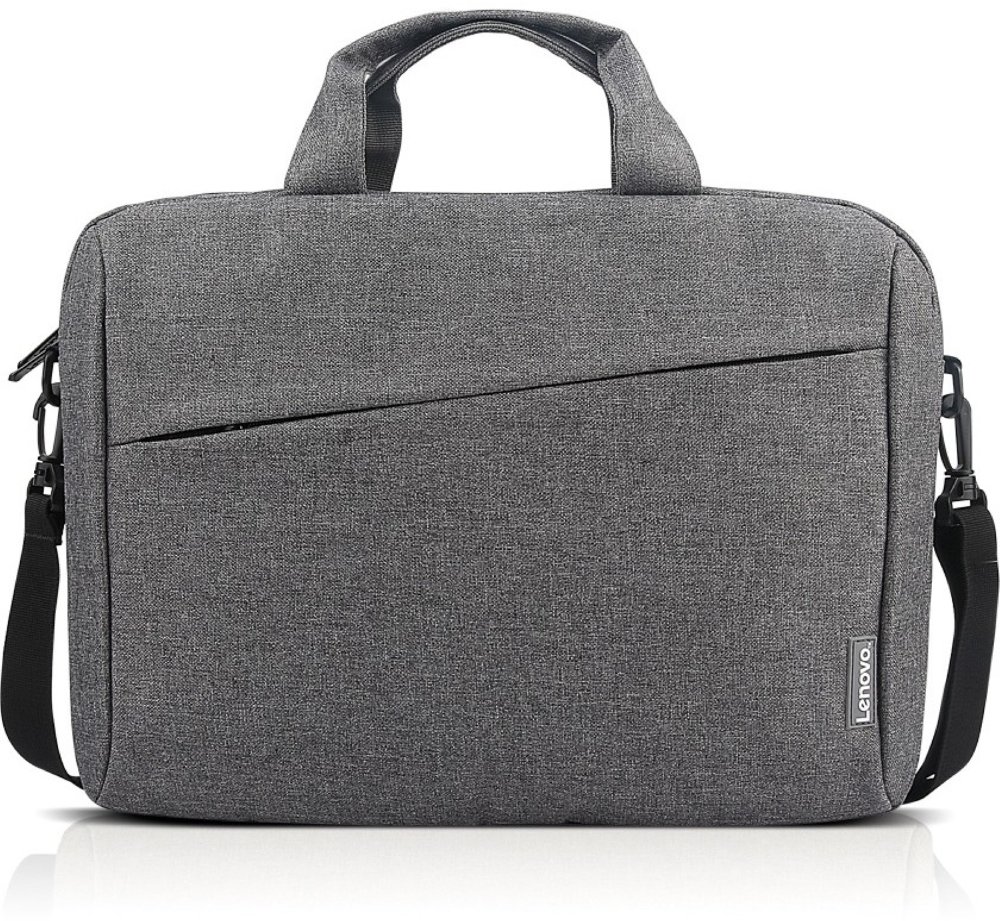
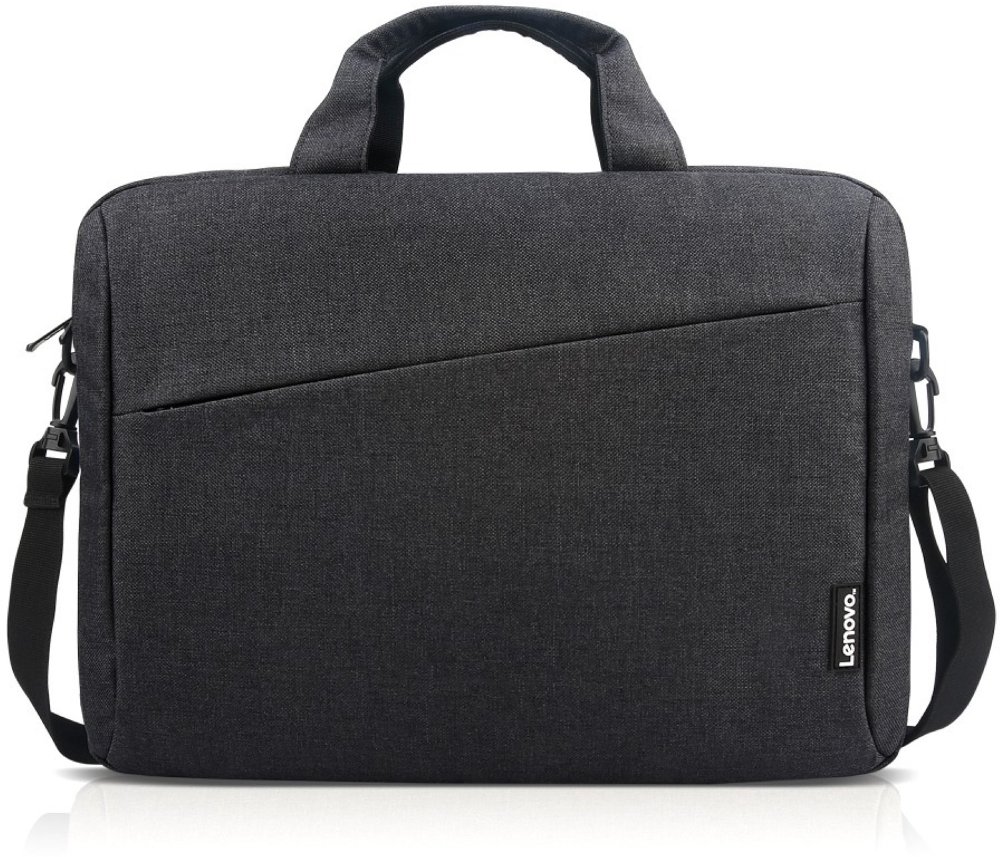
Durability and portability become especially important when school supplies travel from home to class, then to the library and back again. Protective laptop sleeves should fit the computer’s actual dimensions, not just its advertised screen size, with enough room to close easily without letting the device slide around inside. Padded interiors and soft linings help cushion everyday bumps and limit scratches, while sturdy seams, secure handles, and smoothly operating zippers support repeated use. Polyester and nylon are common outer materials for bags and sleeves because they’re lightweight and practical for daily carrying. Water-resistant fabric can help with light splashes, but it isn’t the same as waterproof protection, so keep drinks separate and protect electronics from wet weather. A backpack with a dedicated laptop compartment can separate the computer from textbooks, and small accessory pockets make chargers, adapters, and receivers easier to find. Portable charging deserves the same attention to fit: a power bank intended for a phone may not provide the output a laptop requires. For laptop charging, match the required charging protocol, wattage, and cable rating, then consider battery capacity and carrying weight. External storage can be useful for large projects and extra copies of assignments, though important files benefit from more than one backup location. Solid-state storage has no moving parts, which can be helpful for frequent travel, but any storage device still needs careful handling. At home, cable organizers keep charging cords accessible and help separate everyday essentials from occasional-use adapters. Routine care helps these accessories stay useful throughout the school year: follow the manufacturer’s cleaning directions, disconnect devices before cleaning, keep moisture away from ports, and avoid wrapping cords so tightly that the ends bend sharply. Let a computer cool before packing it into an enclosed sleeve. These practical accessories can also make thoughtful gifts for high school students, college students, and adults returning to school, especially when chosen around a known device and a familiar routine. A well-matched setup leaves space for what belongs beside the computer, too: an open textbook, a page of handwritten notes, and the next assignment taking shape.
Read More