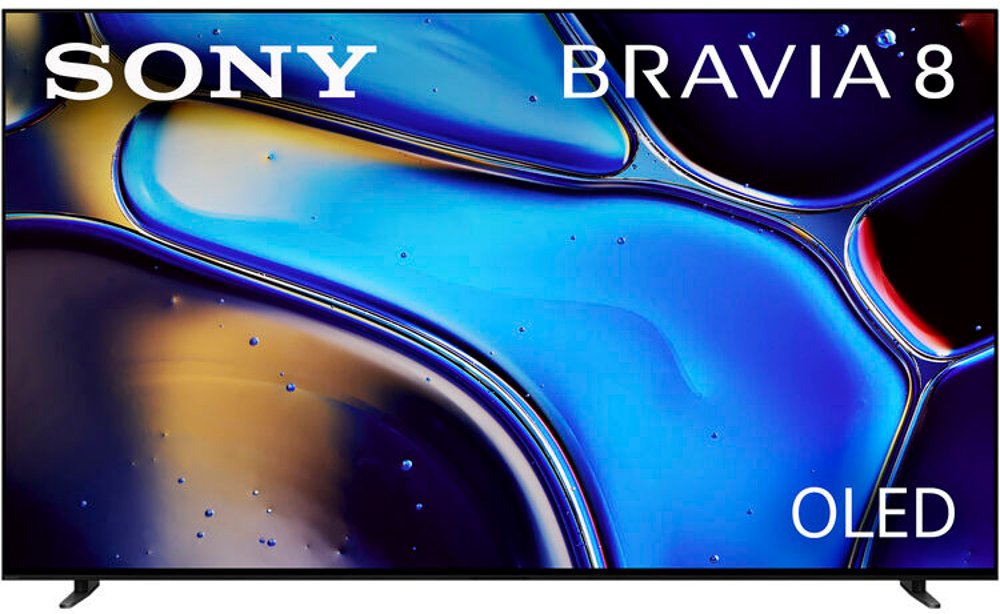
TVs for wall mounting pair a compatible display with a secure bracket to create a comfortable viewing setup without taking up space on a tabletop. A wall-mountable TV needs mounting points that match the bracket’s supported VESA pattern, along with a screen size and weight that fall within the bracket’s rated limits. VESA measurements describe the horizontal and vertical distance between mounting holes on the back of the TV, measured in millimeters. Those measurements matter more than screen size alone: two equally sized televisions can require different mounting hardware. The TV’s cabinet depth, connection locations, and ventilation requirements also influence how neatly it fits against the wall. A slim profile can look especially clean above a low media console, but rear-facing plugs may need extra clearance for power and HDMI cables. Screen size deserves the same practical attention. The diagonal measurement tells only part of the story, so compare the television’s actual width and height with the open wall area, nearby shelving, and the furniture below it. A generous screen can bring a movie into focus from a deep sectional, while a smaller display may feel more comfortable across from a bed or in a compact den. Viewing distance, resolution, and personal preference all play a role; the goal is a picture that feels immersive without requiring constant head movement to follow the action. Position matters just as much as size. Placing the center of the screen near seated eye level generally supports relaxed viewing, especially during a long game or an evening of favorite shows. A wall above a fireplace may look convenient, but heat exposure, required clearances, and a high viewing angle can make another location a better fit. Wall mounting also leaves the surface beneath the television open for a soundbar, a few framed photos, or everyday essentials. It can help a multipurpose room feel less crowded, although streaming devices, game consoles, and other components still need a place with suitable ventilation and accessible connections.
The best display for a wall-mounted setup depends on what you watch and how the room behaves throughout the day. LED-backlit LCD televisions suit a wide range of everyday viewing needs, while models with quantum-dot technology can offer strong color performance. Mini-LED backlighting can provide more precise brightness control, though results depend on the television’s overall design and processing. OLED displays use self-lit pixels rather than a separate backlight, allowing deep blacks and strong contrast that can be particularly appealing for movies in a dim room. These categories can all include wall-mountable televisions; display technology alone doesn’t establish bracket compatibility. In a bright family room, screen brightness and reflection handling deserve attention, especially if windows sit opposite the viewing area. Matte or anti-glare finishes can soften distracting reflections, but no screen treatment completely substitutes for thoughtful placement or adjustable window coverings. In a room where people watch from both the sofa and an adjacent dining table, off-center picture quality can matter as much as how the screen looks straight on. Sports fans may appreciate clear motion during fast plays, while gamers may look for low input lag, supported variable refresh rates, and HDMI connections suited to their console’s capabilities. A native 120 Hz refresh rate can be useful for compatible games and fast-moving content, but advertised motion ratings aren’t always the same as the panel’s native refresh rate. For streamed shows and movies, 4K resolution offers detailed images when the source material supports it, and HDR performance depends on brightness, contrast, and content rather than a label alone. Built-in streaming features can simplify an everyday setup, while an external device may offer a familiar interface. Sound deserves room in the plan, too. Slim television cabinets have limited space for speakers, so a soundbar can help make dialogue easier to follow. Allow enough space beneath the display to keep a soundbar from covering the picture or blocking the remote sensor, and check the connection requirements before settling on the final arrangement.
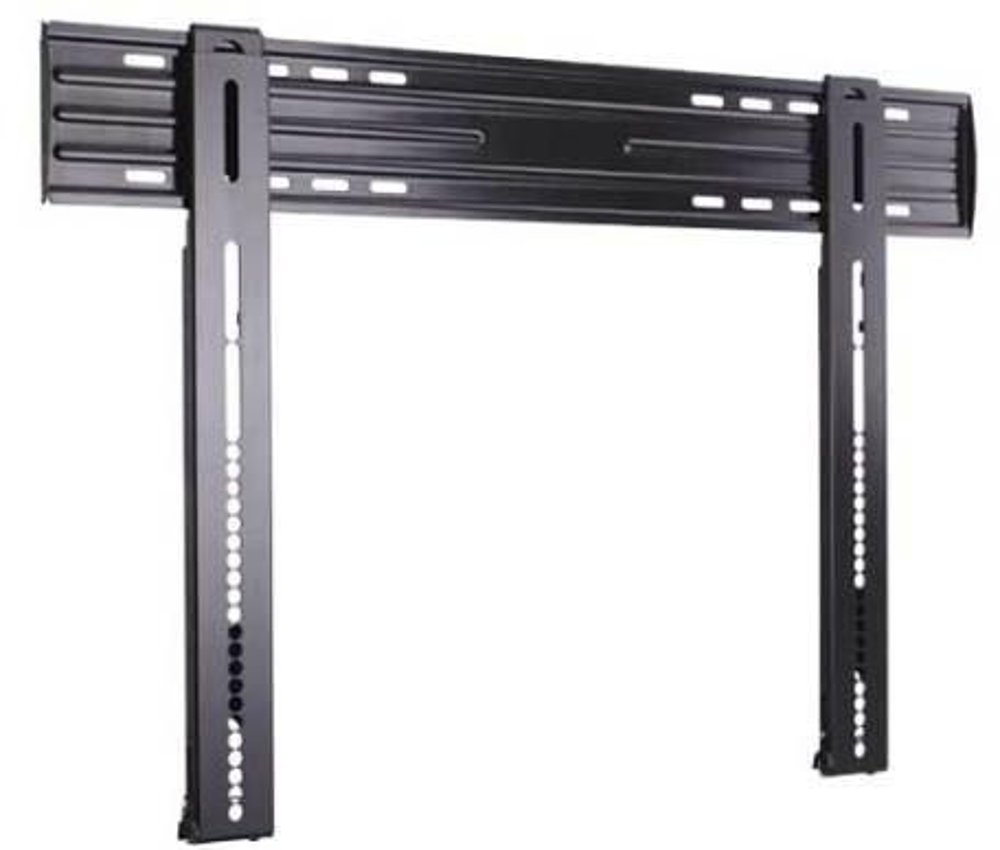
Mount style determines how a television sits on the wall and how much its position can change. A fixed mount holds the screen in one position close to the wall, making it a natural match for seating directly in front of the display. A tilting mount allows vertical angle adjustments that can improve the viewing angle from a slightly elevated position or help manage certain reflections. A full-motion mount extends and swivels, giving a shared living space more flexibility when viewers gather in different parts of the room. That movement requires clearance around the television and sufficient cable length, and the extended position places additional leverage on the mounting surface. When comparing LED TV Mounts, match the bracket to the television’s VESA pattern, weight, dimensions, and intended movement rather than relying on the product name alone. Steel and aluminum are common bracket materials, but rated capacity, construction, and correct installation matter more than the material by itself. Secure attachment requires a wall structure and fasteners appropriate for the combined load, following both the television and mount manufacturers’ instructions. Wood studs or suitable masonry often provide that support; drywall alone generally isn’t an appropriate anchor for a typical TV mount. Professional installation is a sensible option when wall construction, electrical routing, or safe lifting presents a challenge. Ordinary TV power cords shouldn’t be routed inside a wall; an appropriate code-compliant power solution keeps the finished setup safer and neater. Once installed, the television needs clear ventilation openings and gentle care. A clean, dry microfiber cloth is usually the starting point for dusting, with any further cleaning guided by the manufacturer’s directions. Avoid spraying liquid directly onto the screen or pressing hard against the panel. Keep cables away from moving mount joints, and follow recommended inspection practices for the hardware. These details support a setup that feels easy to live with, whether it anchors family movie nights during the cooler months, brings weekend sports into a den, or makes a bedroom retreat more comfortable.
Read More