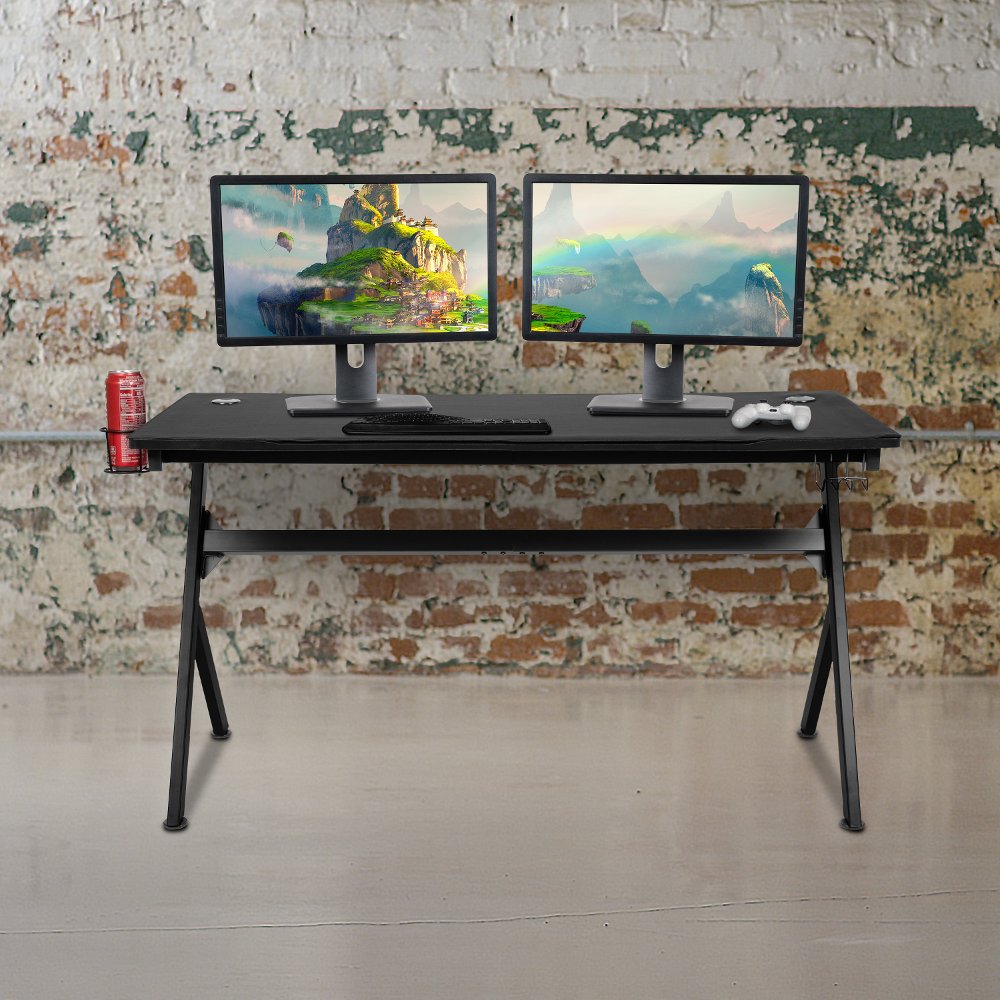
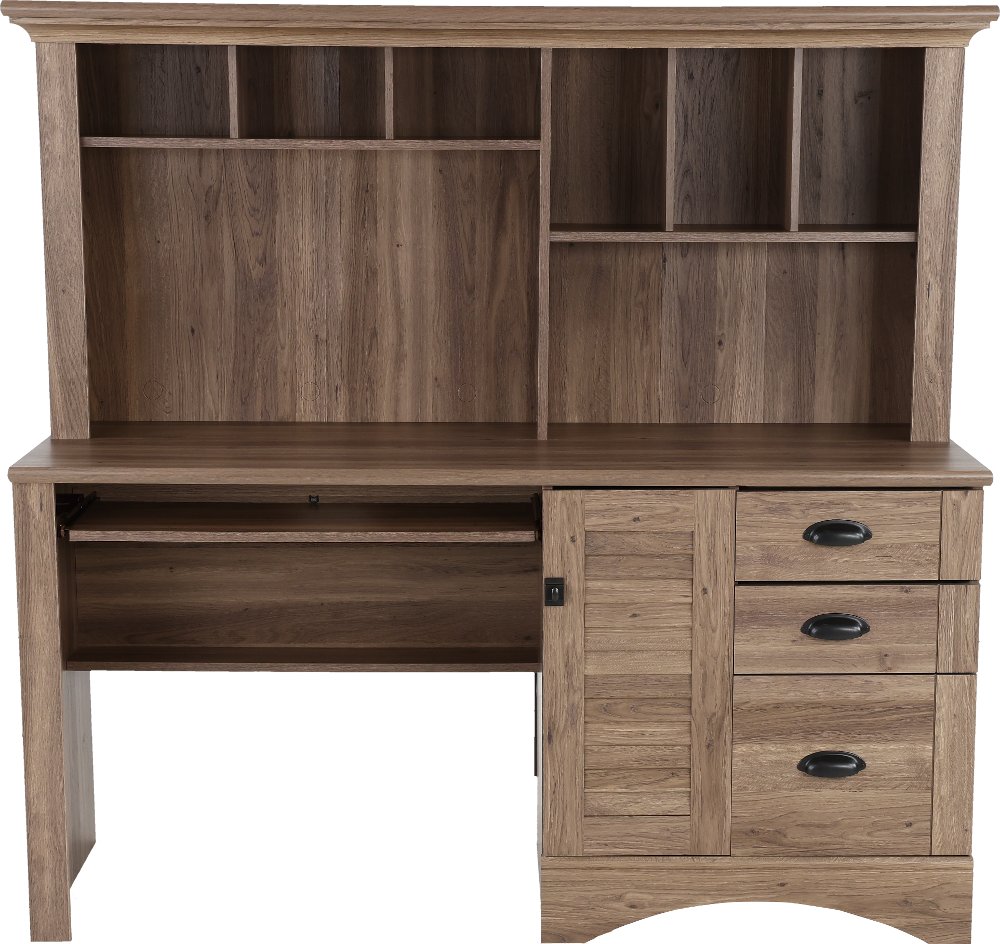
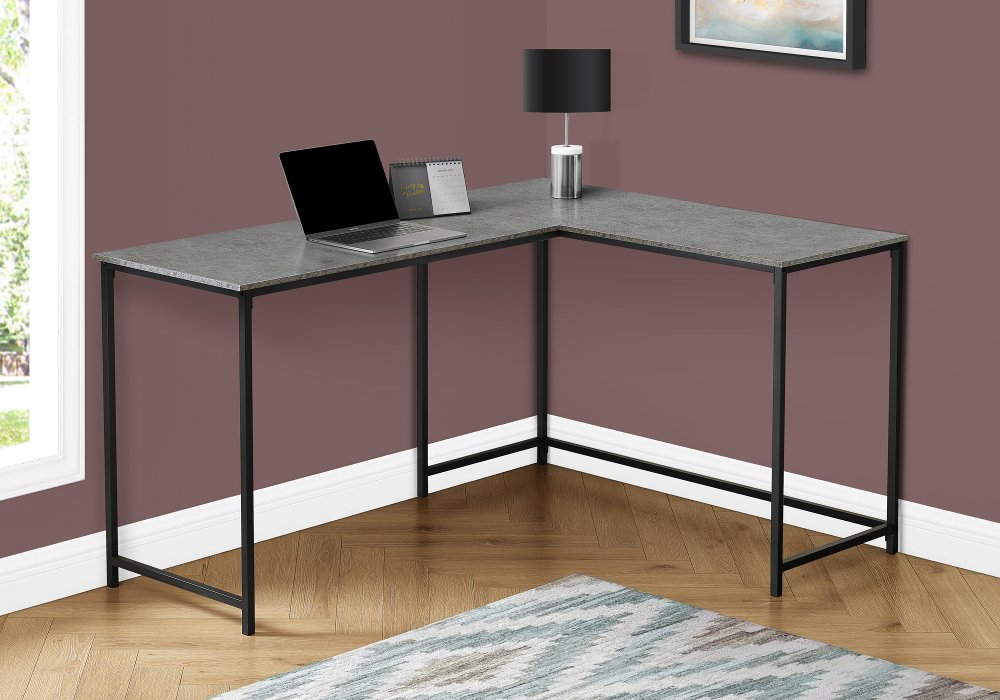
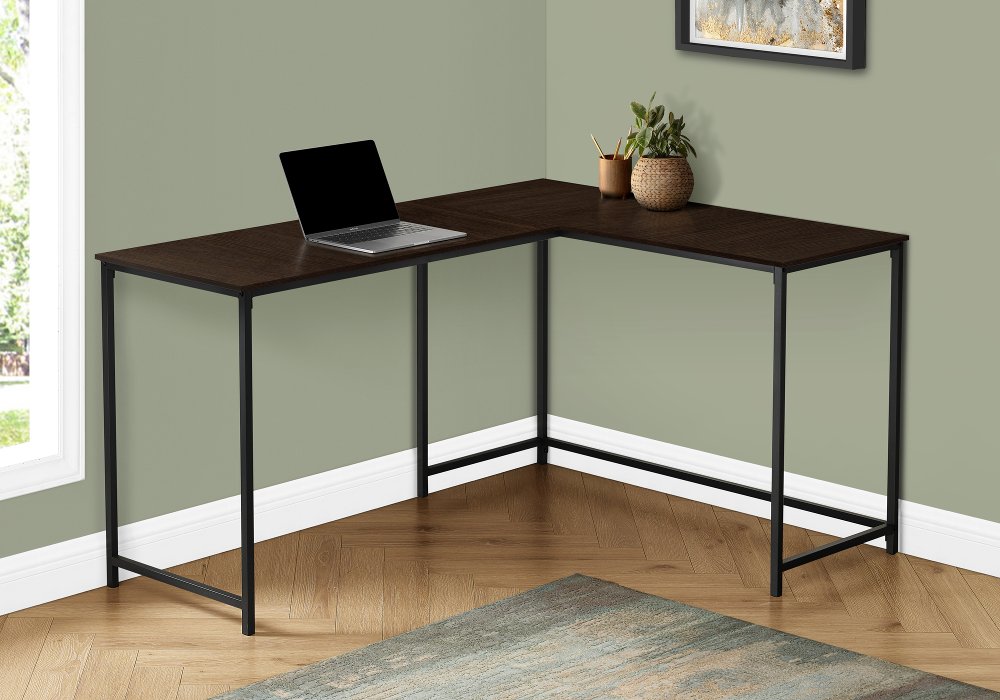
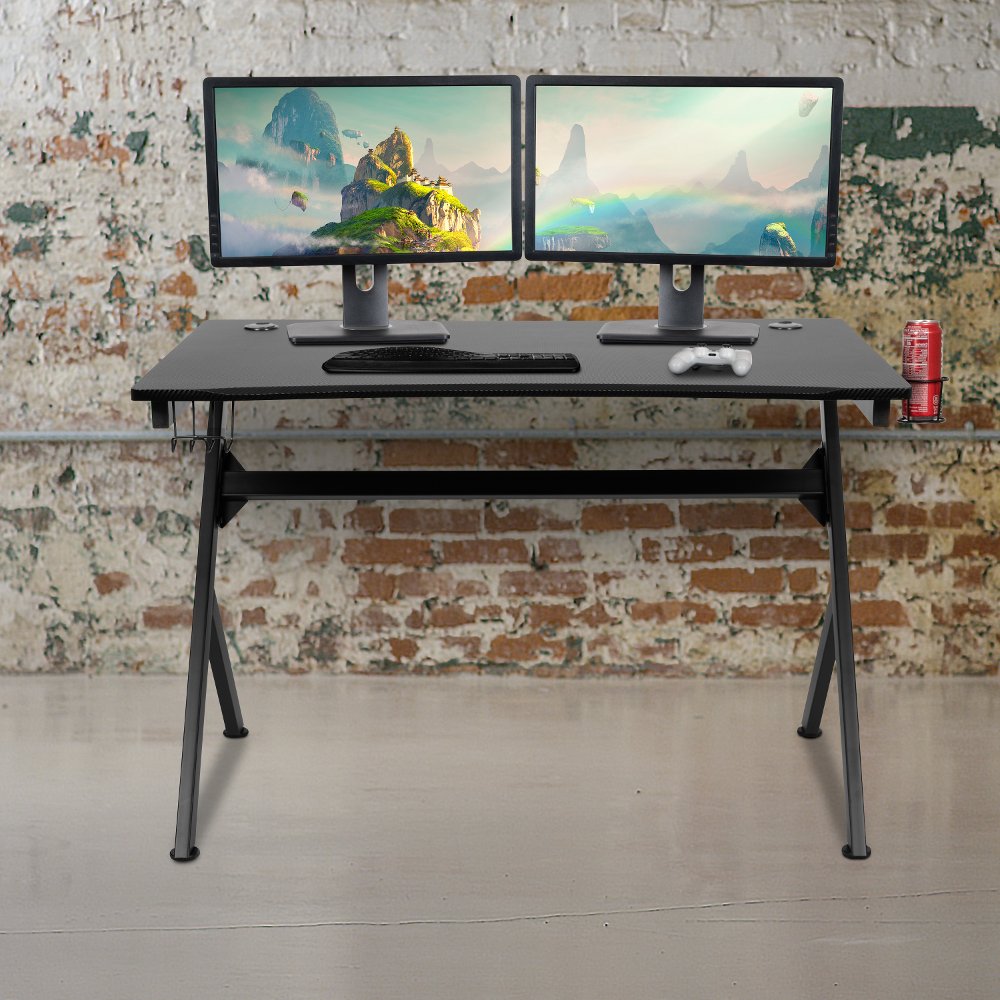
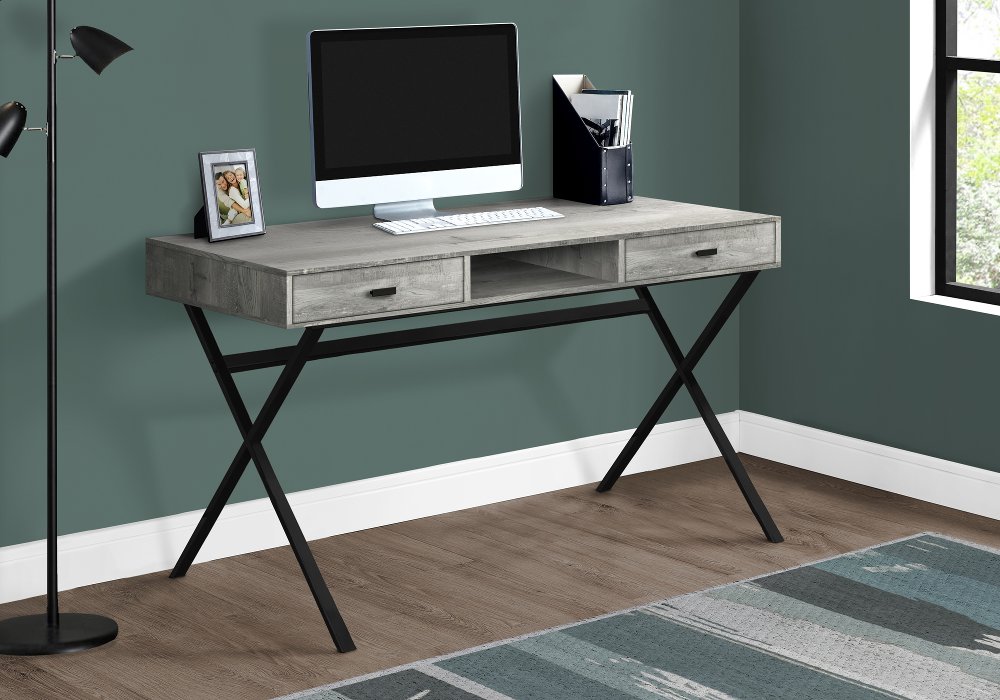
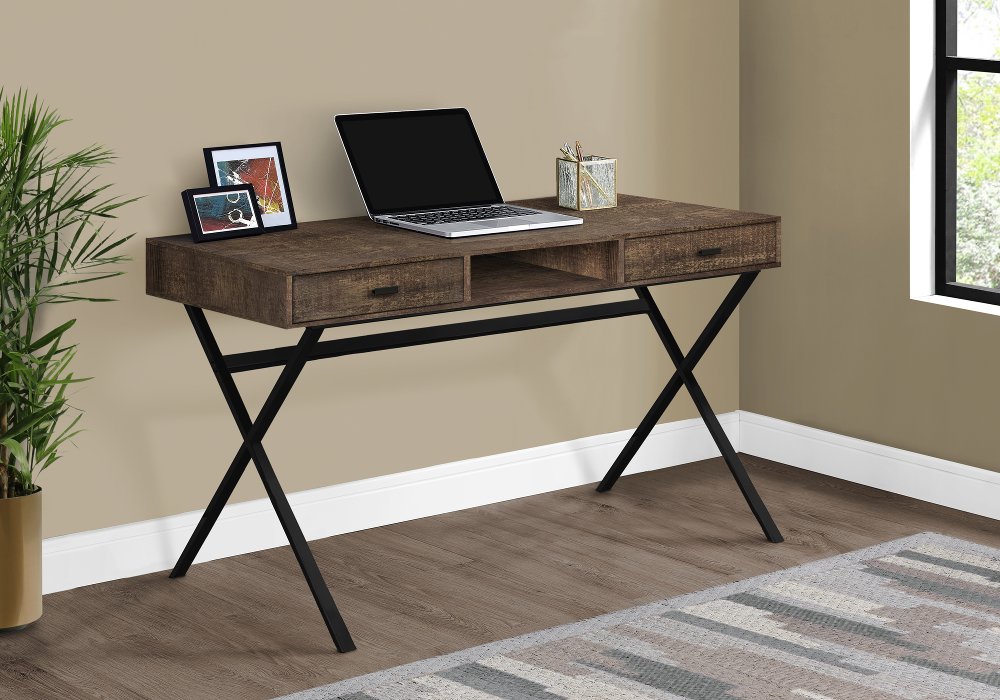
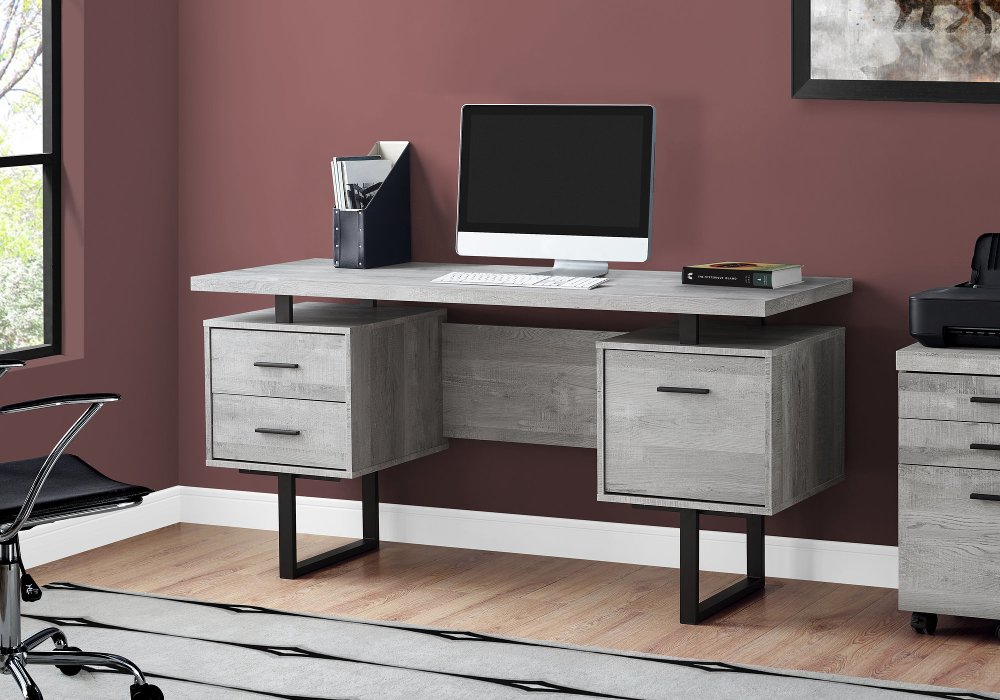
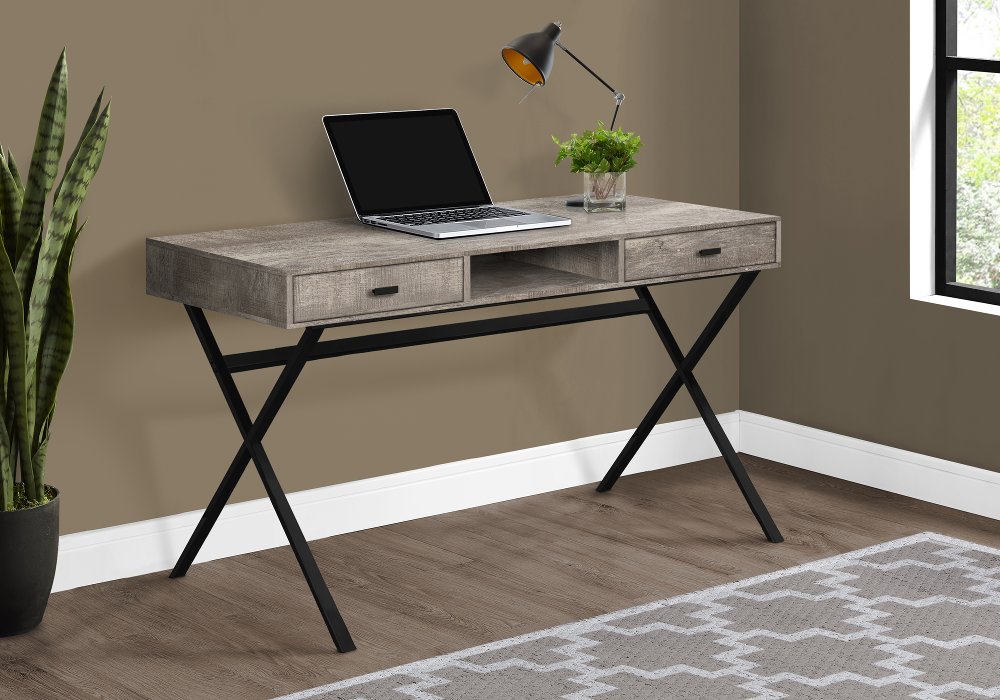
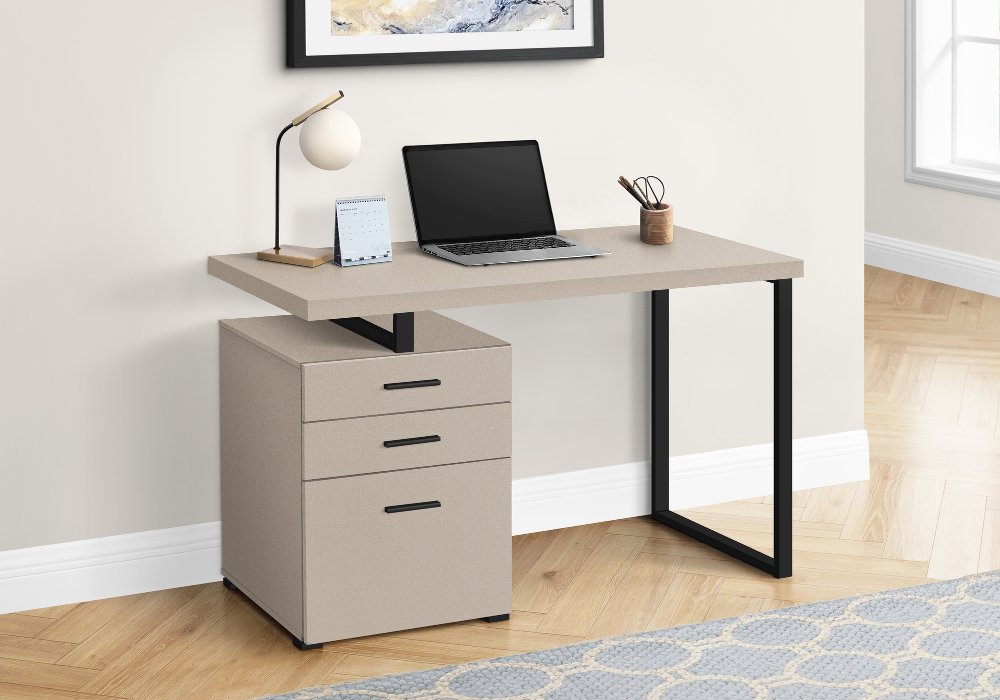
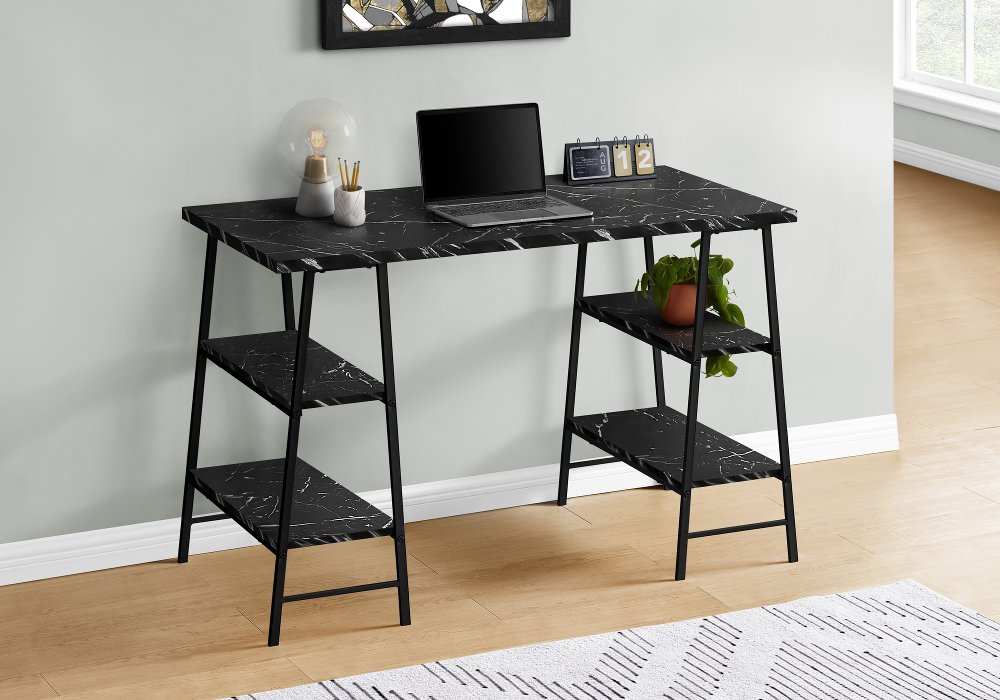
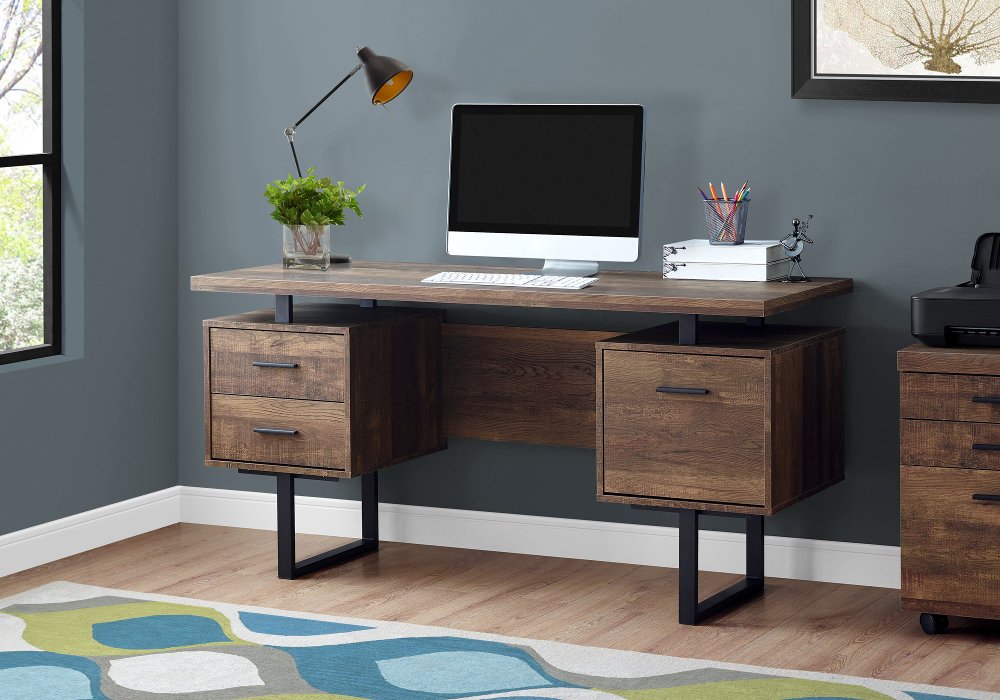
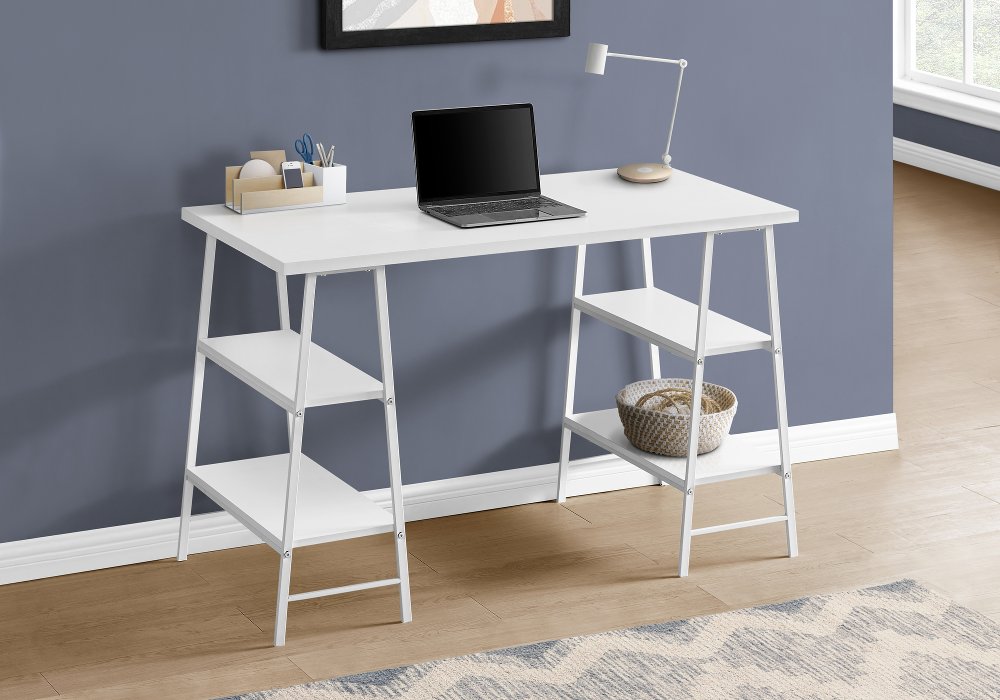
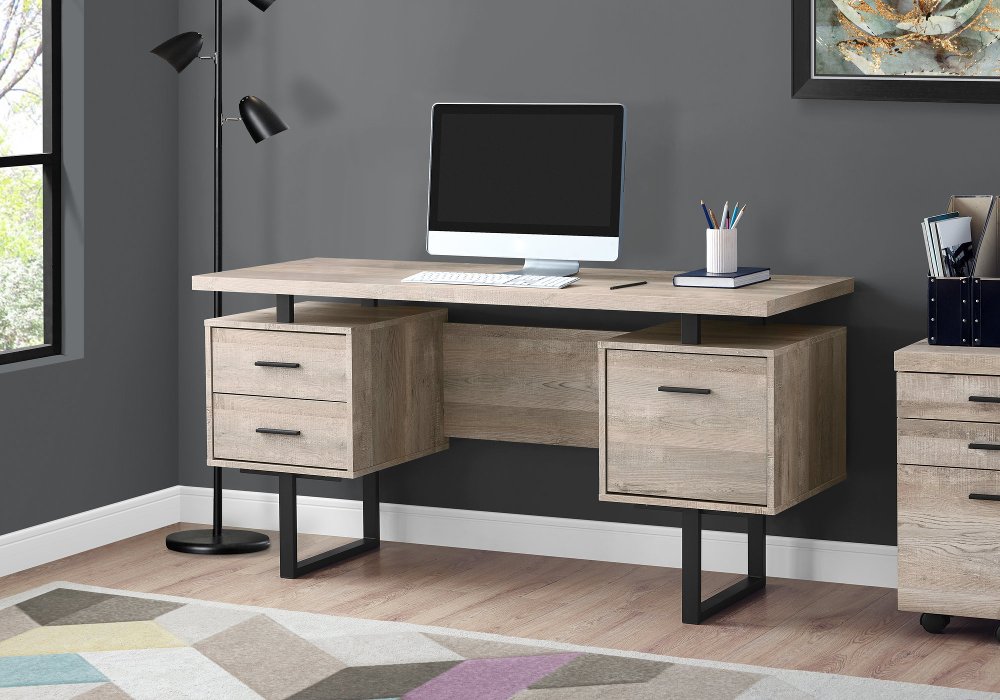
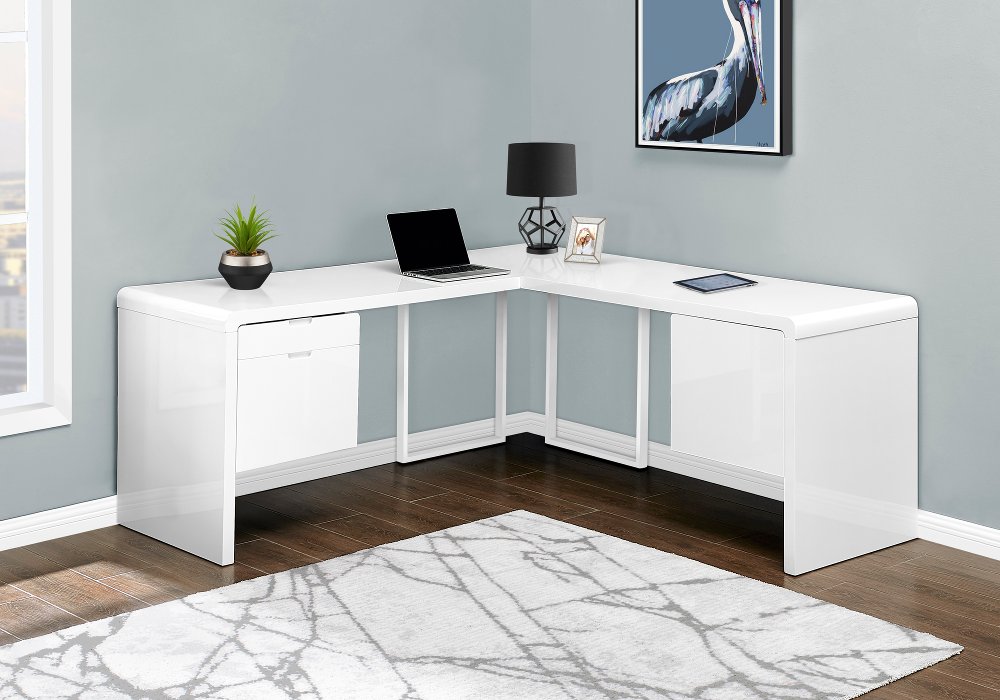
Computer tower desks are desks designed to accommodate a desktop computer case along with your monitor, keyboard, and everyday work essentials. A dedicated tower shelf, open side compartment, or raised platform gives the computer a defined place without taking over the main work surface. That separation can make a difference when your desk handles more than screen time: a student needs room to spread out notes, a remote worker may keep a planner beside the keyboard, and a gamer might want space for a wide mouse pad and headset stand. Unlike a desk intended mainly for a laptop, a desk for a desktop PC needs to account for the tower’s size, ventilation, cable connections, and weight. The best fit depends on your equipment and how you use it, rather than the desk’s label alone. An open tower shelf can keep the case off the floor while leaving its front controls within reach. A side compartment can create a more tucked-away appearance, provided it leaves enough clearance around the computer’s vents. Some setups place the tower on the desktop instead, which makes ports easier to access but requires a surface large and strong enough to support the full arrangement. For a shared family workspace, separating the tower from notebooks, craft supplies, and charging devices helps keep the work area organized. For someone editing photos, working with spreadsheets, or playing games across two monitors, a broader desktop gives each piece of equipment room without crowding the keyboard. Straight desks suit many bedroom walls and compact home offices, while L-shaped computer desks can divide a corner into screen space and writing space. Either layout can feel comfortable and intentional when the tower has a secure spot and the surrounding surface supports the tasks you do most. A useful arrangement lets you settle in, reach what you need, and move between tasks without shifting your computer equipment every time.
Fit starts with the computer case itself. Measure its height, width, and depth, including feet, handles, and any connectors that extend from the back, then compare those measurements with the usable dimensions of the tower compartment. Exterior desk measurements won’t tell you whether a large PC case fits between shelf supports or beneath a drawer. Leave the ventilation clearance recommended by the computer or case manufacturer, and allow space for power cords and display cables to connect without tight bends. A tower that barely slides into a cubby may be difficult to unplug, clean, or remove for maintenance. Open shelving generally leaves more room for air movement than a closed cabinet, but its layout still needs to keep intake and exhaust vents unobstructed. A raised shelf can separate the tower from carpet fibers and some floor-level debris; it doesn’t eliminate dust or replace regular cleaning. Also check the shelf’s weight capacity, especially for a large case with substantial cooling hardware. Beyond the tower space, desktop depth matters when a monitor, keyboard, and wrist support share the same surface. Leave enough room to position the screen at a comfortable viewing distance without pushing the keyboard to the edge. If you use a monitor arm, confirm that the desktop material, thickness, weight rating, and edge construction suit the mount. Underneath, generous knee room allows your chair to pull in naturally, and a side-mounted tower shelf can help keep the case out of the path of your feet. Measure the room with the chair pulled out, not just tucked away, and account for nearby doors and drawer openings. For a taller workstation, Tall Desks offer another direction to explore, with attention to the working height, seating, and tower placement your setup requires. A taller desk isn’t necessarily height-adjustable or suitable for standing, so those details deserve a separate look. If the work surface does move, make sure connected cables have enough slack throughout its intended range and can’t catch on shelving or hardware.
Materials and construction shape how a computer tower desk looks, feels, and holds up to daily use. Solid wood brings natural grain and character, though its surface still needs protection from spills, heat, and scratches. Wood veneer offers a real-wood surface over a supporting core, while laminate and other finished engineered-wood surfaces can provide a consistent appearance that’s straightforward to maintain according to the care instructions. Metal frames can create an open, streamlined look, but stability depends on the complete construction, including joints, bracing, and properly tightened hardware. Glass desktops have a lighter visual presence and show fingerprints more readily; use only equipment and accessories compatible with their stated load limits and mounting restrictions. Whatever the material, a stable desktop and a well-supported tower shelf matter more than a heavy appearance. Rounded edges may feel more comfortable against forearms, while smooth drawer operation makes frequently used supplies easier to reach. Cable openings, rear access, and routing channels can help guide cords away from your legs, though every setup needs a clear path to a suitable outlet. Keep power strips accessible and follow their electrical ratings rather than hiding overloaded connections behind the tower. For everyday care, dust the desk and open shelving with a soft cloth, wipe up spills promptly, and use cleaners approved for the finish. Clean the computer separately according to its manufacturer’s instructions, keeping moisture away from ports and vents. Leave enough access to reach behind the case without dragging it across a finished surface. Thoughtful storage adds convenience, too: a shallow drawer can hold pens and adapters, while a separate shelf keeps reference books from blocking airflow around the PC. In a living room corner, a warm wood tone can help the workstation blend with other furniture; in a dedicated office, a simple metal-and-wood combination can keep a larger setup visually uncluttered. For a student, home-office user, or PC enthusiast receiving a desk as a gift, confirming equipment measurements and room dimensions beforehand helps turn a generous gesture into a comfortable, useful workspace.
Read More