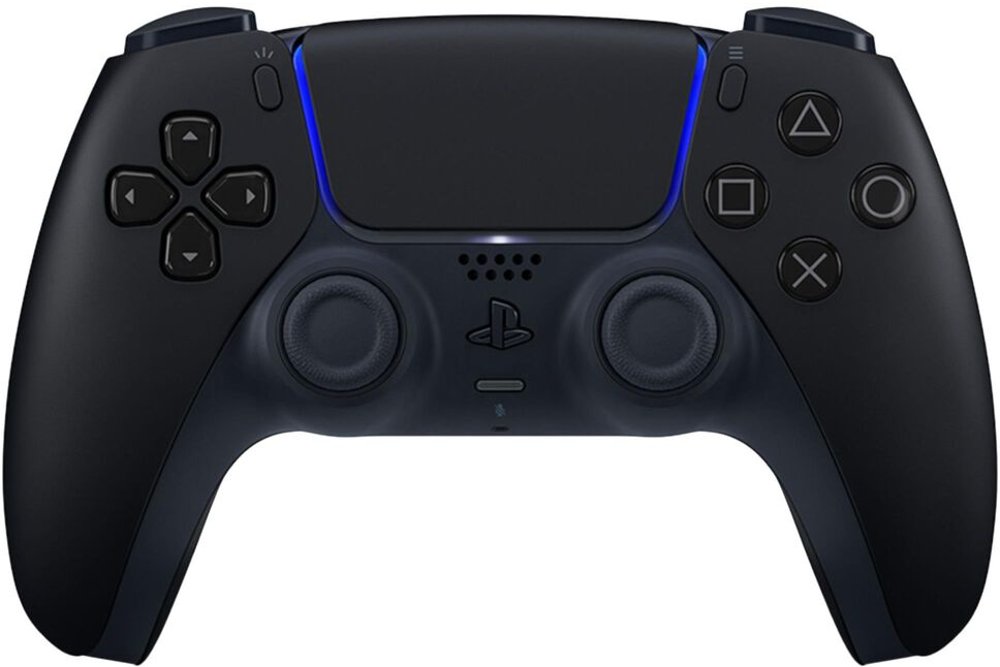
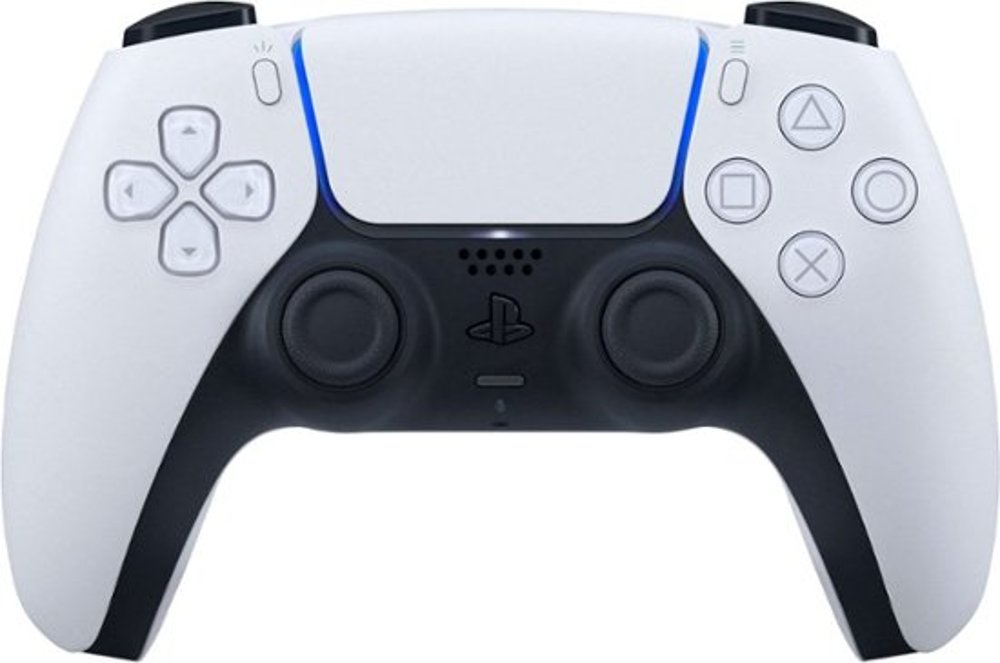
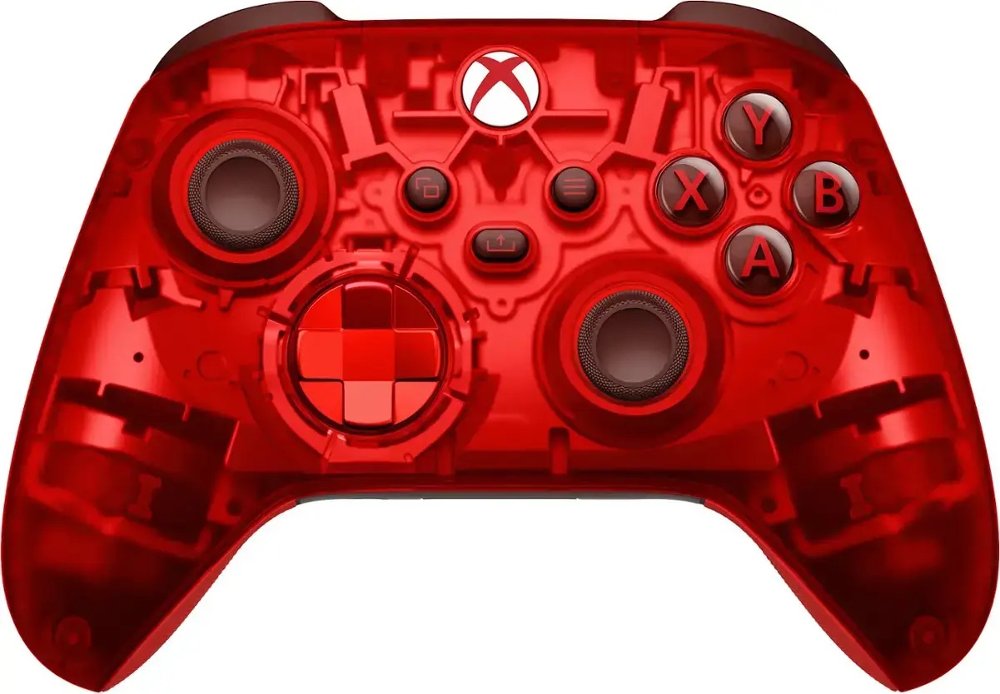
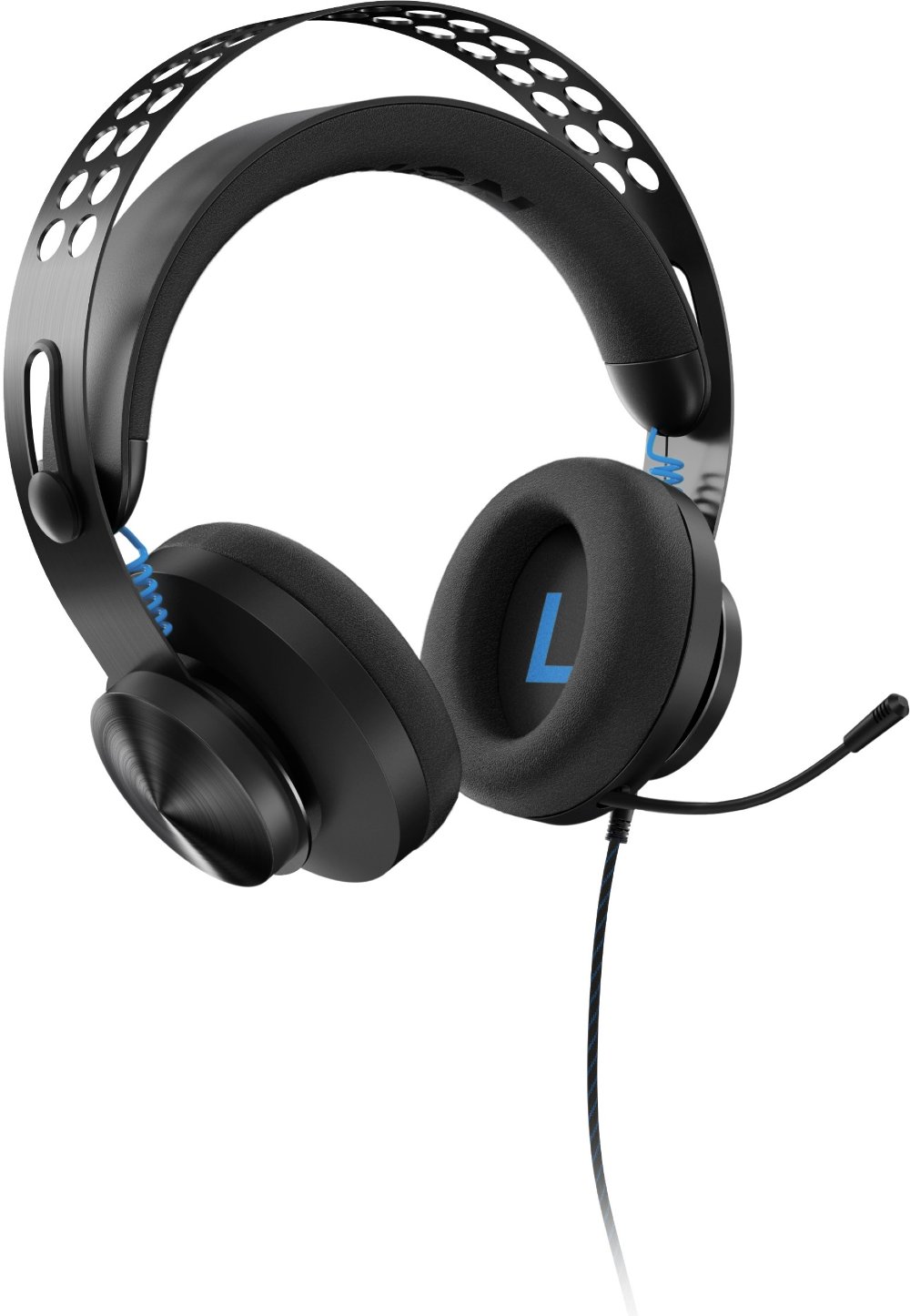
Elite gaming controllers are customizable gamepads designed to give you more control over button placement, stick feel, and trigger response than a standard controller typically offers. Their appeal goes beyond competitive play: a layout that fits your hands and favorite games can make everyday gaming feel more natural, whether you’re lining up a shot, navigating a sprawling adventure, or settling into a racing session. Depending on the model, premium gaming controllers may include rear paddles or buttons, interchangeable thumbsticks, adjustable stick tension, trigger stops, and saved control profiles. Rear inputs can put actions such as jumping, reloading, or crouching under the fingers already resting on the back of the controller, helping you keep your thumbs on the sticks while moving and adjusting the camera. Remapping options vary, so the supported software and platform matter as much as the physical controls. Taller thumbsticks can offer a different feel for small aiming adjustments, while shorter sticks may suit players who prefer less thumb travel. Concave and rounded stick caps also change where your thumbs rest and how securely they hold their position. Adjustable tension, when included, changes the resistance you feel as you move a stick; it doesn’t automatically make every player more accurate. Trigger stops shorten physical trigger travel, which can suit games built around quick, repeated presses. Full trigger travel is often more useful for gradual acceleration and braking in racing games, where a partial squeeze needs to register differently from a full press. Interchangeable directional pads can change the feel of menu navigation, directional movement, and fighting-game inputs. Saved profiles bring these adjustments together, allowing compatible controllers to retain different settings for different games or players. The practical benefit is a controller that adapts to your habits rather than asking you to use the same setup for every kind of play. These features support personal preference and convenience, but their usefulness depends on the games you play and the functions each controller supports.
Comfort starts with the shape you hold, not the number of features on the box. Handle spacing, grip thickness, overall weight, and the reach to shoulder buttons all affect how an elite gaming controller feels through a longer session. A substantial controller may feel reassuringly solid to one player and tiring to another, especially when held away from the lap. Smaller hands may have trouble reaching widely spaced rear buttons without shifting position, while larger hands may appreciate fuller handles and more room around the controls. Paddle placement matters here, too: inputs should be easy to reach intentionally without being pressed every time you tighten your grip during a close match. Removable paddles, where offered, let you simplify the layout while getting used to additional controls. Common construction materials include molded plastic shells, textured or rubberized grip surfaces, and metal components in selected paddles, sticks, or adjustment mechanisms. Each contributes differently to feel and durability. Textured surfaces provide purchase under the fingers, while soft-touch areas can feel comfortable but may show wear with repeated use. Metal accents alone don’t establish build quality; secure-fitting components, consistent button action, and well-supported connections matter during daily handling. Replaceable stick caps and removable accessories can be useful when contact surfaces wear, although replacement-part compatibility needs to match the controller. Routine care helps preserve the surfaces you touch most. With the controller powered off and disconnected, a soft, dry cloth can remove everyday dust and fingerprints; cleaning products and any moisture should follow the manufacturer’s directions. Liquid sprayed directly onto the shell can enter button openings or seams, and harsh cleaners may damage coatings or grips. Clean hands, drinks set away from the play area, and cables routed without sharp bends help limit preventable wear. A protective case, when included or compatible, keeps loose paddles and thumbsticks together and shields the controller from knocks between sessions. Even durable gaming controllers benefit from being stored securely rather than balanced on a couch arm or left where a charging cable could pull them to the floor.
Compatibility brings all those details into focus. An elite gaming controller needs to support your exact gaming platform, and support for one device doesn’t necessarily carry over to another. Wired USB, a dedicated wireless connection, and Bluetooth may offer different functionality depending on the controller and the device receiving the signal. Button remapping, headset audio, vibration, profile management, and firmware updates can also have platform-specific requirements. For someone who moves between a desktop setup and a living room screen, those distinctions can matter more than an extra attachment. Battery design is another everyday consideration. Some wireless gaming controllers have built-in rechargeable batteries, while others use removable batteries or separate rechargeable packs. Runtime varies with the model, settings, connected accessories, and use, so a stated maximum is best treated as a reference rather than a promise for every session. Charging docks can provide a consistent resting place, and a suitably positioned charging cable can make topping up between games straightforward. Where supported, wired play offers another option for longer sessions, though not every charging cable supports data. These practical details help make premium controllers useful for a wide range of players, from regular multiplayer competitors to adventure fans who want a comfortable layout for relaxed evenings. Remappable inputs may also help some players reduce awkward reaches or repeated thumb movements, but they aren’t a substitute for specialized accessibility equipment when that’s needed. As a gift, a customizable controller is most thoughtful when it matches the recipient’s platform, hand preferences, and favorite types of games. Someone who already enjoys refining settings may appreciate extensive adjustments, while another player may value familiar controls with just a few useful extras. During the cooler months, when a quiet evening indoors can turn into several chapters of a story or a series of matches with friends, the surrounding setup matters as well. Seating position, supported arms, and easy access to essentials complement a comfortable controller. Ergonomic Accessories for Gamers can help round out that space, keeping the focus on a setup that suits how you actually play.
Read More