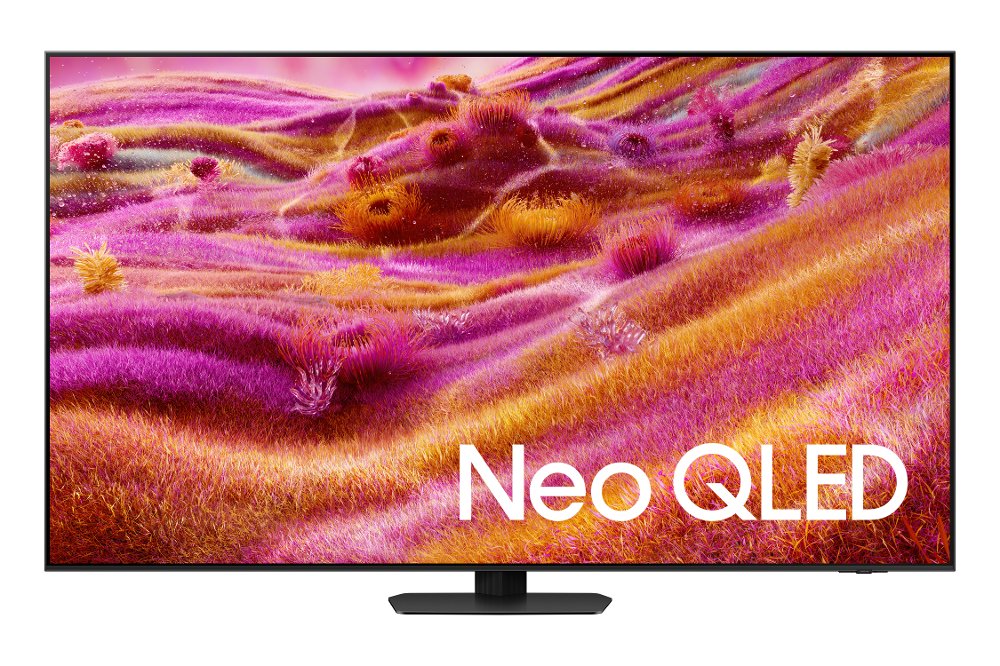
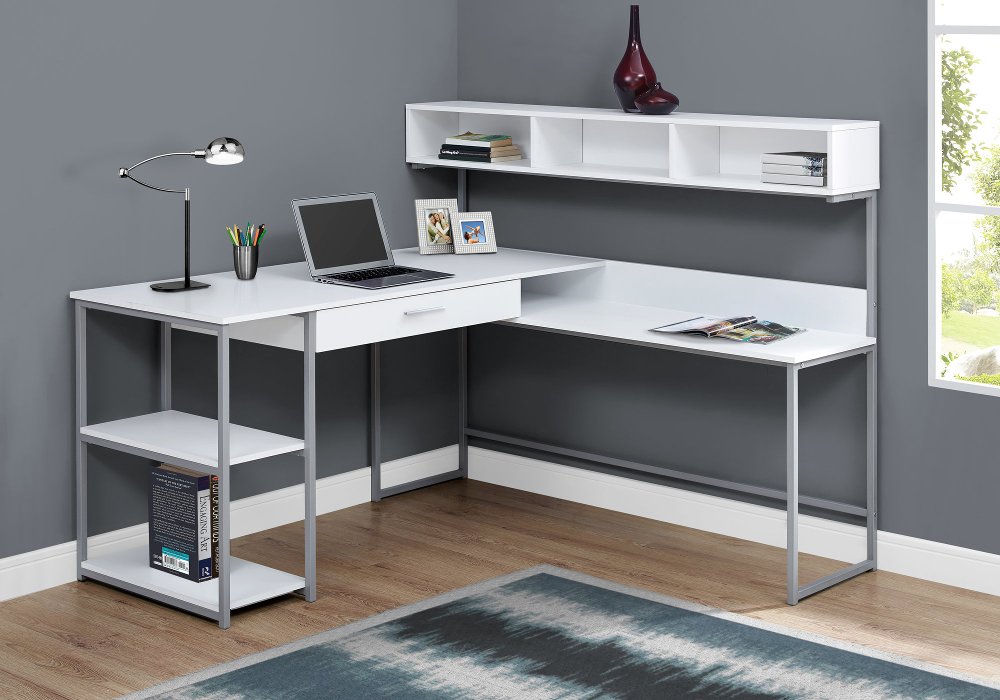
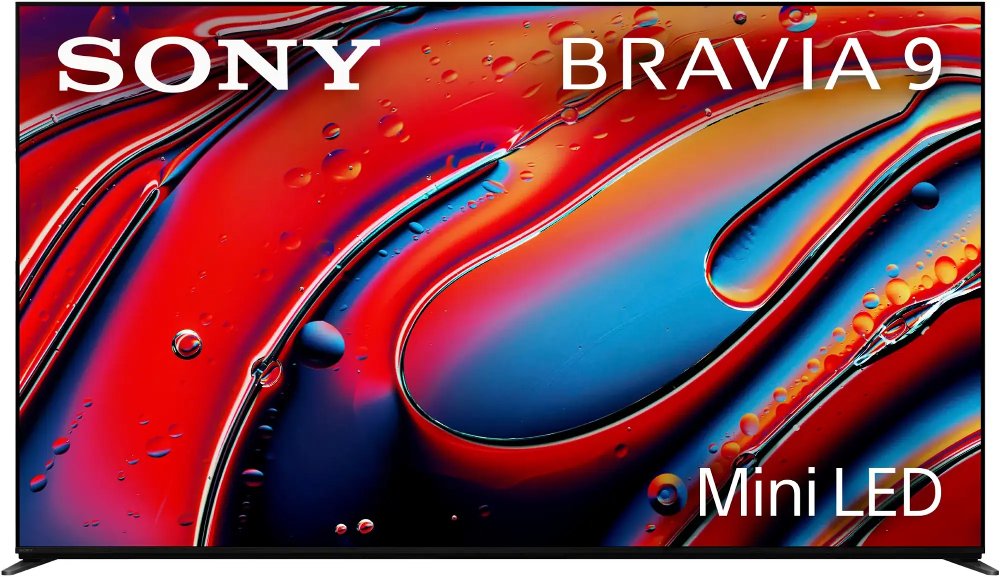
Office televisions bring presentations, training videos, company updates, and shared entertainment into the spaces where people work. In a home office, a television can provide a larger view of a project during a client conversation and a comfortable place to watch a program after the workday. In a conference room, it gives everyone a common screen for reviewing slides, discussing designs, or joining a remote meeting with compatible conferencing equipment. Reception areas and employee lounges have different needs: visitors may appreciate clear informational content, while employees may use a breakroom TV for news or entertainment. The best office television fits the room, the viewing distance, and the content people actually need to see. A 43- to 55-inch screen can suit a small office or huddle room with nearby seating. A 65-inch television can work well in a medium conference room, while a 75- or 85-inch screen may better serve a long boardroom or a larger gathering space. Those sizes are starting points, not guarantees of readable text. A spreadsheet viewed from the far end of a table needs larger type and a different layout than a full-screen training video. Measure the distance to the farthest seat, check the television’s actual width and height, and account for any furniture beneath it. Screen size describes the diagonal measurement, so it doesn’t tell the whole story about fit. A 4K office TV offers useful detail for presentations and video, especially when the connected device supplies a matching signal. For computer-based work, support for full chroma reproduction, often listed as 4:4:4, can help colored text look clearer when the television has the appropriate input settings enabled. Comfortable readability still depends on sensible scaling, well-sized fonts, and a screen positioned where everyone can see it without leaning around a colleague.
How an office television handles everyday connections matters just as much as its picture. HDMI inputs provide a straightforward connection for many computers and media devices, although some laptops need a compatible adapter. More than one input can make a shared meeting room easier to use when a dedicated conferencing system and a visiting presenter both need access. An accessible connection point helps keep meetings moving without someone reaching behind a wall-mounted screen. Wireless screen sharing can reduce cable clutter, but compatibility varies by television, computer, mobile device, and network setup. In a workplace with managed Wi-Fi, confirm that the intended sharing method meets network and security requirements. Smart TV features can support compatible streaming apps and other content, but a television alone doesn’t necessarily provide a complete video conferencing setup. A camera, microphone, speakers, and a connected computer or conferencing device may still be needed. Picture quality also needs to suit the room. Windows and overhead lights can create reflections across a glossy screen, making placement and reflection handling important considerations. Strong brightness can help content remain visible in a well-lit office, while wide viewing angles are useful when people sit along both sides of a conference table. Display technologies have different strengths, so the intended content should shape the choice. OLED screens offer strong contrast, but persistent static elements, such as company logos or dashboards, call for careful attention to the manufacturer’s usage guidance because image retention or burn-in can be a concern. LED-backlit LCD televisions are another option for mixed office content, with viewing-angle performance and brightness varying by model. Sound deserves a practical check, too. Built-in speakers may suit a small room, while a larger space or frequent remote meetings may benefit from a compatible external audio setup designed to keep voices clear. Easy-to-reach volume controls and predictable input selection make a difference when several people share the same room.
Office TVs also need to match the demands of their daily schedule. A consumer television may suit occasional presentations, a home workspace, or breakroom viewing when its specifications and warranty permit that use. A commercial display is generally the better fit for extended operating hours, scheduled messaging, or a reception screen that stays on throughout the business day. Commercial models vary: some support a defined daily operating schedule, while others carry a rating for continuous use. Features such as remote content management, input locks, automatic scheduling, and approved portrait orientation are model-dependent rather than standard across every business display. Check those details alongside warranty coverage for commercial use, especially when the screen will serve as digital signage. Durability depends on the intended operating conditions and proper installation as well as the display itself. Slim cabinets often combine plastic housings with metal structural components, and the screen surface needs protection from impact and pressure. For wall mounting, match the television’s VESA mounting pattern and weight to the bracket, and use hardware appropriate for the wall structure. A stable media cabinet needs enough surface area for the television’s feet, which may sit close to the screen’s outer edges. A compatible rolling stand can support flexible room layouts, provided it has the correct weight rating, secure mounting hardware, locking casters, and a clear path between spaces. Route cords away from walkways and leave the manufacturer’s recommended clearance around ventilation openings. Straightforward care helps preserve a clean picture: turn off and unplug the television before cleaning, follow its care instructions, and use a soft, dry microfiber cloth unless the manufacturer specifies another method. Avoid spraying liquid directly onto the screen or using unapproved household cleaners. Shared offices also benefit from a consistent place for remotes and a clear policy for app sign-ins, so personal accounts don’t remain connected after a meeting. Whether the television supports a solo professional, a small business team, or an entire workplace, thoughtful fit and dependable everyday operation make it easier to focus on the people and content in the room. For viewing centered on celebrations beyond the workplace, explore Holiday TVs.
Read More