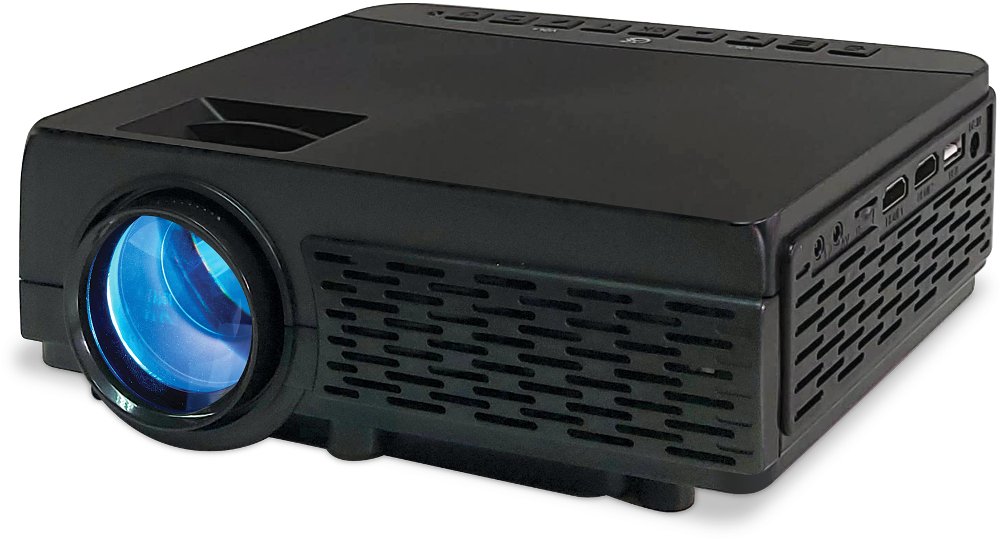
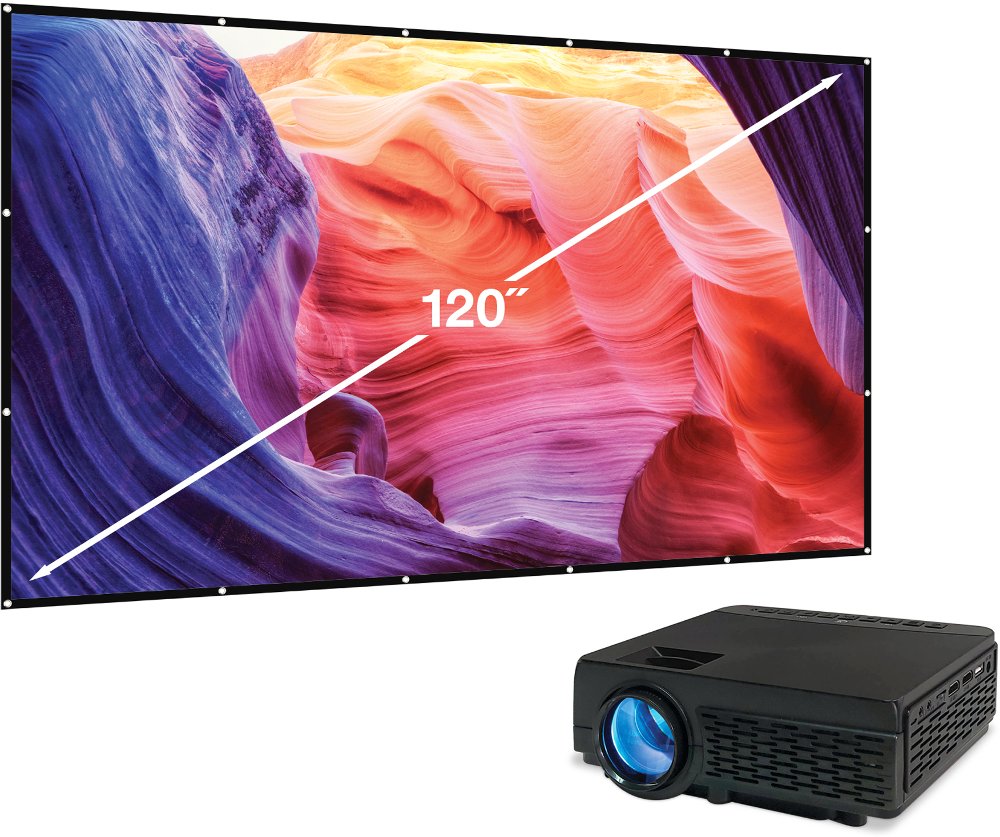
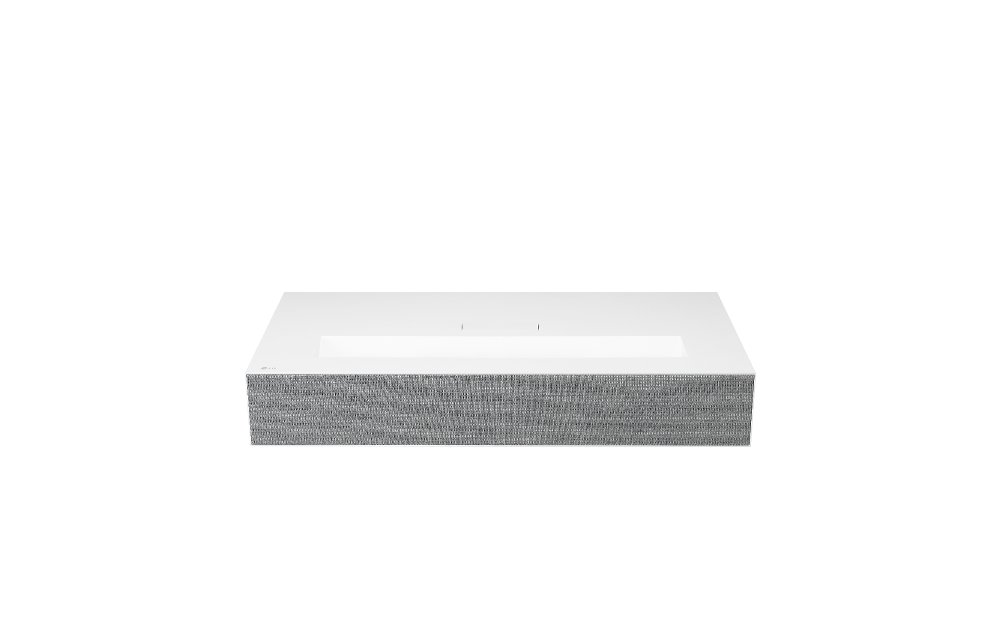
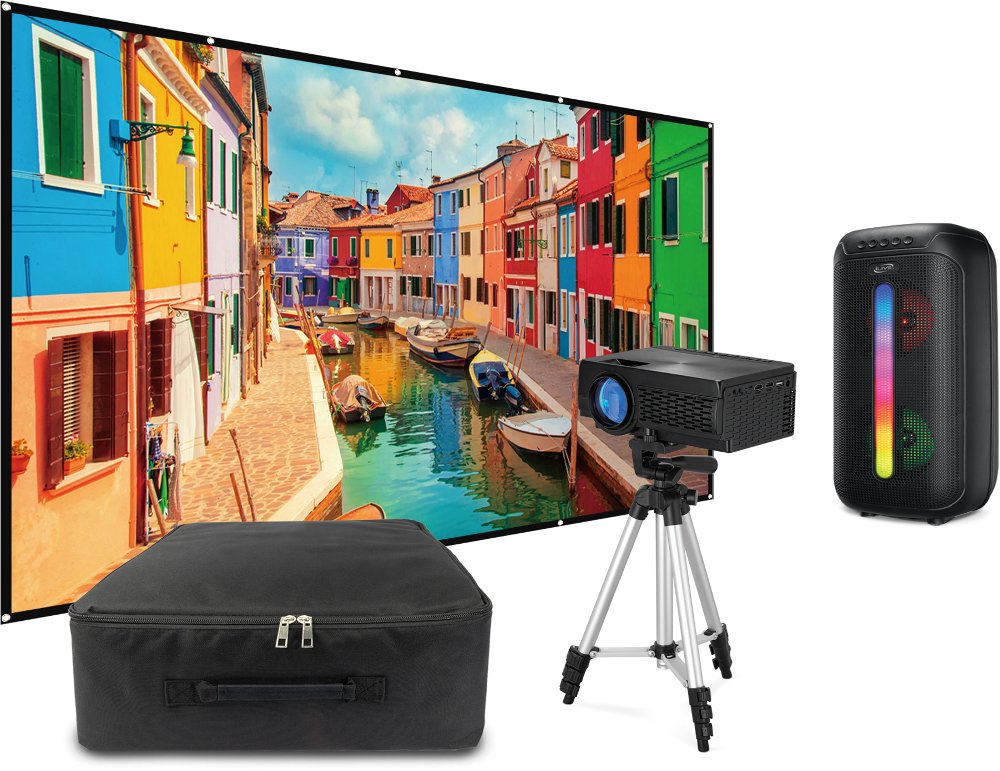
Smartphone projectors turn photos, videos, and other content from a phone into a larger image on a wall or projection screen. The term covers two different product types: passive lens-based viewers that enlarge the phone’s own display and digital projectors that receive content from a compatible phone through a wired or wireless connection. That distinction makes a big difference in everyday use. A passive smartphone projector typically consists of a box, a magnifying lens, and a support that holds the phone in position. It doesn’t create additional light or electronically process the picture, so its image depends on the phone’s screen brightness, the lens, the projection distance, and a very dark room. Moving the phone relative to the lens adjusts focus, and the lens inverts the image, making screen orientation part of the setup. These simple viewers suit hands-on experimentation and casual viewing, but their pictures are generally dimmer and less detailed than those from digital projectors. A digital smartphone-compatible projector uses its own light source and imaging system, making it the more practical choice for sharing a movie, displaying vacation photos, or following a workout on a larger screen. Compact housings make many models easy to move between rooms, while larger designs may be better suited to a dedicated viewing space. Either way, the projection surface matters. A smooth, matte white wall can work for casual use, but texture, wall color, and a glossy finish can affect clarity and color. A suitable projection screen provides a more consistent surface, especially for small text and detailed scenes. Picture size also depends on the projector’s distance from the wall and its lens design. A large advertised image size doesn’t guarantee a bright, sharp picture at that size; the best fit balances the room, viewing distance, and projector’s capabilities.
Phone compatibility deserves just as much attention as picture quality. A smartphone projector may support a direct video cable, wireless screen mirroring, or content casting, but those connection methods aren’t interchangeable. A wired setup often uses an HDMI input with a phone-compatible adapter, and the phone itself must support video output through its port. A connector that physically fits isn’t enough to establish compatibility. Wireless connections can depend on the phone’s operating system, the projector’s supported casting technology, and network settings. Some connections use a shared Wi-Fi network, while others establish a direct wireless link. Bluetooth, when included, commonly handles audio or accessories rather than transmitting the phone’s video image. Streaming apps can also limit screen mirroring or playback through certain adapters because of content protection, so a supported connection for personal photos doesn’t necessarily support every movie service. For a comfortable viewing experience, native resolution is the useful measure of how much detail a projector can actually display. The ability to accept a higher-resolution signal doesn’t mean the projected picture has that same resolution. Brightness ratings also need context: standardized measurements such as ANSI lumens are more useful for comparisons than loosely defined brightness claims. Room lighting, screen size, and projection distance all influence how vivid the image appears. A smaller picture in a dim room can look clearer than an oversized picture competing with lamps and overhead lights. Focus adjustment helps sharpen details, while keystone correction can straighten the image when the projector sits at an angle; heavy digital correction may reduce visible detail. Sound completes the setup. Built-in speakers may suit a small room and casual viewing, while a compatible external speaker can make dialogue easier to hear across a larger space. For gaming, connection delay matters as much as resolution, and wireless mirroring can introduce noticeable lag. A supported wired connection and a low-latency mode, where offered, are generally better suited to quick reactions.
The right smartphone projector should feel comfortable in the space where it will get used. For a bedroom, that might mean a compact unit on a stable table, with enough distance to create a manageable picture and enough ventilation to keep the housing cool. In a shared living room, it might mean a screen that stores away after movie night, cables that stay clear of walkways, and controls that are easy to reach without moving the projector. Compact doesn’t always mean cordless: some projectors have rechargeable batteries, while others require continuous outlet power. Battery runtime can vary with brightness settings and use, so power requirements matter for any setup away from a convenient outlet. For viewing that moves from room to room, Portable Projectors offer a related category to explore, with phone compatibility still depending on the supported connections. Materials and construction affect handling and care, too. Molded plastic housings help keep many electronic projectors lightweight, while metal components can add rigidity; neither material alone determines durability. A secure base, protected lens, sturdy ports, and a padded carrying case all matter when a projector moves frequently. Cardboard lens-based viewers need gentler handling and dry storage because moisture and repeated bending can weaken the enclosure or change lens alignment. For electronic models, clear ventilation openings help manage heat, and dust buildup can interfere with performance. Lens care should follow the manufacturer’s directions, using approved cleaning materials rather than household cleaners or a rough cloth. Allowing the unit to cool before packing it away and avoiding tension on connected cables can help protect it between uses. These products can make thoughtful gifts for movie lovers, students, families who enjoy sharing photos, or anyone creating a flexible entertainment corner. Matching the recipient’s phone, room, and viewing habits matters more than choosing the largest possible picture. A projector that connects reliably, fits its surroundings, and stores neatly is easier to enjoy for a favorite film, a slideshow of family memories, or an evening of shared entertainment.
Read More