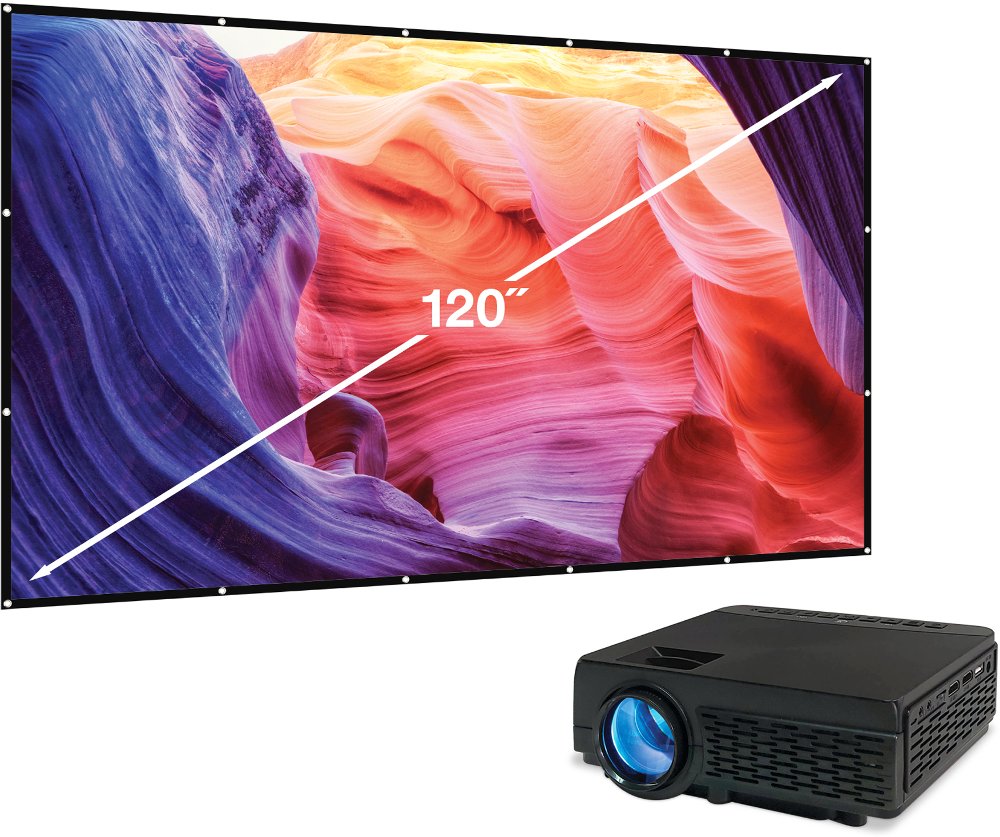
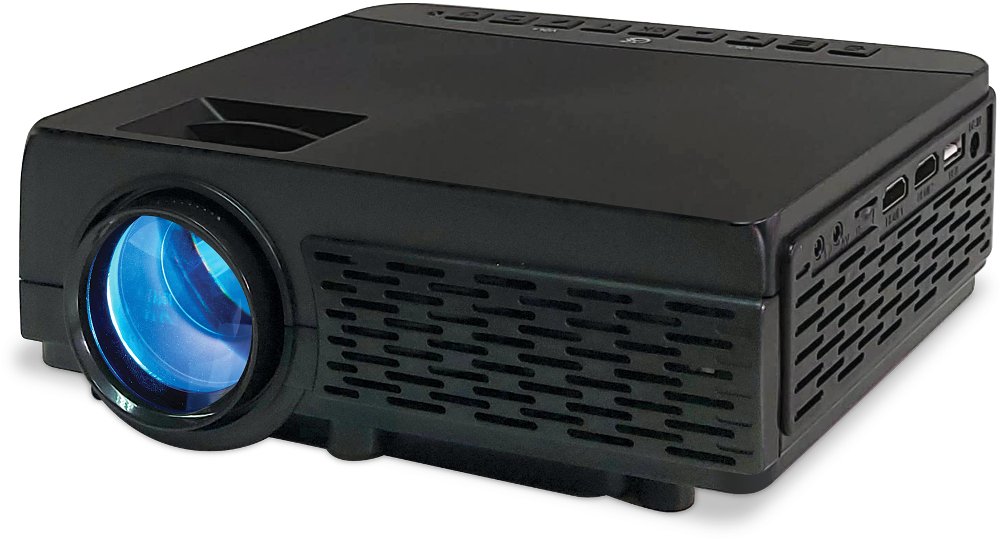
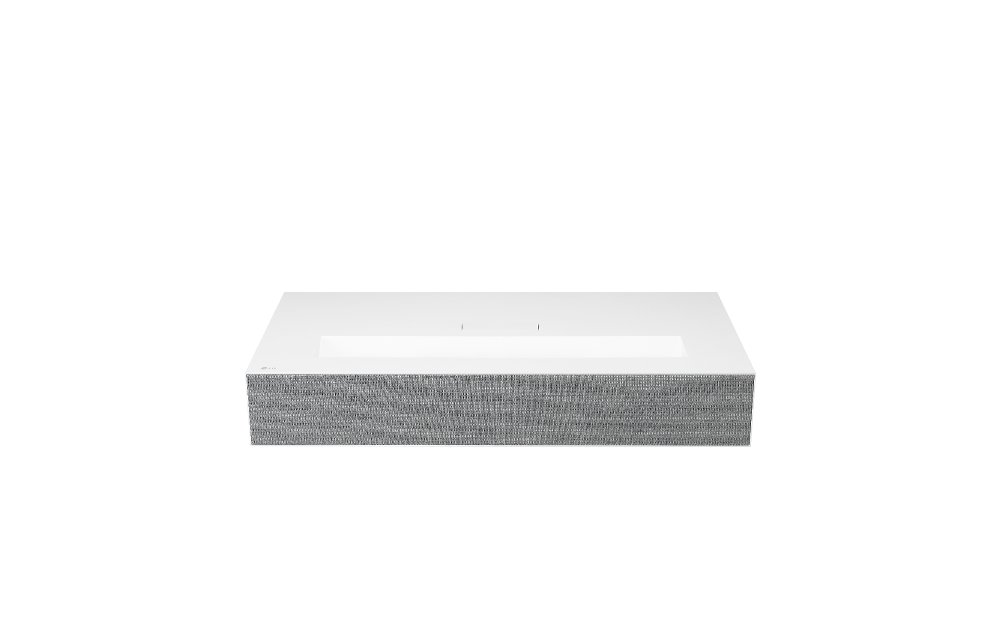
Portable projectors bring big-screen entertainment and presentations into a compact device that’s easier to move between rooms or take along for a visit. Instead of dedicating an entire wall to a permanent display, a portable projector can turn a clear stretch of wall or a projection screen into a place for movies, games, family photos, or a slide deck. That flexibility suits apartment living, shared spaces, and homes where the same room serves several purposes. A coffee table can become the center of a movie night, then return to its everyday role when the projector goes back on a shelf. Picture quality depends on more than the largest screen size listed in the specifications, though. Native resolution describes the actual number of pixels the projector displays; native 1080p means 1920 by 1080 pixels. A projector that accepts a 4K signal doesn’t necessarily display a native 4K image, so that distinction matters when comparing detail and text clarity. Brightness matters just as much. Projector light output is commonly expressed in lumens, and ratings measured under the same recognized standard, such as ANSI lumens, make comparisons more meaningful than unlike marketing measurements. Higher measured brightness helps an image remain visible with some room lighting, while dimmer surroundings generally improve contrast and make darker scenes easier to follow. Image size also affects brightness: spreading the same light across a larger surface usually creates a dimmer picture. A smooth, neutral wall can work for casual viewing, while a suitable projection screen offers a more consistent surface without wall texture or paint color influencing the image. For shoppers drawn to especially compact designs, Small Projectors offer another way to explore space-conscious options. Physical size is only part of the fit; projection distance and lens design determine whether a device can create the desired picture from a particular tabletop, stand, or shelf.
The easiest portable projector to enjoy is one that works with the devices and routines already in the home. HDMI connections can accommodate compatible laptops, game consoles, and streaming devices, while wireless features may support screen sharing or other connections depending on the projector and source device. A USB port doesn’t automatically support video playback or supply enough power for every accessory, and a USB-C connection doesn’t always accept video input. Those details make a difference when the plan is to connect a laptop for a presentation or leave a streaming player attached for evening viewing. Built-in smart features can reduce the need for extra equipment, but streaming service support varies by device, and some services restrict wireless mirroring. Reliable access to favorite apps matters more than a long feature list that doesn’t match everyday use. Power deserves the same attention. Some portable projectors include a rechargeable battery; others remain easy to carry but need a wall outlet during use. Battery runtime varies with brightness settings, speaker volume, wireless activity, and battery condition, so a full-length movie may call for access to power even with a battery-equipped design. For models that accept USB-C power, the charger or power bank must meet the manufacturer’s requirements. Sound can be equally important in a small setup. Built-in speakers keep the number of pieces to carry down, while compatible external speakers can make dialogue easier to hear or give music more presence in a larger room. Wireless audio can introduce delay, which may be noticeable during games or close-up conversations on screen. For gaming, input lag and supported refresh rates affect responsiveness more directly than picture size alone. Automatic focus and keystone correction can simplify setup on compatible models, although positioning the lens squarely toward the screen usually produces a cleaner image than relying heavily on digital correction.
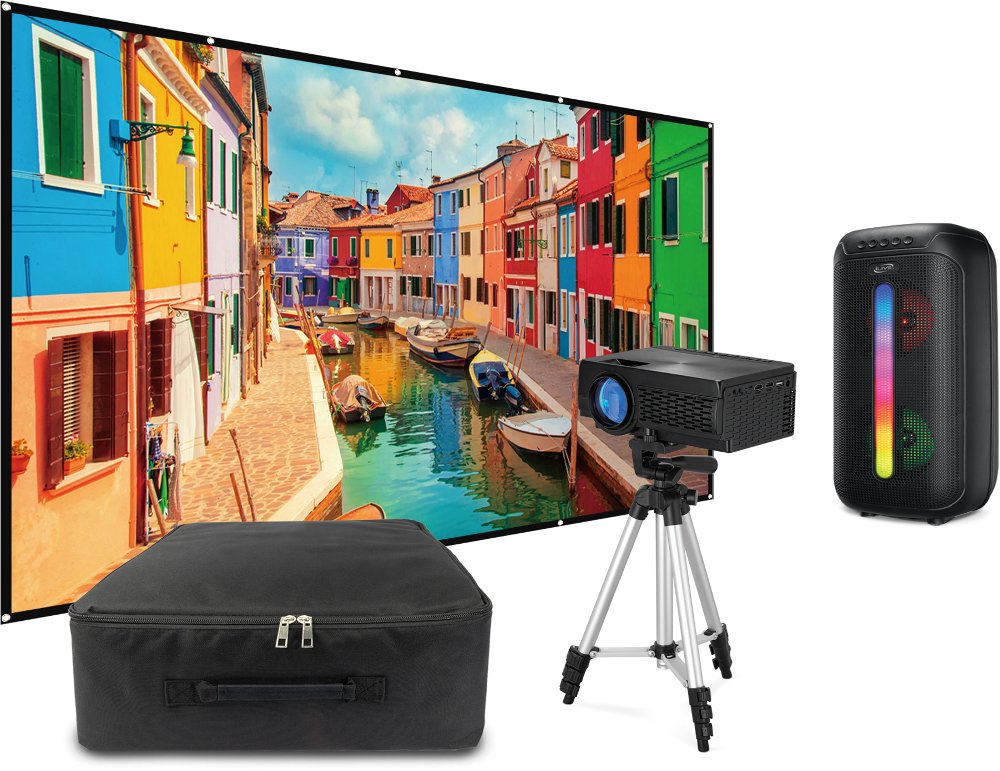
Portability includes everything that travels with the projector, not just the device itself. A compact housing may fit easily into a bag, but the power adapter, remote, cables, stand, and any separate speaker also need a place. Lightweight plastic housings help reduce carrying weight, while metal components may add rigidity; neither material alone establishes how well a projector will handle a bump. A padded carrying case and a protected lens are useful for trips between homes, meeting spaces, or classrooms. At home, a stable surface with enough room for the projector’s ventilation openings helps protect the device and keeps the picture steady when someone walks past. A low table can put the light path directly where people cross the room, while a taller stand may offer a clearer path if it supports the projector securely. Mounting threads and adjustable feet vary, so compatibility matters when pairing a projector with a tripod or stand. Routine care is straightforward but worth doing carefully: follow the manufacturer’s cleaning directions, use appropriate lens-cleaning materials, and avoid spraying liquid directly onto the projector. Keep vents clear, clean or replace filters when the model requires it, and allow the device to cool as directed before packing it away. Many compact projectors use LED or laser light sources designed for extended service, but rated light-source life isn’t a guarantee of the entire projector’s lifespan. Careful handling and proper airflow still matter. These practical details help make a portable projector a thoughtful gift for a movie enthusiast, a student who moves between living spaces, a relative who loves sharing travel photos, or someone who presents to small groups. The best match reflects how the recipient will actually use it: readable text for presentations, clear dialogue for films, responsive play for games, or a simple setup for family viewing. A projector that fits the room, the connected devices, and the person using it is easier to bring out and enjoy.
Read More