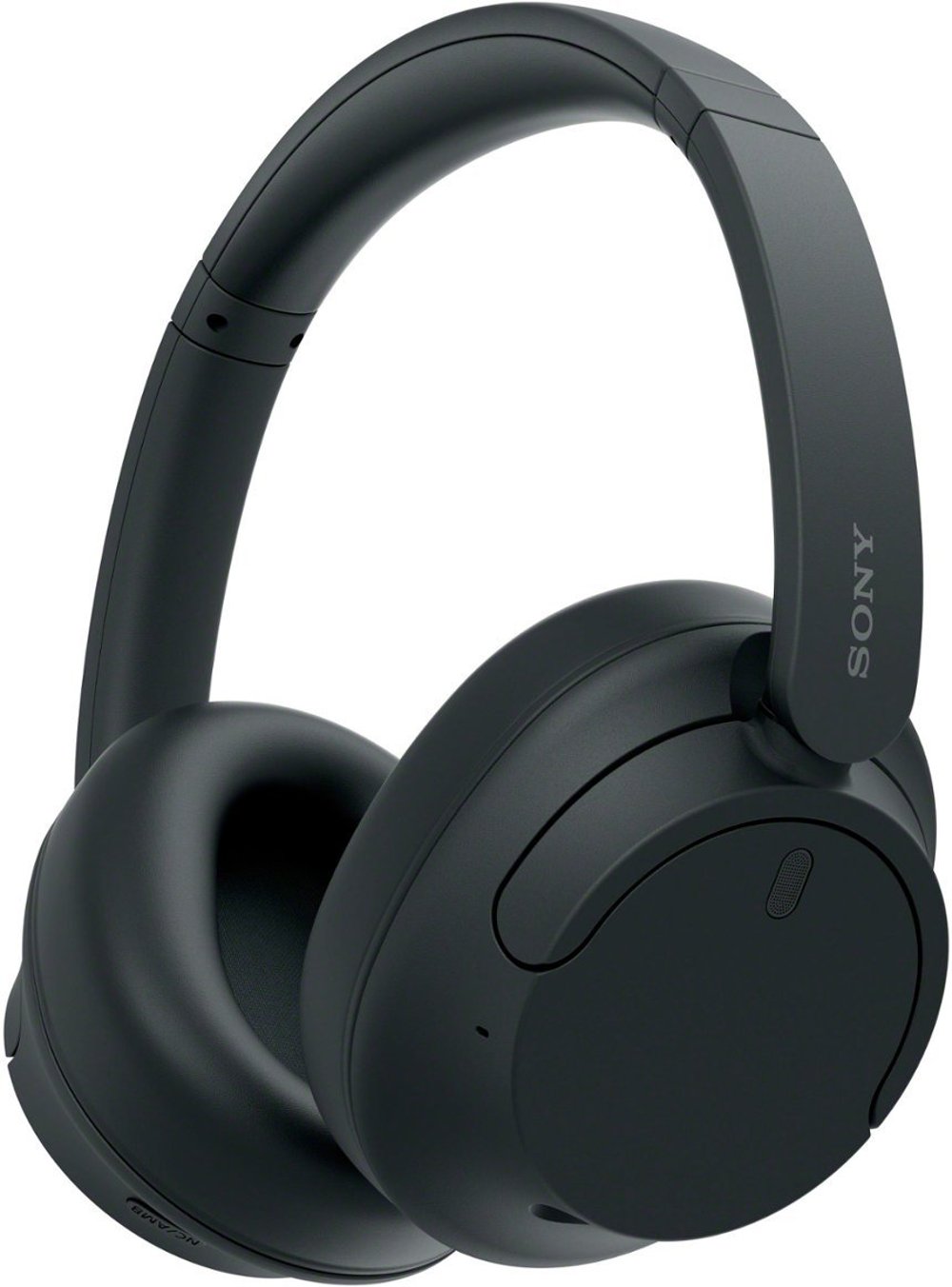
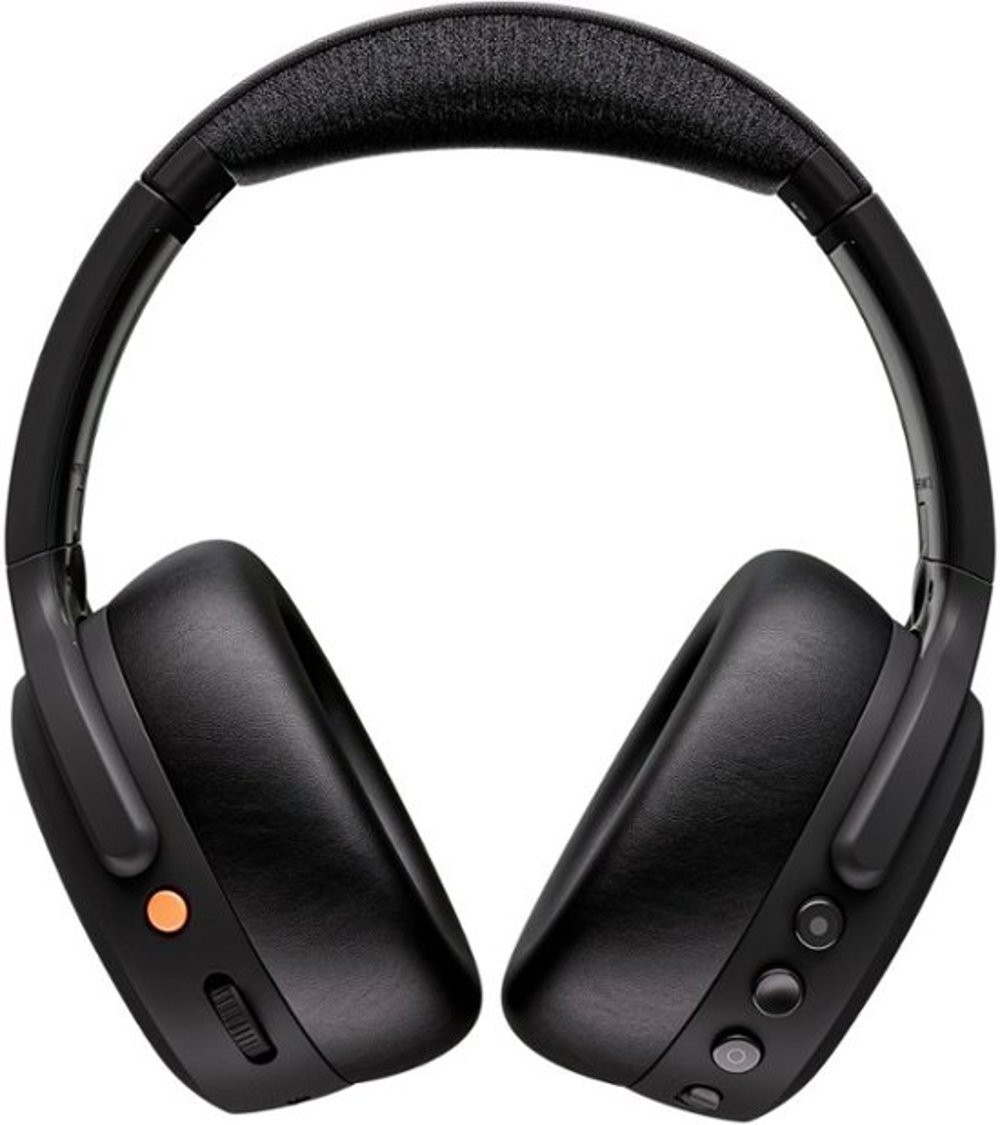
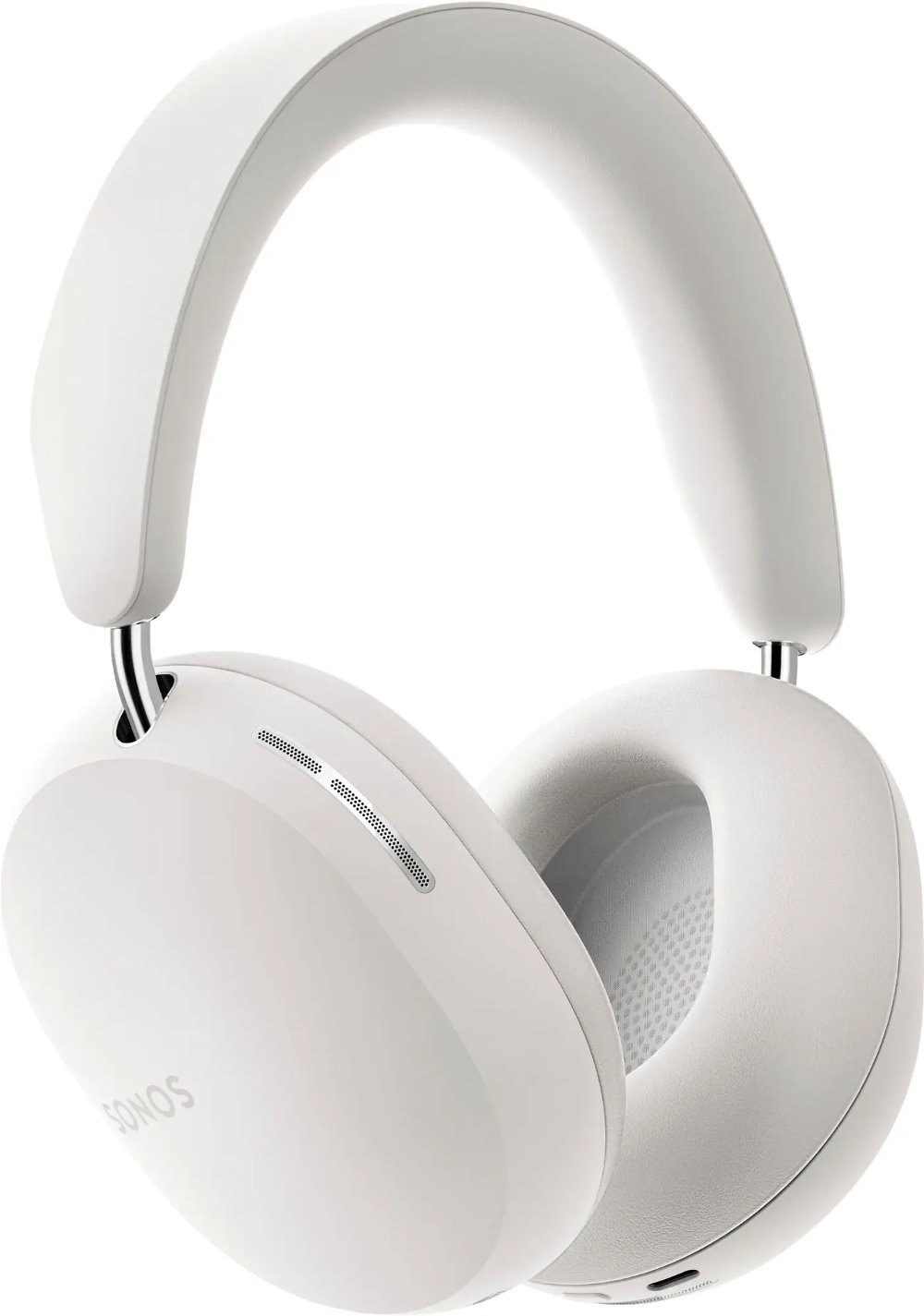
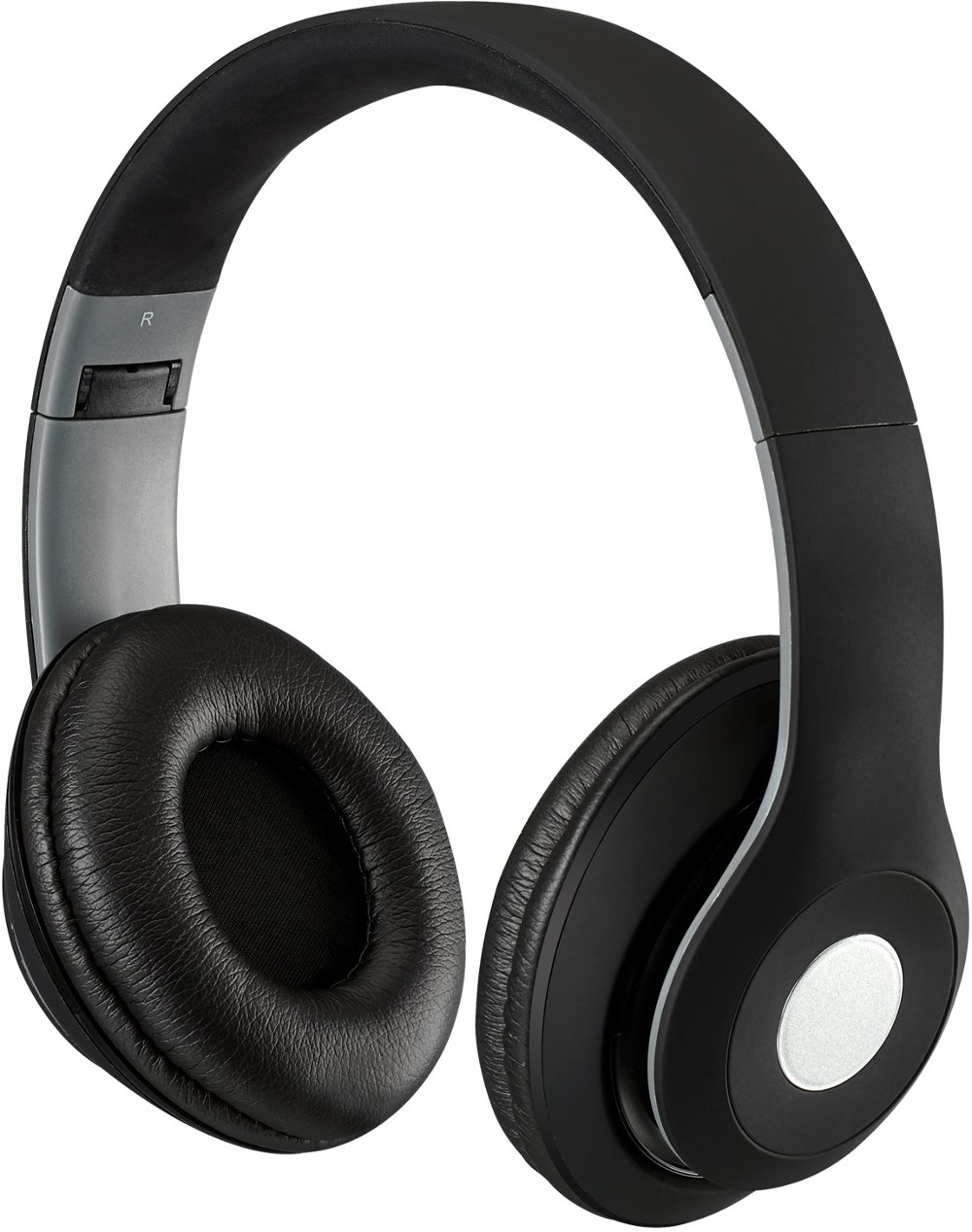
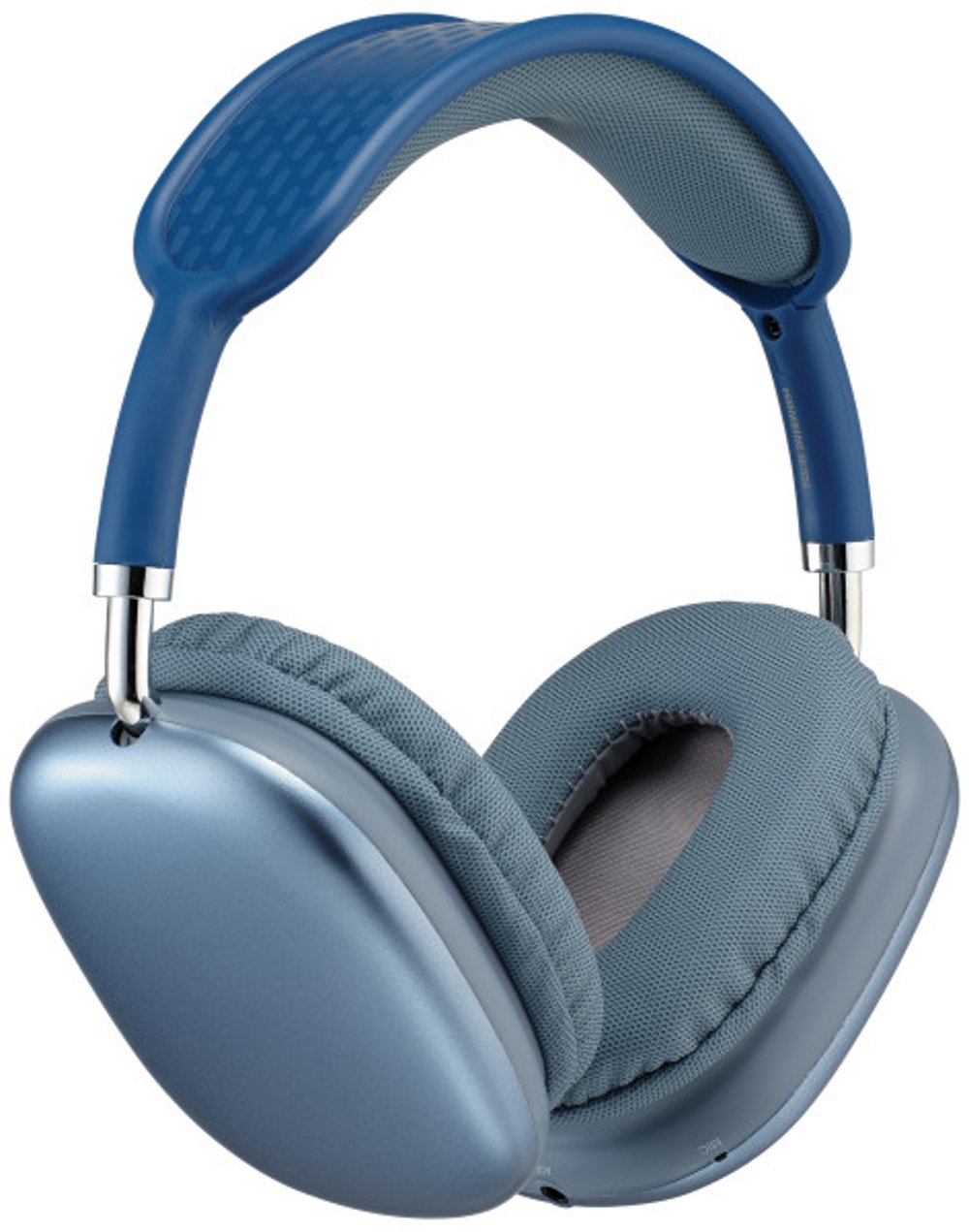
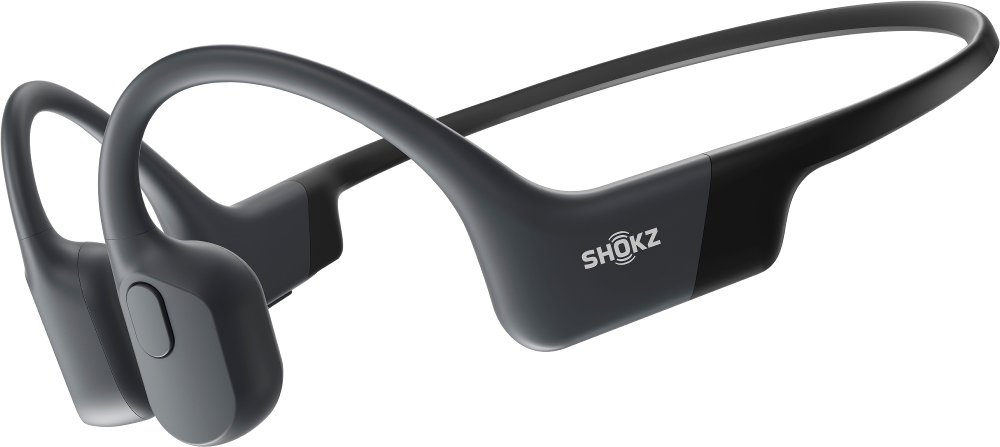
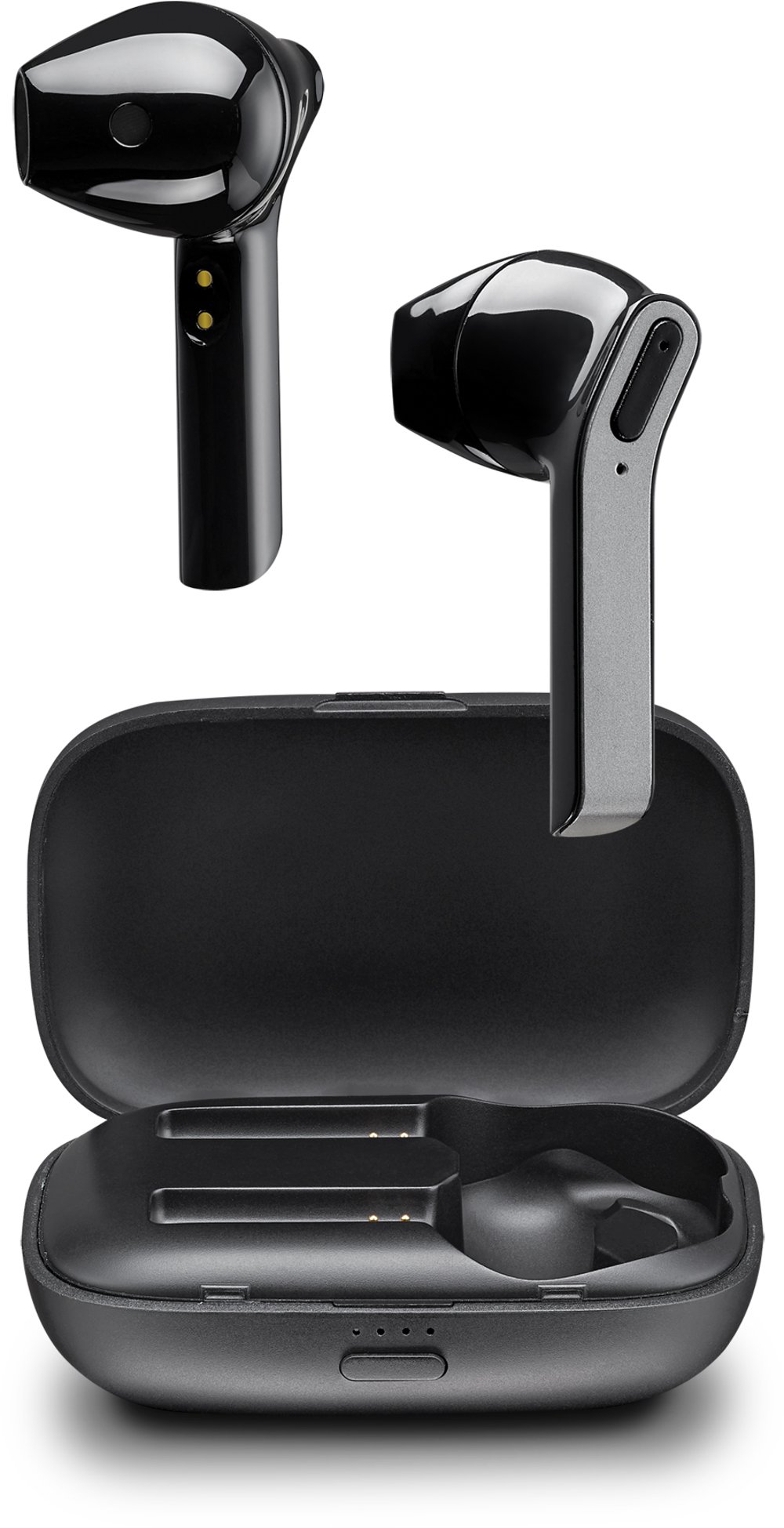
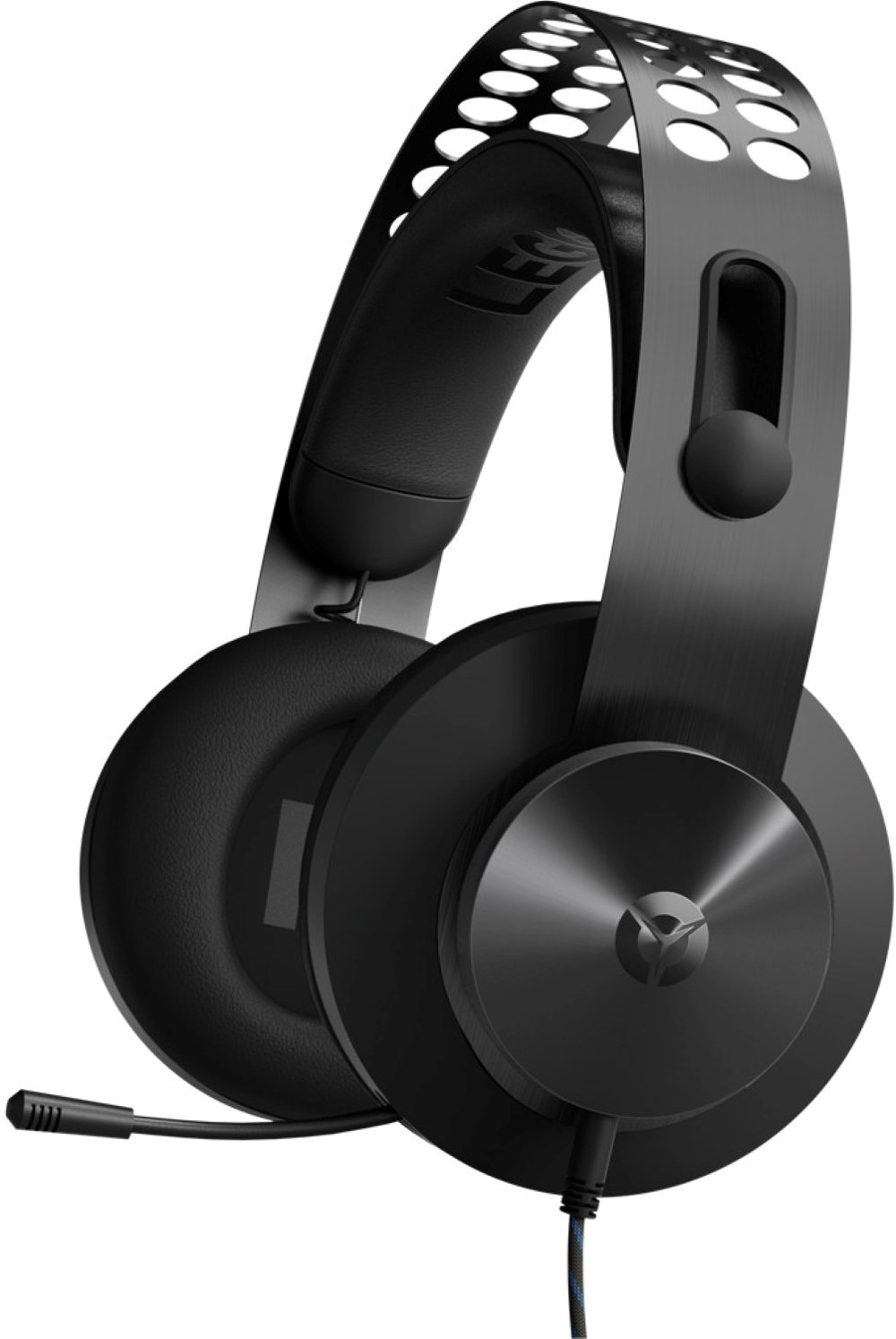
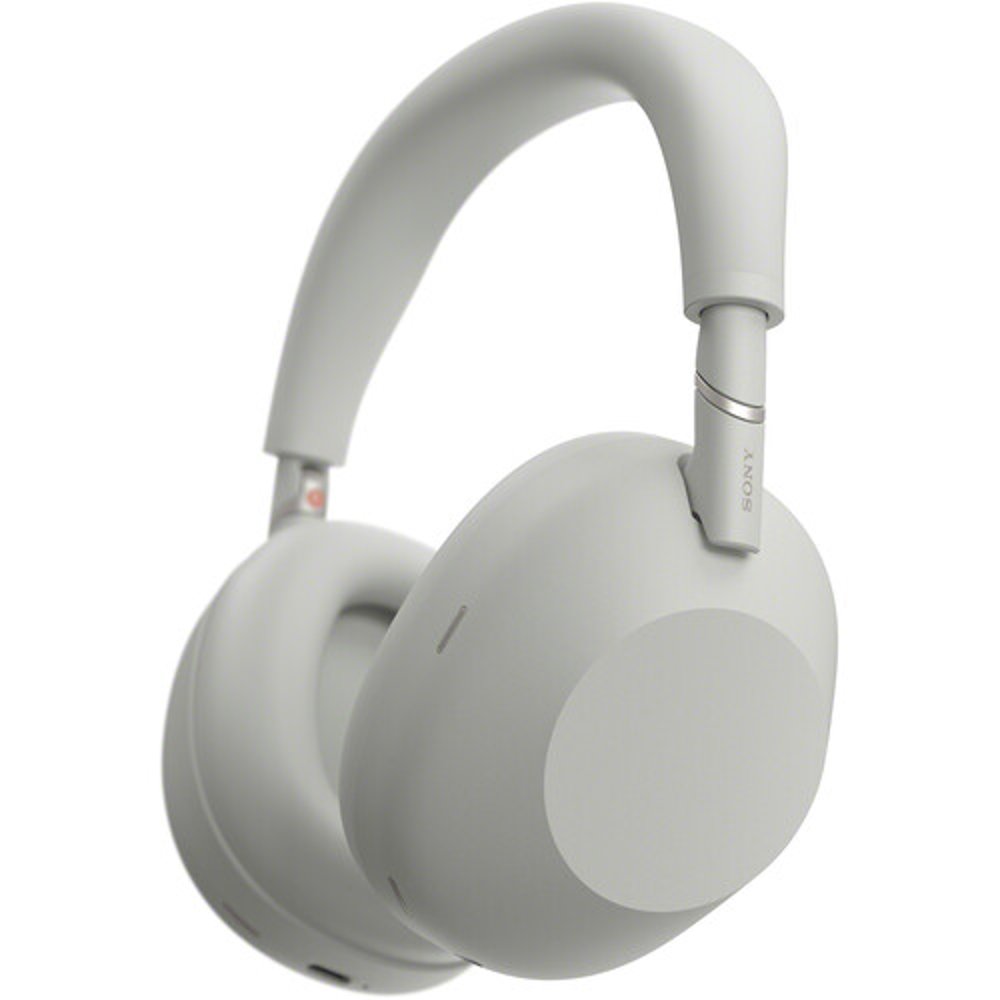
Work headphones bring calls, focused listening, and everyday communication into a setup that feels comfortable throughout the workday. The best fit depends on how much time you spend in meetings, the sounds around your desk, and the devices you use. For a shared office, active noise cancellation can soften steady background sounds, such as ventilation or nearby equipment, while a well-fitting earcup or ear tip provides passive isolation. Voices and sudden noises can still come through, so noise cancellation is better understood as a way to reduce distractions than a promise of complete silence. For call-heavy work, microphone performance deserves just as much attention as listening quality. A microphone designed to reduce background noise helps separate your voice from surrounding activity, whether a coworker is talking nearby or someone is unloading dishes across the room. That’s a different job from the noise cancellation you hear through the headphones, and having one feature doesn’t automatically mean having the other. Boom microphones sit closer to the mouth and can support consistent voice pickup, while built-in microphones keep the design more compact for moving between a desk and other spaces. Remote employees, hybrid workers, students attending virtual classes, and people running a business from home may all use work headphones differently. Someone reviewing spreadsheets might prioritize comfortable earcups and fewer distractions; someone leading client presentations may care more about clear speech, dependable connections, and an easy-to-reach mute control. Balanced sound helps spoken words stay intelligible without making music feel like an afterthought. For audio editing or other sound-sensitive tasks, accurate reproduction and connection latency may matter more than meeting controls. Work headphones aren’t protective hearing equipment unless they’re specifically rated for that purpose, and ordinary noise cancellation shouldn’t replace required hearing protection around hazardous machinery. In a typical office or home workspace, their value comes from making the sounds you need easier to hear while keeping your setup manageable.
Comfort often becomes the deciding factor once a quick check-in turns into several back-to-back meetings. Over-ear work headphones surround the ears with cushioned cups, distributing contact across a larger area, although their size and weight vary. On-ear designs rest against the ears and can feel less bulky, but pressure may become noticeable during longer sessions. In-ear headphones take up very little desk or bag space, and interchangeable silicone tips can help create a secure seal; some designs use foam tips that conform to the ear canal and require different care. A good fit should feel stable without pinching, pushing hard against glasses, or requiring constant adjustment when you turn toward a second monitor. Headband padding, adjustment range, earcup depth, and overall weight all contribute to that fit. Synthetic leather cushions generally have a smooth, wipeable surface, while fabric-covered padding has a different feel against the skin and may require more attention to dust and absorbed moisture. Neither material guarantees all-day comfort, and cushion construction matters alongside the covering. Durability comes from the details, too: hinges that move smoothly, well-supported cable connections, and replaceable cushions or ear tips can make headphones easier to maintain over time. A detachable cable may simplify replacement if it becomes damaged, provided a compatible replacement is supported. Between uses, a stand or protective case helps keep earcups from getting crushed beneath paperwork or loose items in a work bag. Gentle cleaning according to the manufacturer’s directions helps remove skin oils and everyday buildup without damaging padding, microphone openings, or charging contacts. Avoid soaking cushions or spraying cleaner directly into openings, and let cleaned parts dry fully before use. For shared workstations, removable components and clear cleaning instructions are especially useful. Comfortable headphones also support sensible listening habits: keep volume at a moderate level, take breaks, and remember that blocking outside sound doesn’t make high listening levels safe.
Connections and controls shape how smoothly work headphones fit into a daily routine. Wired headphones can provide a straightforward connection without relying on a headphone battery for basic audio, although powered features may have separate requirements. USB connections may carry both microphone and listening audio through one port, while a 3.5 mm connection depends on the jack and plug configuration; some computers need an adapter to support both functions. Wireless work headphones offer more freedom to stand, stretch, or reach a nearby shelf, but range depends on the connection, walls, and interference. Bluetooth multipoint can keep compatible headphones connected to more than one device, such as a laptop and phone, though switching behavior varies and usually doesn’t mean playing both sources at once. A compatible USB wireless adapter can be useful with certain computer setups, but support for operating systems and calling applications still matters. Battery-life estimates deserve a close look because calls, listening volume, and active noise cancellation can change runtime. Quick charging can help between appointments, while charging during use is a separate capability rather than something to assume. Physical mute buttons, tactile volume controls, and clear status indicators are practical details when your attention is on a conversation instead of an app. Sidetone, when included, feeds some of your own voice into the headphones so you can speak more naturally rather than raising your voice behind sealed earcups. Transparency or ambient listening modes serve a different purpose, letting in surrounding sound when you need to hear someone nearby; they don’t guarantee awareness in every setting. Headphones that move between work calls, podcasts, and personal listening can also make a thoughtful gift for a graduate starting a desk job or someone setting up a home office, especially when the recipient’s device connections and fit preferences are known. For listening that extends beyond the workspace, Everyday Headphones offer another way to explore options suited to daily routines. The most useful work headphones match the way you communicate, stay comfortable through the tasks you actually do, and make it easy to move from a quiet stretch of concentration to the next conversation.
Read More