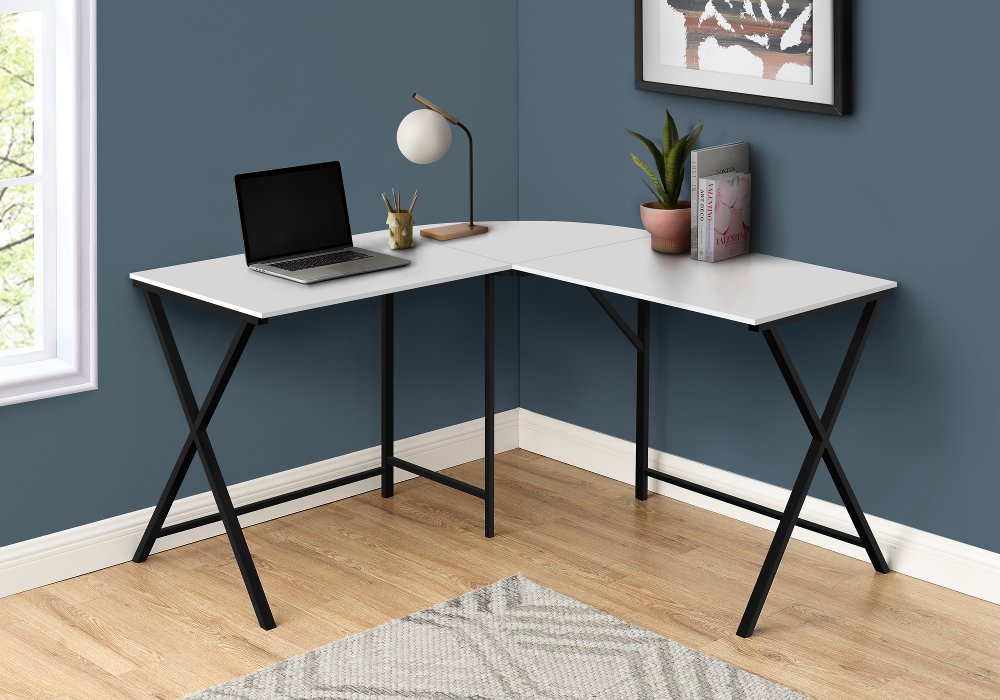
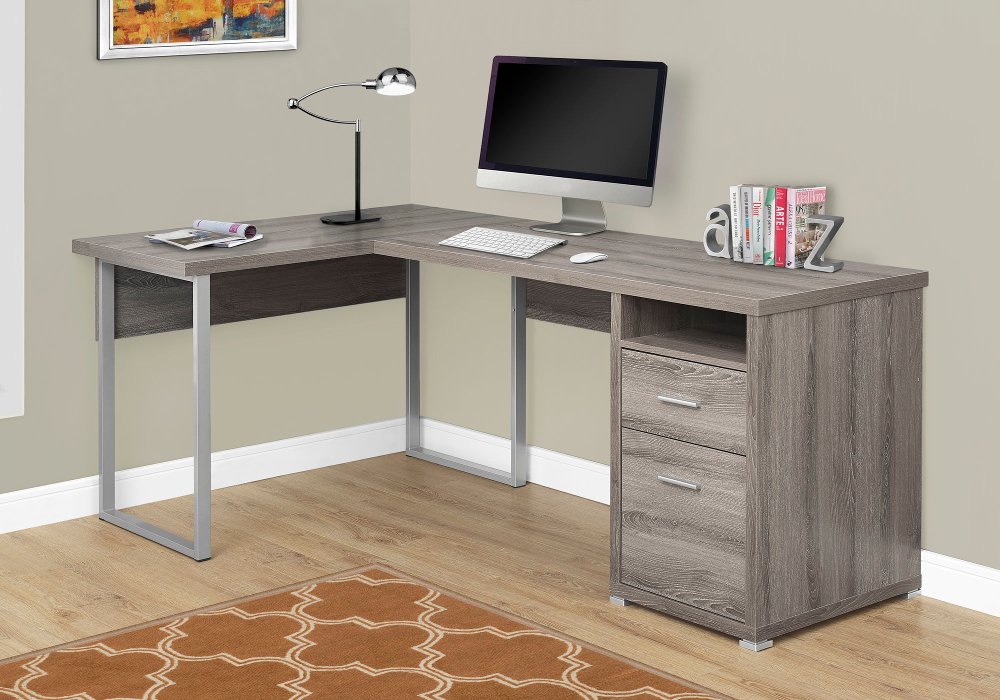
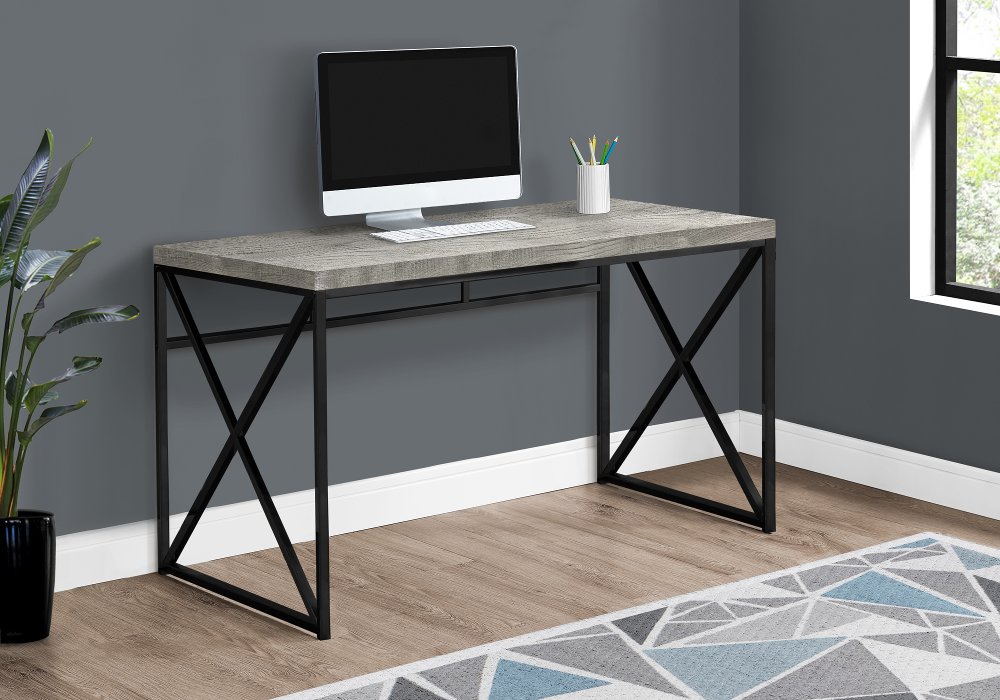
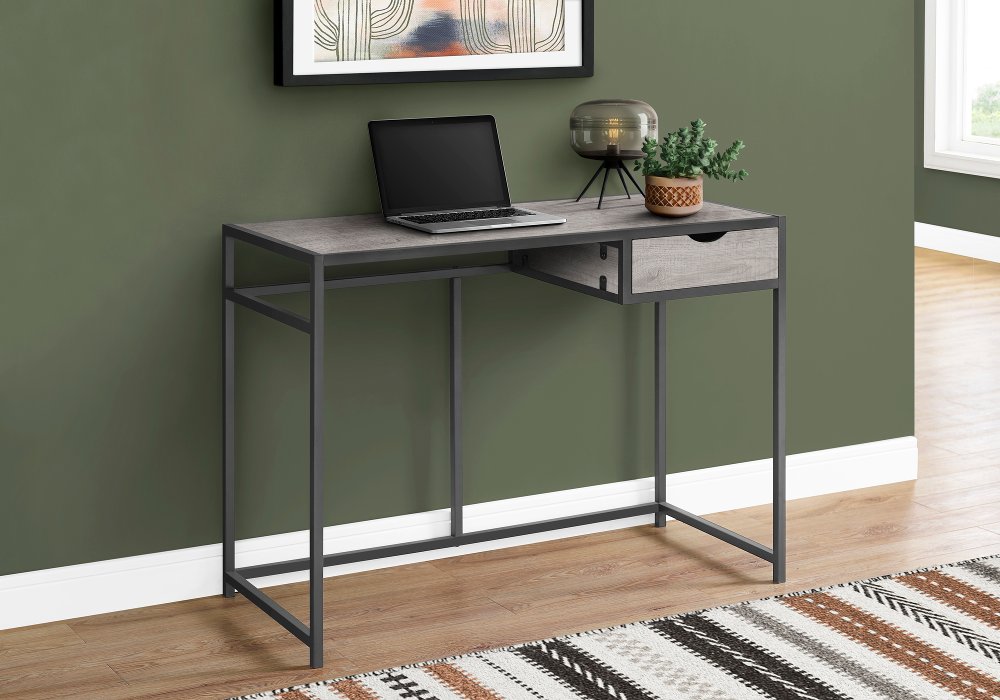
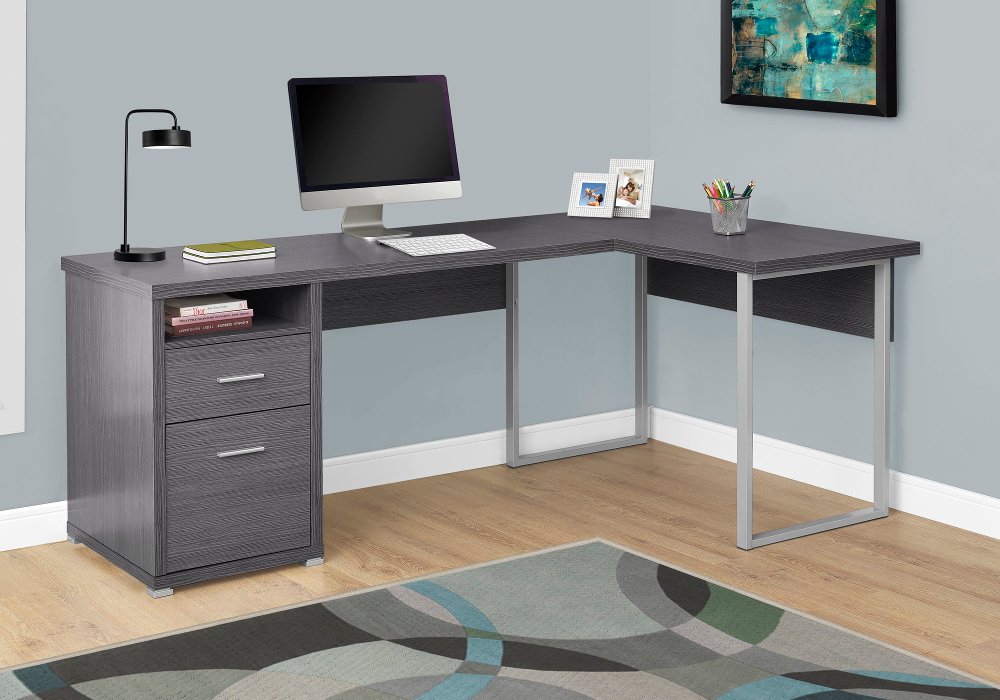
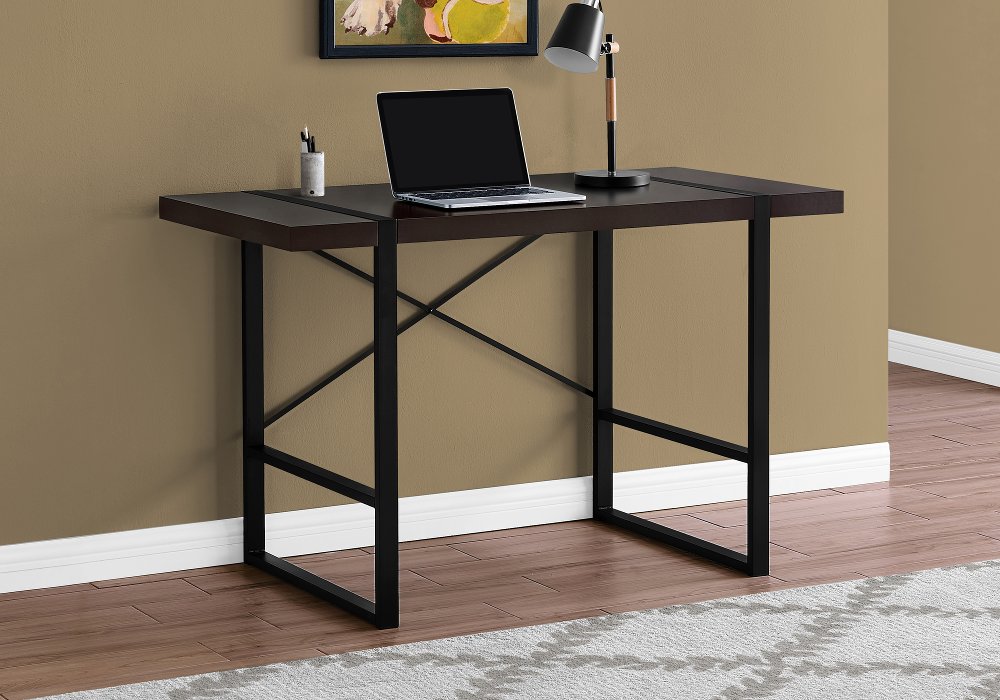
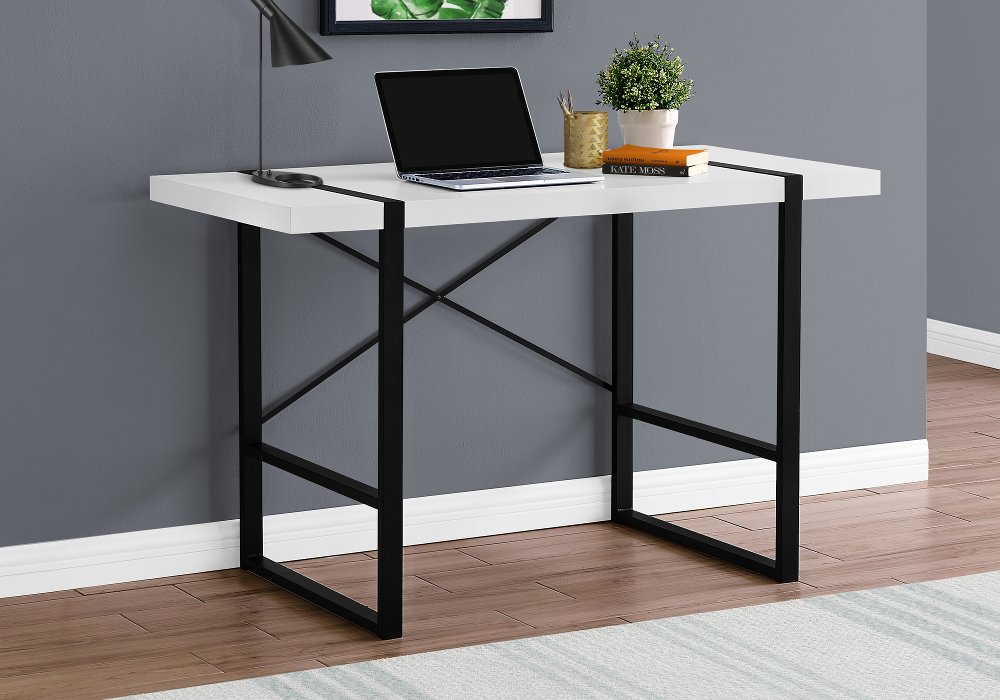
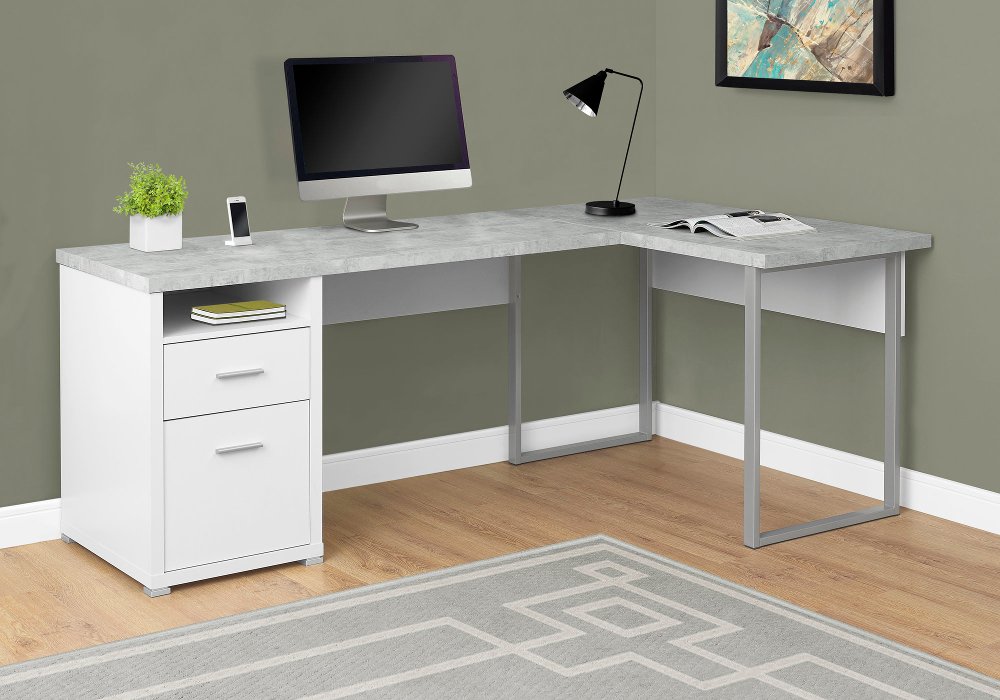
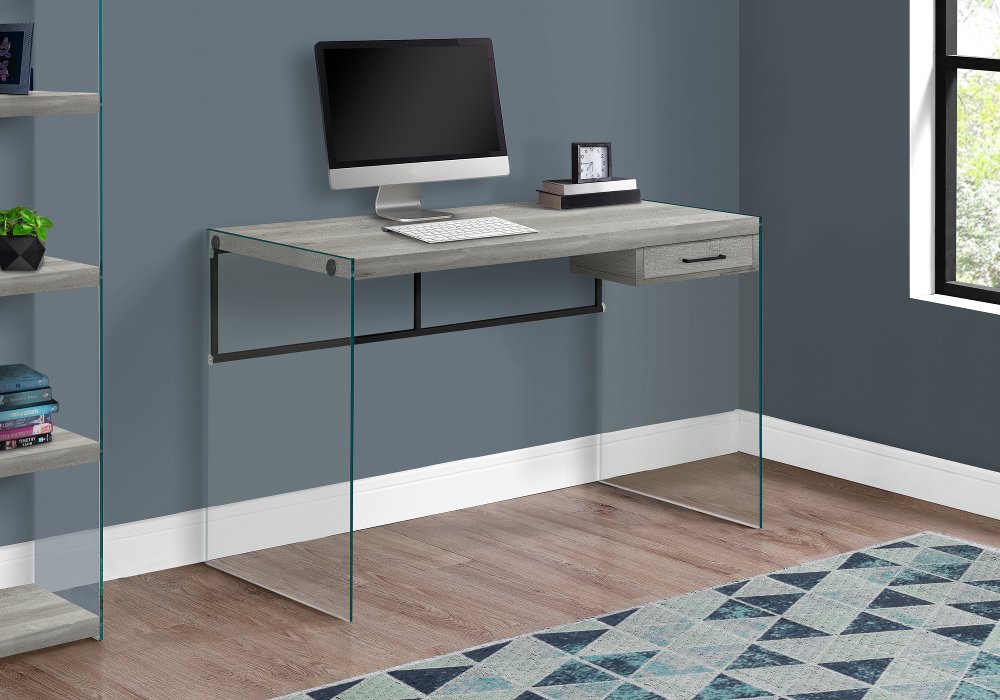
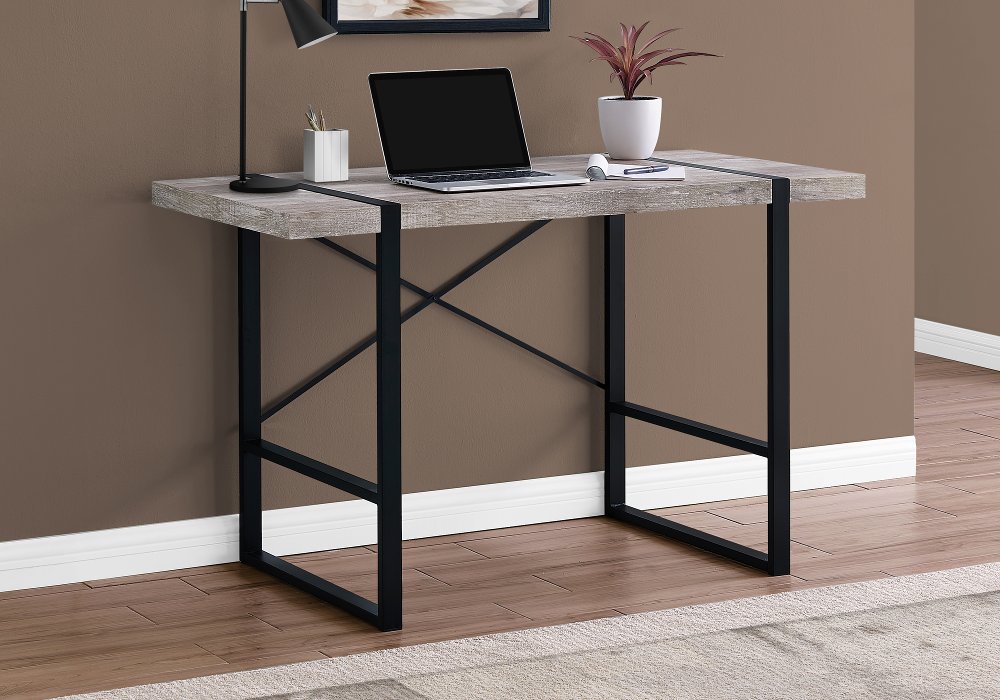
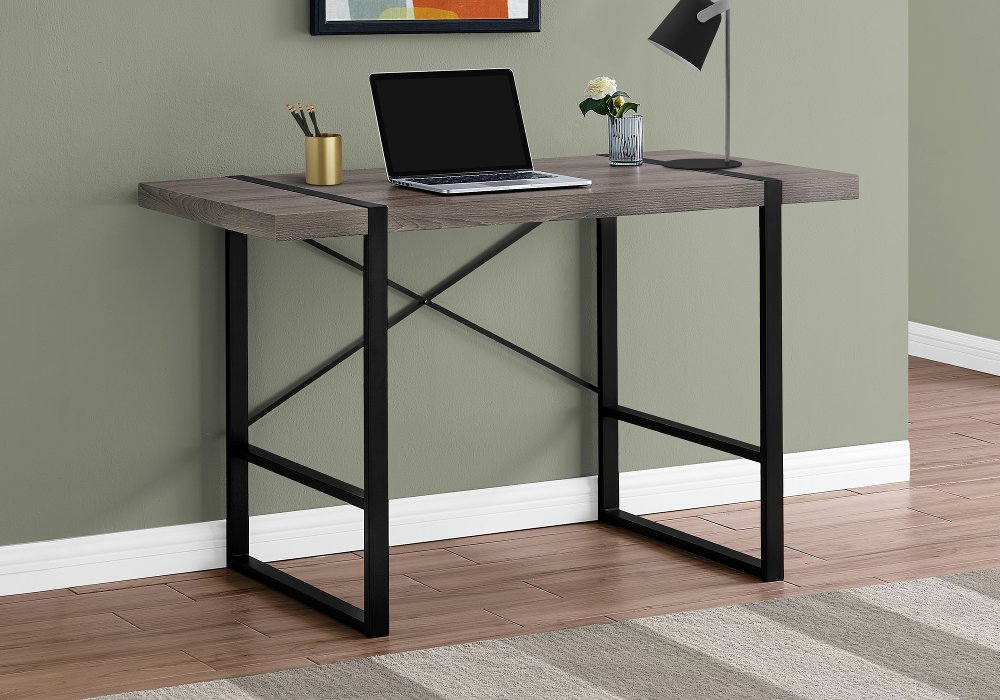
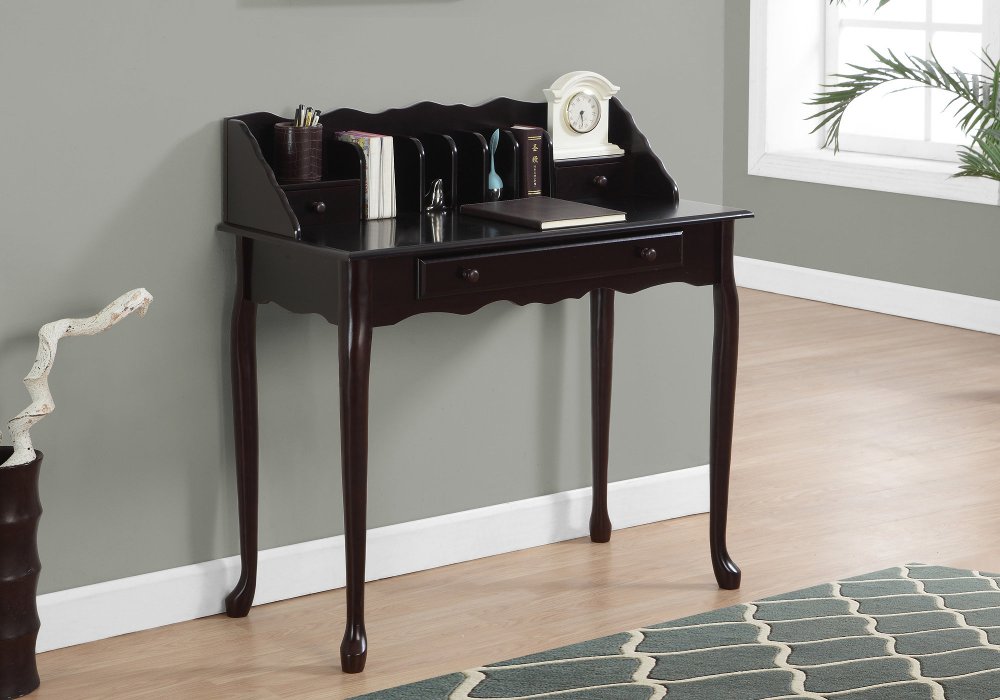
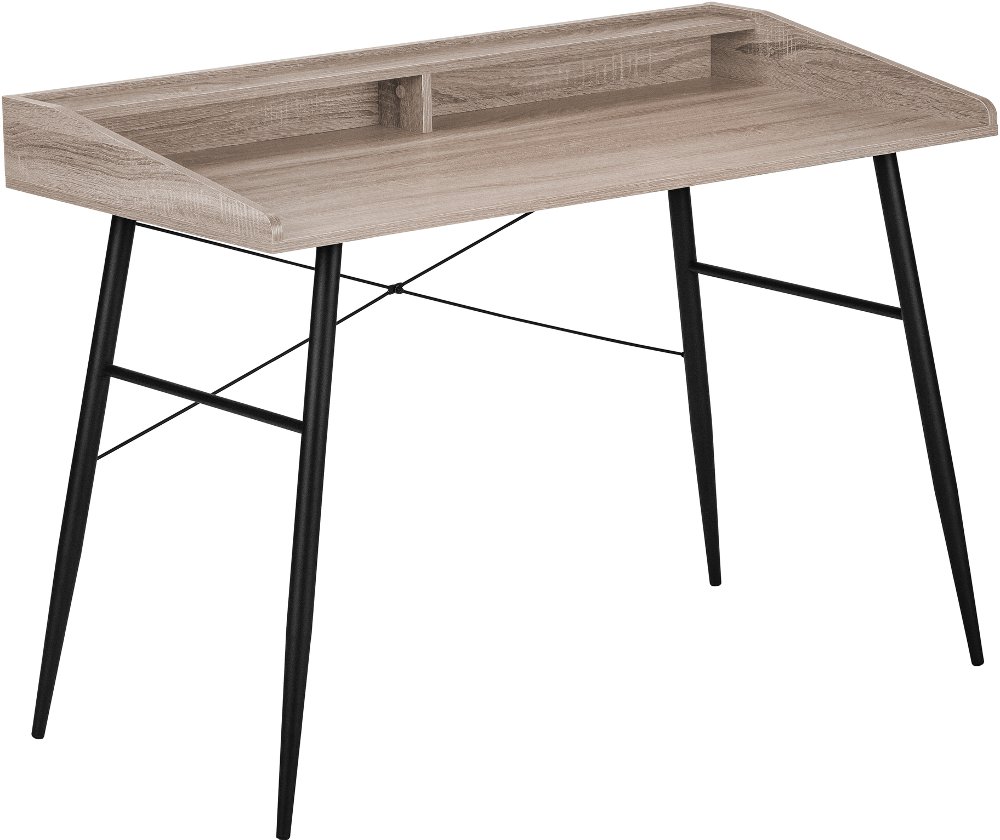
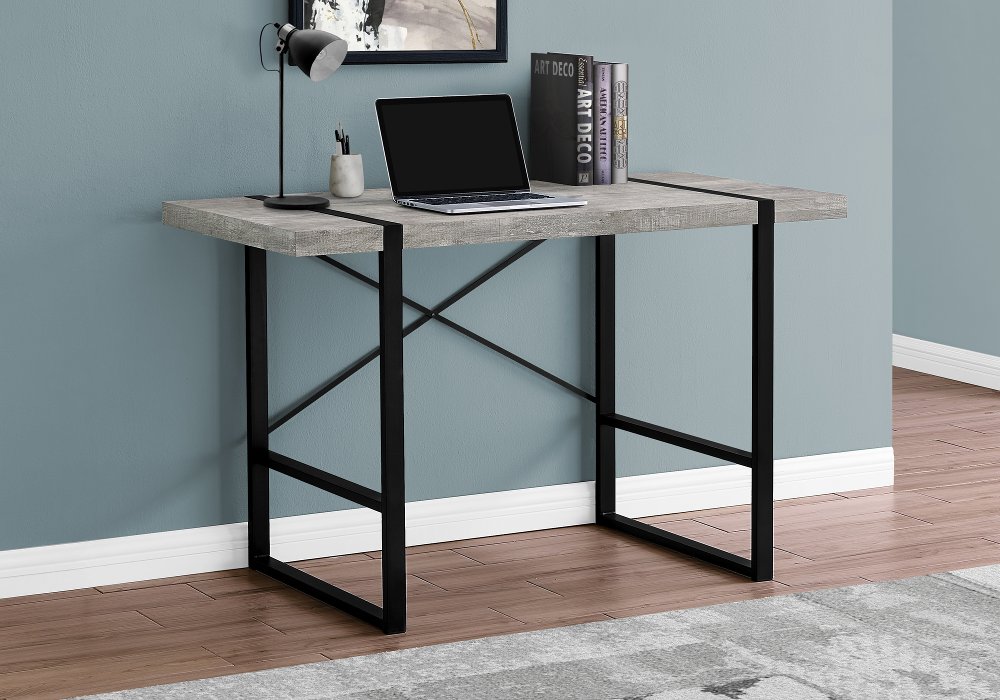
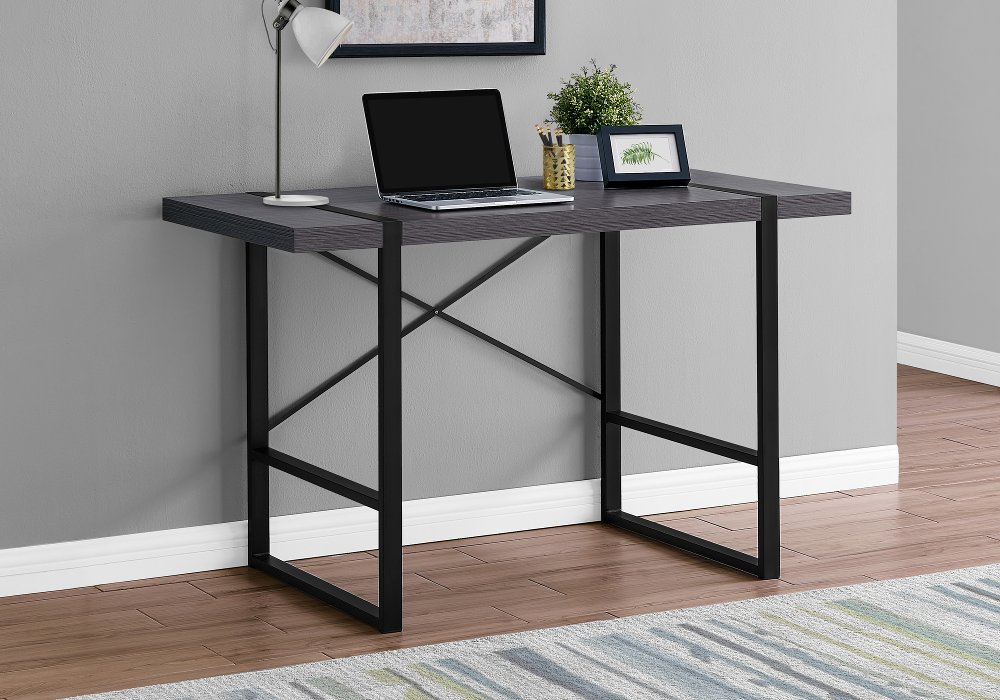
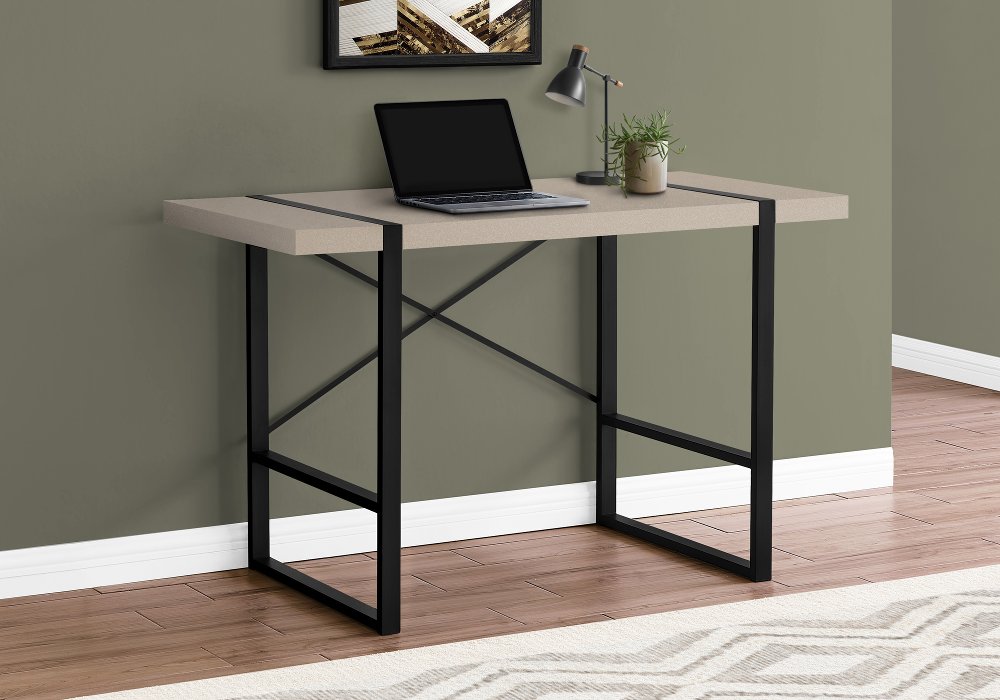
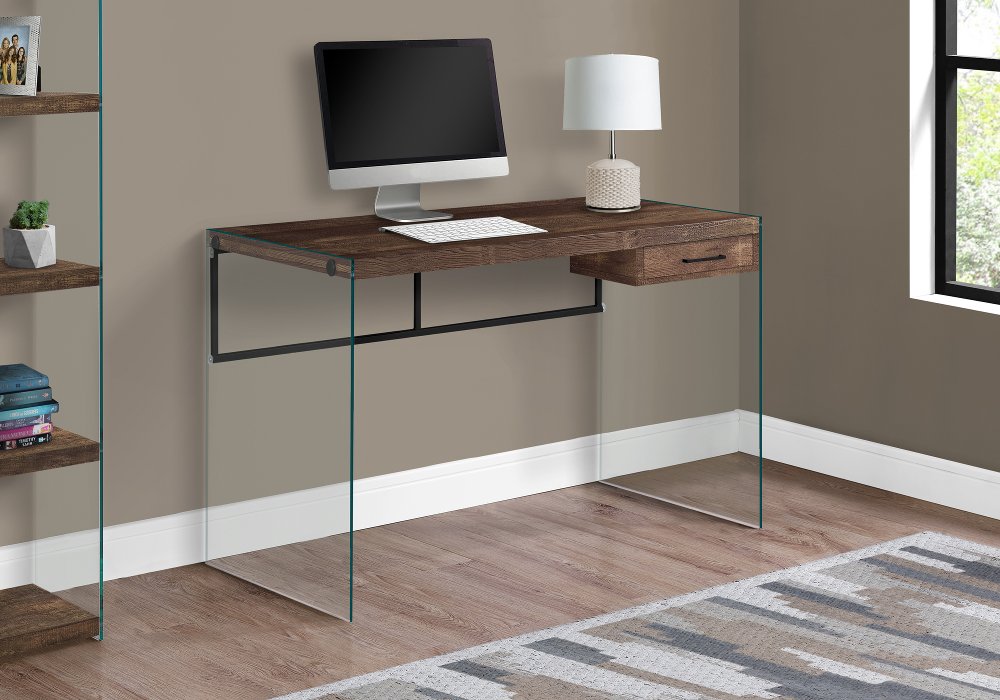
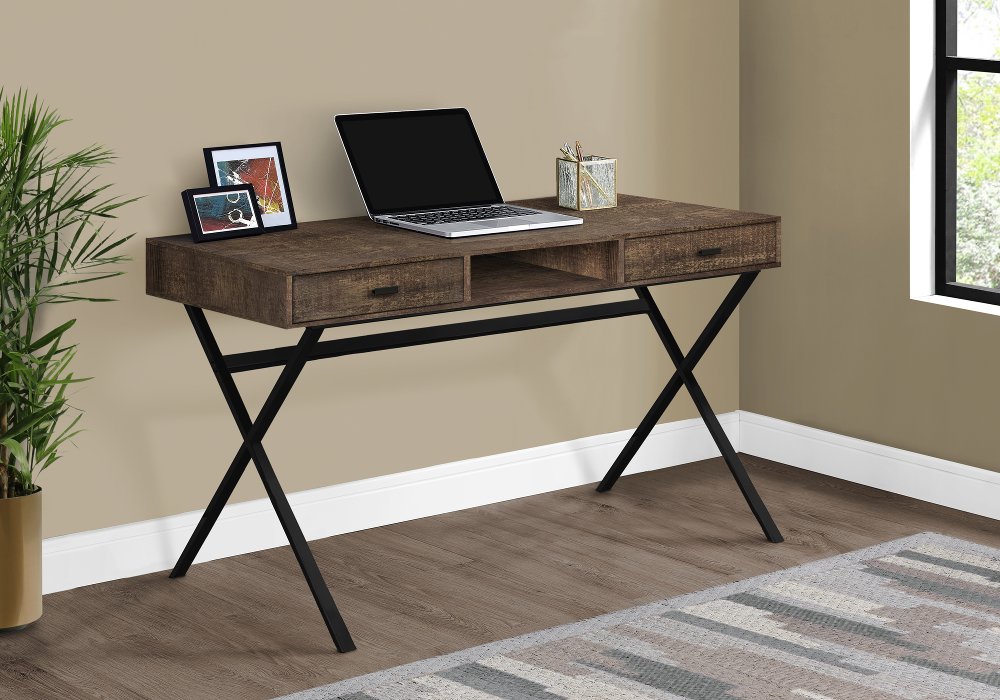
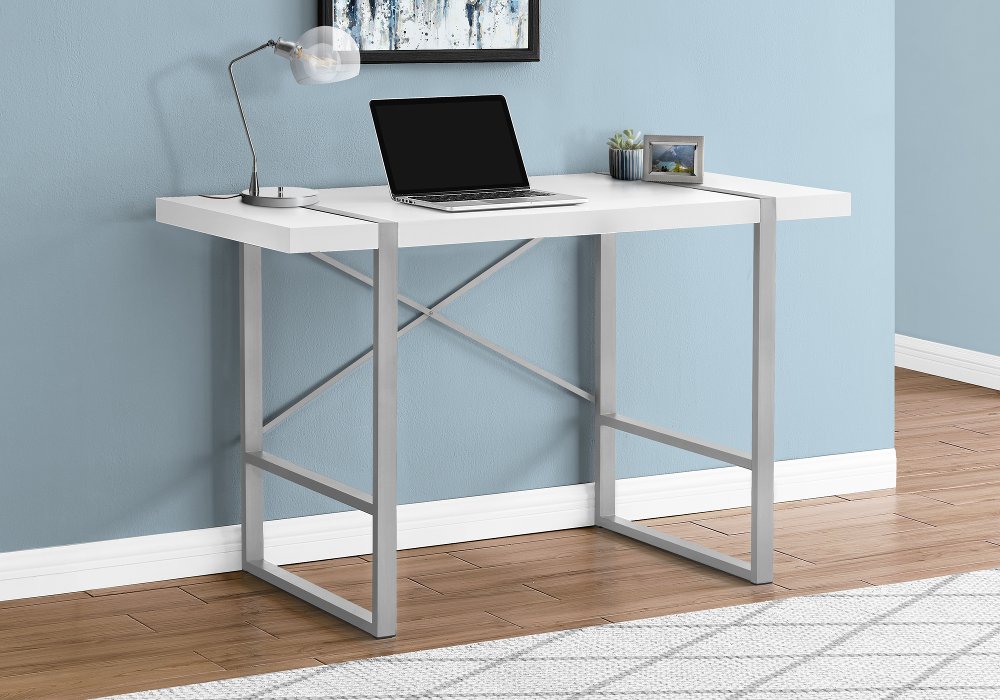
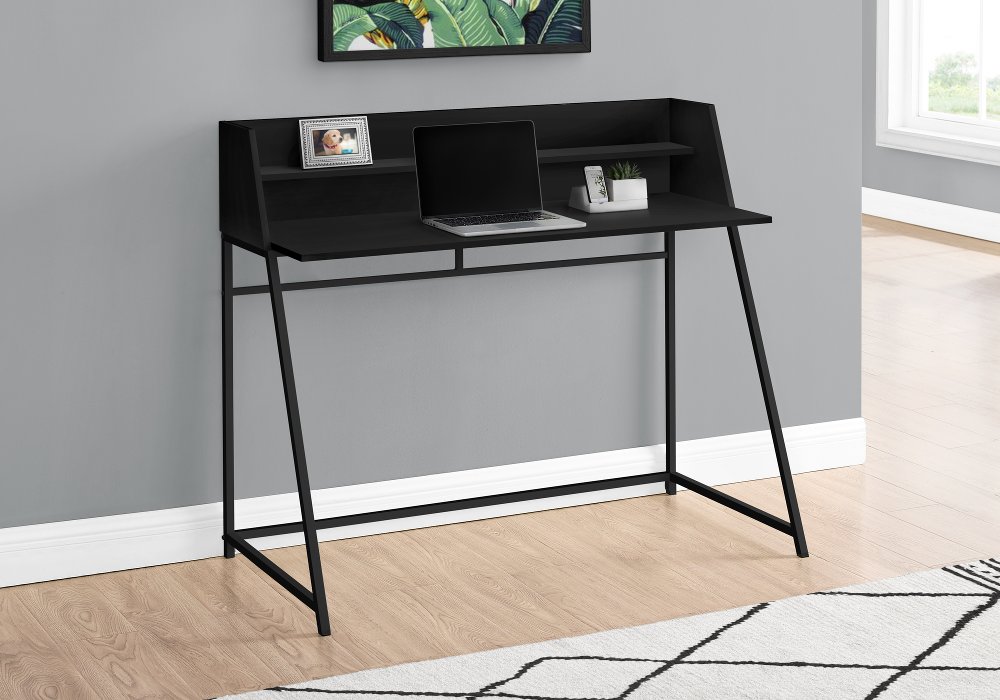
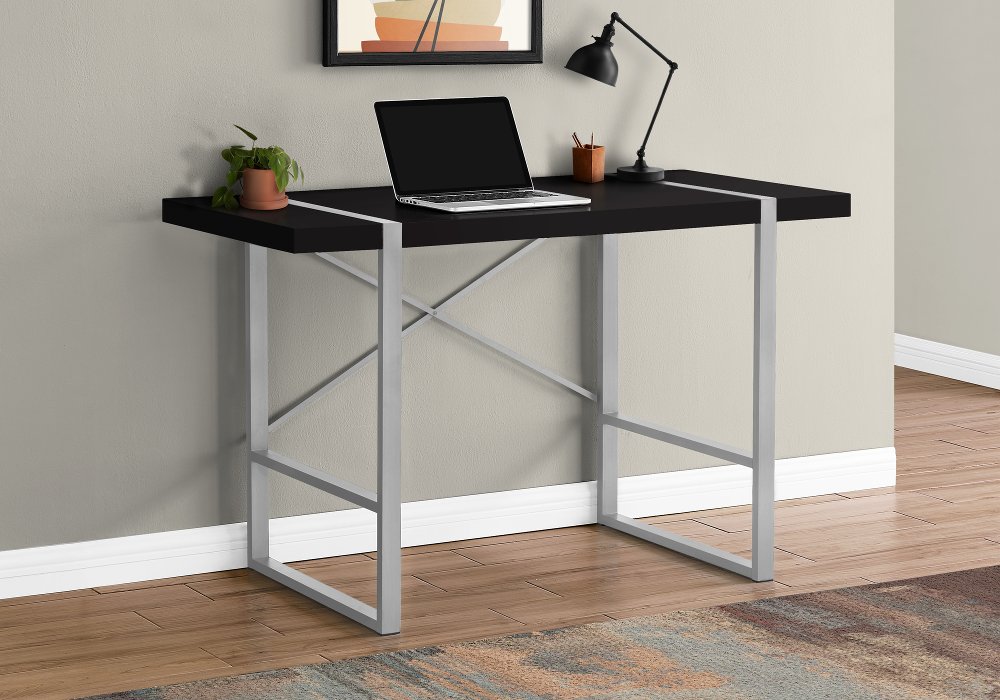
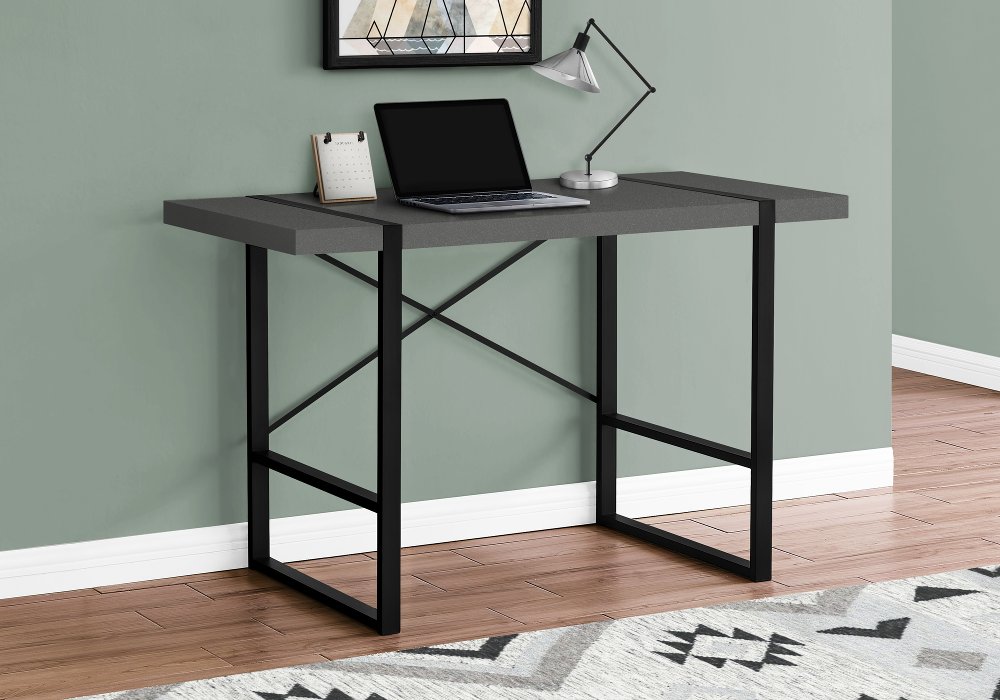
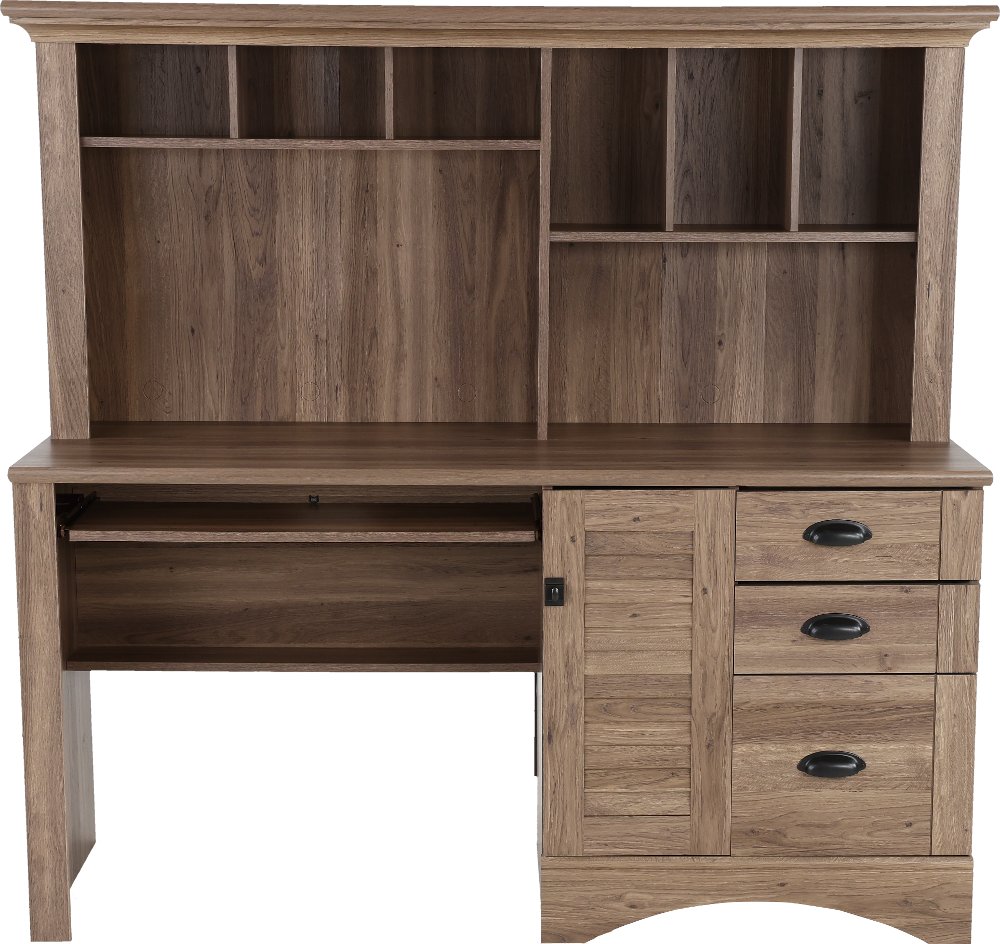
Desks for laptops give your computer a stable surface and help make room for the way you work, study, or handle everyday tasks. A laptop desk can be a stationary piece of furniture, a cushioned lap desk, a folding tray, or a rolling table that positions a work surface over a seat. The differences matter when a workspace needs to fit into your home rather than take over a room. A slim writing desk can turn an unused bedroom wall into a place for answering emails, while a compact desk with drawers keeps homework supplies out of sight between study sessions. Cushioned lap desks combine a firm top with a soft underside, making them useful for occasional browsing or typing from a sofa. Folding laptop trays have legs that support the surface above your lap, although their stability depends on the design and the surface underneath. Rolling laptop tables rest on the floor and can move between seating areas; some have adjustable heights or bases designed to slide beneath furniture. For regular workdays, a stationary desk paired with a supportive chair generally offers more room for positioning a keyboard, mouse, and screen. Students may need space for an open textbook beside a laptop, while someone managing household paperwork might appreciate a drawer for envelopes and a nearby shelf for files. A dedicated laptop surface also makes shared spaces easier to use: the dining table stays ready for meals, and charging cords have a predictable home. When your setup includes a monitor or several accessories, small computer desks can offer another space-conscious approach to a more permanent workstation. The most useful format reflects both where the desk will sit and how much equipment needs to stay within reach, whether that means a lightweight surface for brief tasks or a furnished corner for focused work.
A good fit starts with the full working area, not just the laptop’s screen size. Screen measurements run diagonally, so the computer’s actual width and depth are more useful when comparing desktop dimensions. A surface that barely holds the laptop may leave little room for your hands, a mouse, or the notebook you use during calls. Extra depth can accommodate a laptop stand and separate keyboard, while extra width gives papers and accessories a place without crowding your elbows. In a fixed workspace, the desk height should work with your chair so your shoulders can relax and your forearms can rest comfortably as you type. Raising a laptop screen for longer sessions usually calls for an external keyboard and mouse, since the built-in keyboard rises with the screen. Knee clearance matters, too; a center drawer or low shelf can reduce usable legroom even when the desktop looks spacious. Allow room to pull out the chair and walk past it, especially in a bedroom or shared living area. With a rolling table, check the base dimensions against the clearance beneath your sofa or bed, along with the tabletop’s reach and the height adjustment range. Locking casters, when included, help limit unwanted movement during use. Materials influence both the look and the everyday feel of a laptop desk. Solid wood brings natural grain and character, though its weight and care needs vary by species and finish. Wood veneer offers a real-wood surface over a supporting core, while laminate can provide an easy-to-wipe finish suited to frequent use. Engineered wood construction varies, making edge protection, joinery, and the manufacturer’s weight rating important considerations. Metal frames can create an open, streamlined profile, but frame design and secure connections matter more to stability than appearance alone. Glass tops feel visually light and show fingerprints readily; they also need careful handling around their edges. Rounded corners can be welcome beside a busy walkway, and a smooth front edge is more comfortable where your forearms meet the desk.
The details that make a laptop desk pleasant to live with often become clear during ordinary routines. A shallow drawer can hold pens, earbuds, and a charging cable without turning the work surface into a storage shelf. Open shelving keeps a frequently used reference book nearby, while enclosed storage helps a workspace blend into a living room after the laptop closes. Cable openings can guide cords toward an outlet, but the location of that outlet still affects where the desk belongs. Leave enough slack for any height adjustment, and keep cords clear of walkways, folding joints, and casters. Laptop ventilation deserves the same attention: a firm surface helps keep fabric away from vents, and any raised edge or retaining lip should leave the computer’s airflow paths unobstructed. On a tilting tray, check that the support lip holds the laptop securely without pressing awkwardly against your wrists. For portable designs, manageable weight, comfortable handles where provided, and secure folding mechanisms make a difference when the desk moves from a closet to a seating area. Daily care is usually straightforward when it follows the finish-specific instructions. Dust with a soft cloth, wipe spills promptly, and use coasters to protect the top from drink rings. Avoid soaking seams or applying harsh cleaners, and follow the manufacturer’s directions for glass, wood, laminate, or metal surfaces. Check fasteners periodically on folding and rolling designs, and stay within the stated load limit rather than leaning or sitting on the desktop. A laptop desk can also make a thoughtful gift for a college student, someone settling into a first apartment, or a family member creating a work-from-home space, especially when the room measurements and intended use are already known. Whether its style is warm and traditional or clean and contemporary, a well-suited desk gives everyday work a comfortable place without making the rest of the room feel like an office.
Read More