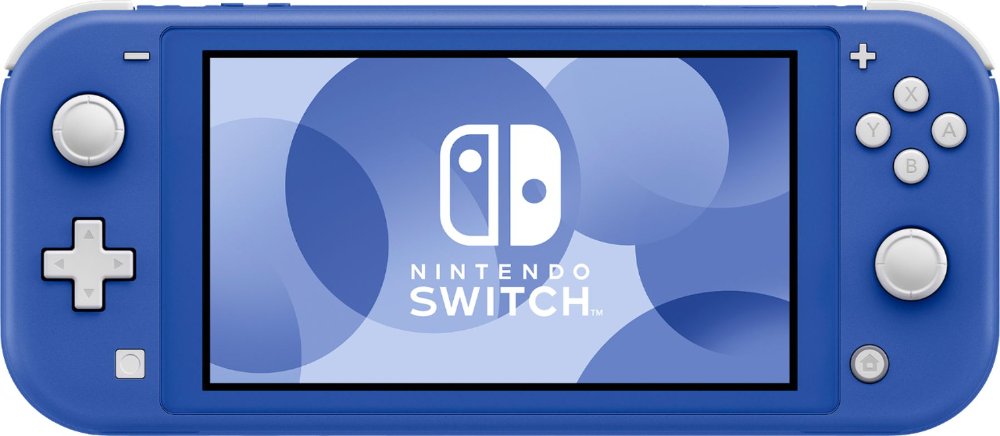
Gaming units are electronic systems for playing video games, including home consoles, portable handheld devices, hybrid systems, and gaming PCs. Each type fits a different way of playing, whether that means sharing a television for a family tournament, settling into a favorite adventure with headphones, or carrying a game from room to room. Home gaming consoles typically connect to a TV or monitor and use separate controllers, making them a natural fit for living rooms, media rooms, and shared entertainment spaces. Handheld gaming devices combine a screen and controls in one portable unit, while hybrid systems can support both handheld play and a connection to a larger display, depending on their design. Handheld gaming PCs bring computer-based games to a portable format, although game compatibility, control layouts, and setup requirements vary. The right fit depends as much on the games you enjoy as on where you plan to play. A household that loves sports games and local multiplayer may value support for several controllers, while someone who follows story-driven adventures may care more about access to a particular game library. Not every game works on every system, and a familiar title may have different features across platforms. Access to an existing digital library, compatibility with friends’ systems, and support for favorite accessories can make a meaningful difference in everyday use. Physical games and downloaded games also call for different features: a system needs a compatible disc or cartridge slot to accept physical media, while an all-digital gaming unit relies on downloads and internal or expandable storage. For a gift recipient with an established collection, matching the gaming platform is often more useful than choosing by appearance alone. These distinctions help separate a unit that simply looks appealing from one that fits naturally into the way someone already plays.
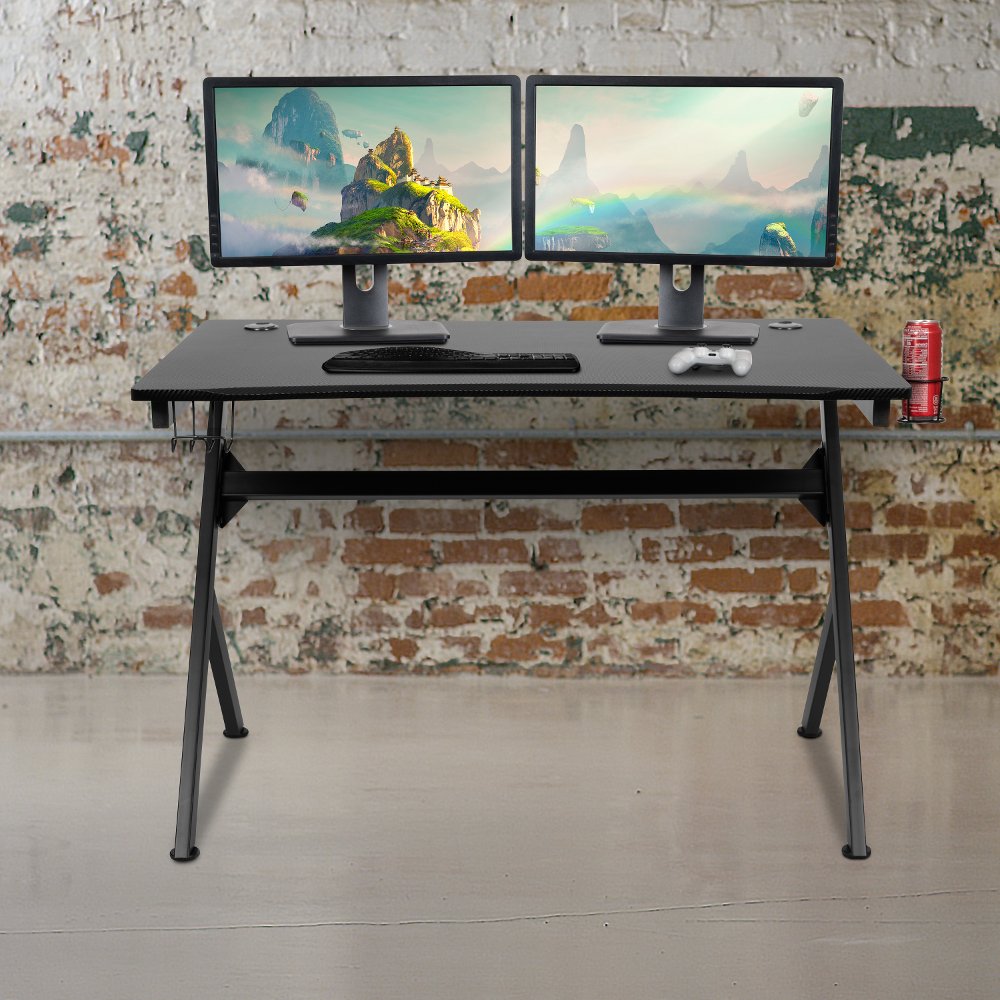
Performance matters most when it supports the experience you want. Processor and graphics capabilities influence how a gaming unit handles detailed environments, action-heavy scenes, and demanding software, but the final picture also depends on the game and display. A high-resolution television does not guarantee that every game will run at its highest resolution or frame rate. Some games offer a choice between sharper visual detail and smoother movement, giving players room to favor the experience they prefer. Solid-state storage can shorten loading times, while storage capacity determines how many games and updates can remain installed together. Advertised capacity is not the same as usable space because system software takes up part of the drive, and some large games require substantial room. Expansion options vary, so compatibility matters when adding storage. For home consoles, physical fit deserves just as much attention as technical specifications. Leave the ventilation clearance recommended by the manufacturer rather than squeezing a unit into a tightly enclosed cabinet. Measure the full setup, including cable connections, controller charging space, and any stand or dock required for the intended position. Gaming units commonly use molded plastic outer housings with internal metal components that help support the structure or manage heat; surface finish alone does not indicate durability. A stable, open placement helps protect the housing, ports, and connected cables from everyday bumps. Keep drinks away from the system, avoid stacking equipment over vents, and follow the manufacturer’s cleaning instructions. A soft, dry cloth is generally suitable for exterior dust, while liquids sprayed directly onto electronics can cause damage. For a computer-based setup, explore Gaming Workstations for a dedicated place to arrange a monitor, keyboard, mouse, and other essentials. A comfortable layout leaves room for normal hand movements and keeps cables from stretching across walkways or pulling against ports.
Comfort and convenience often become the features that matter most after the first few sessions. A handheld gaming unit should feel balanced in the player’s hands, with buttons and sticks that are easy to reach without a strained grip. Screen size, text readability, device weight, and battery life all affect portable play, especially for someone who enjoys longer sessions. Battery runtime varies with the game, brightness, wireless connections, and performance settings, so a single advertised figure may not reflect every use. A protective case can help limit scratches during travel, while careful storage protects exposed controls from pressure inside a crowded bag. For a home console, controller shape, wireless reliability, headset compatibility, and charging arrangements shape the everyday experience. Two people sharing a couch may need separate compatible controllers, and local multiplayer support depends on the game rather than the number of controllers connected. Online play brings different considerations, including a dependable internet connection, supported communication features, and, for some services or games, a separate subscription. Wired networking can provide a steady connection where supported, while wireless performance depends partly on router placement and household traffic. Shared systems also benefit from individual player profiles, accessible settings, and clear parental controls when children will use them. Depending on the platform, families may be able to manage communication, purchases, playtime, and age-appropriate content. Features such as remappable controls, adjustable text, captions, and compatible adaptive accessories can make gaming more comfortable for players with different needs, though support varies by system and game. Gaming units can make thoughtful gifts for a student, a partner who enjoys playing with friends, or a family building a shared entertainment space. The strongest match respects the recipient’s preferred games, existing equipment, and available room. Whether the goal is a quick puzzle between tasks or an evening of cooperative play, a well-matched system makes it easier to spend time enjoying the games rather than working around the setup.
Read More