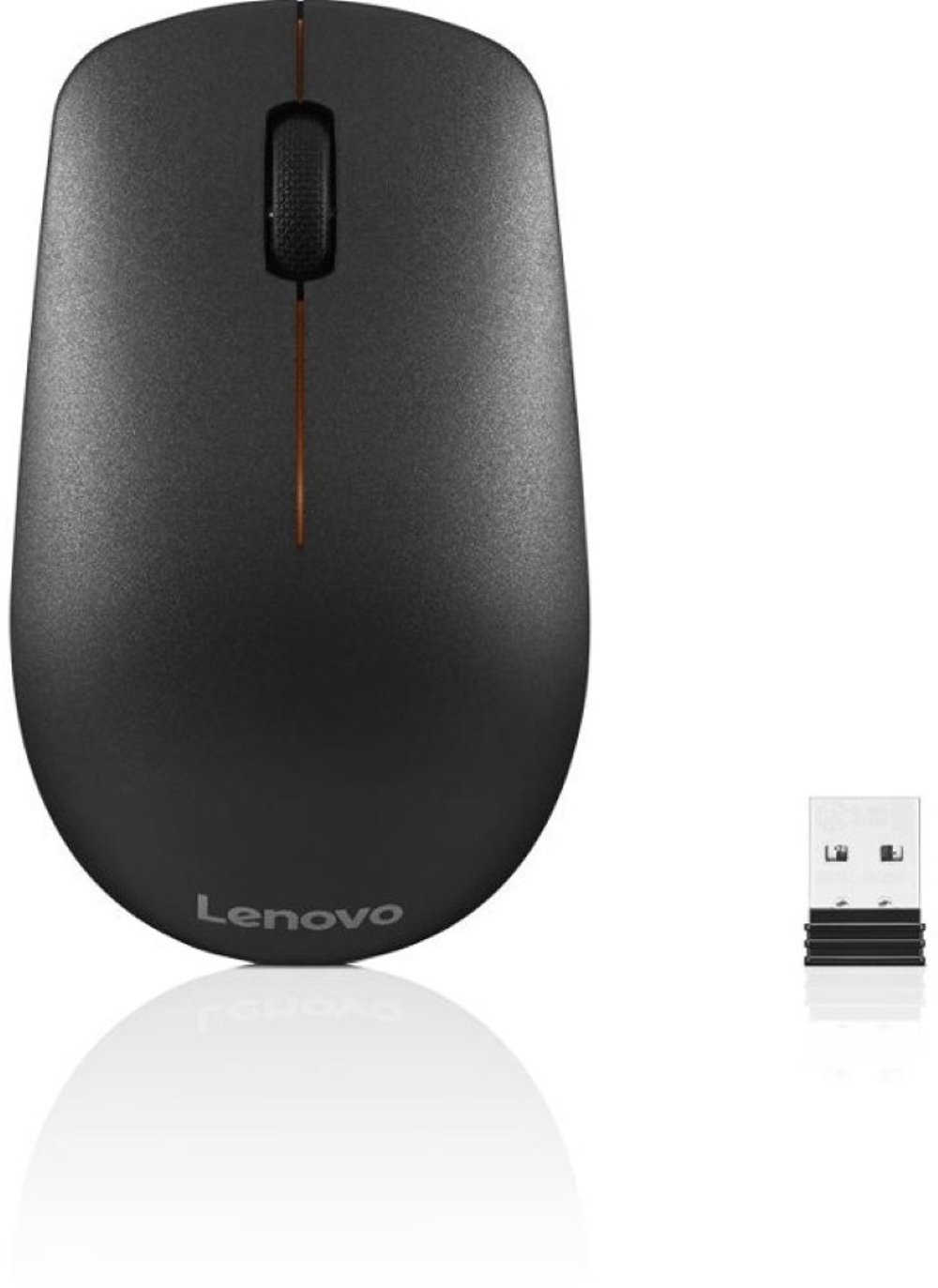
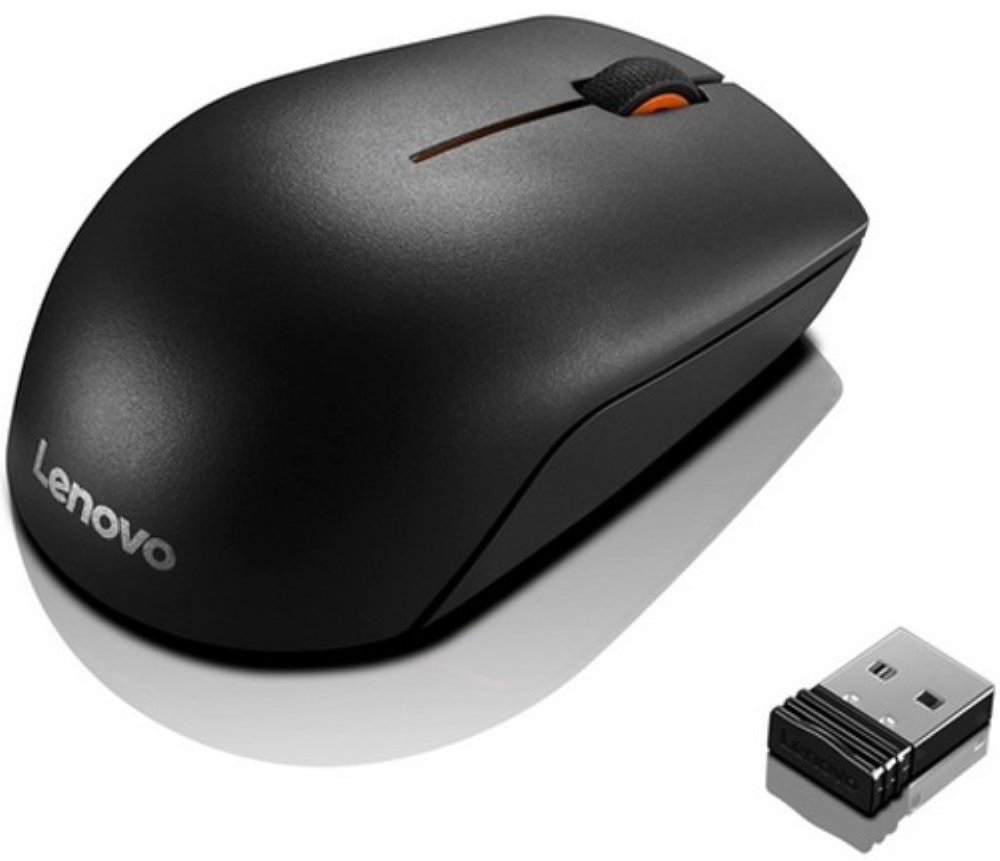
Office mice bring precise, comfortable control to everyday computer work, from moving between browser tabs to lining up columns in a spreadsheet. The best office mouse for a particular workspace is one that fits the user’s hand, connects reliably to the computer, and supports the tasks that fill the day. For someone answering emails and reviewing documents, a straightforward design with responsive buttons and a dependable scroll wheel may be all that’s needed. A person working across large spreadsheets, detailed layouts, or several applications may appreciate side scrolling, adjustable pointer sensitivity, and extra buttons for frequently used commands. Comfort starts with the mouse’s size and shape rather than its feature count. A fuller body can support a palm-resting grip, while a shorter, lighter shape may suit someone who steers primarily with their fingertips. Compact office mice also slip easily into a laptop bag, though a travel-friendly size doesn’t always provide the hand support someone wants for hours at a permanent desk. Contoured designs often favor one hand, so left-handed users should pay attention to both the body shape and button placement. A symmetrical shell can offer more flexibility, but side buttons may still be positioned for right-handed use. Vertical mice hold the hand at a more upright angle, which some people find comfortable, though the different position can take practice. No mouse shape guarantees relief from wrist discomfort; desk height, forearm support, breaks, and keeping the mouse within easy reach also matter. Smooth plastic shells are generally easy to wipe clean, while textured surfaces and rubberized grips can feel more secure under the fingers. Weight matters, too: some users prefer a light mouse that moves with little effort, while others enjoy a more substantial feel. Across these designs, a good fit lets the hand rest naturally without stretching to reach the main buttons or gripping tightly to maintain control.
Connection type helps determine how an office mouse fits into a daily routine. A wired mouse provides a direct connection without batteries to replace or recharge, making it a practical choice for a dedicated workstation. Its cable needs enough length to reach the computer comfortably without pulling against the mouse or catching along the desk edge. Wireless office mice leave more room for movement and make it easier to shift a laptop between a desk, meeting table, and shared workspace. Bluetooth models connect to compatible computers without occupying a USB port, while models that use a USB receiver require an appropriate port or adapter. Wireless doesn’t always mean Bluetooth, so checking the connection details helps avoid setup surprises. Multi-device pairing can be useful when a workday involves both a laptop and a desktop, although the number of supported devices and the switching method vary. Basic pointer functions often work with little setup, while button customization, gestures, and other advanced controls may require compatible software. That distinction matters on employer-managed computers where software installation is restricted. Tracking performance is another consideration, especially on desks with glossy or glass surfaces. Optical sensors work across many common surfaces, but not every sensor tracks reliably on transparent or highly reflective materials; a consistent mouse pad surface can help. Adjustable DPI, or dots per inch, changes how far the pointer travels relative to physical mouse movement. Higher settings can make a large display easier to cross, while lower settings can support more deliberate positioning. A higher maximum DPI alone doesn’t make a mouse better for office work. Scroll-wheel behavior can have a more noticeable effect during ordinary tasks: defined steps help move through a document in controlled increments, while free-spinning scrolling can cover lengthy pages quickly. Horizontal scrolling is particularly useful for wide worksheets. Quiet-click designs may help keep a shared office or a nearby video call less distracting, but quiet doesn’t necessarily mean silent. The most useful features are the ones that make repeated actions feel easier without adding unnecessary complexity.
An office mouse also needs to hold up to the less noticeable parts of the workday: being moved aside for paperwork, tucked into a bag, and used through countless clicks and scrolls. Durability depends on more than a sturdy-looking shell. Button switches, the scroll-wheel mechanism, cable attachment on wired designs, and the glide feet underneath all contribute to how consistently a mouse performs over time. Smooth glide feet help the mouse move with less drag, while a clean desk mat limits the dust and grit that can collect underneath. Routine care is usually simple: disconnect or switch off the mouse, follow the manufacturer’s cleaning directions, and use a soft cloth to remove fingerprints and everyday residue. Avoid spraying cleaner directly into button gaps, the sensor opening, or charging ports, and keep moisture away from electronics. Rubberized coatings may need different care than hard plastic surfaces, so a harsh cleaner can do more harm than a gentle wipe. For wireless models, battery type affects the upkeep. Replaceable batteries can be convenient when a fresh set is close at hand; rechargeable designs call for a charging routine and access to a compatible cable. A rechargeable mouse may not work while charging, so that capability is worth checking if uninterrupted use matters. Portable users may also appreciate an on/off switch and built-in receiver storage to keep small parts together between locations. These practical details make office mice useful for remote employees, students, small-business owners, and anyone who prefers a separate mouse to a laptop’s trackpad. They can also make thoughtful gifts for someone setting up a study area or starting a desk-based role, especially when the recipient’s handedness, computer connections, and size preferences are known. Within a complete workspace, the mouse should sit close to the keyboard, with enough clear surface for relaxed movement. Accessories such as office speakers can round out a desk used for presentations, training videos, or everyday listening without taking over the space needed for comfortable computer use. A well-matched office mouse earns its place through dependable tracking, an easy reach, and controls that feel familiar from the first task to the last.
Read More