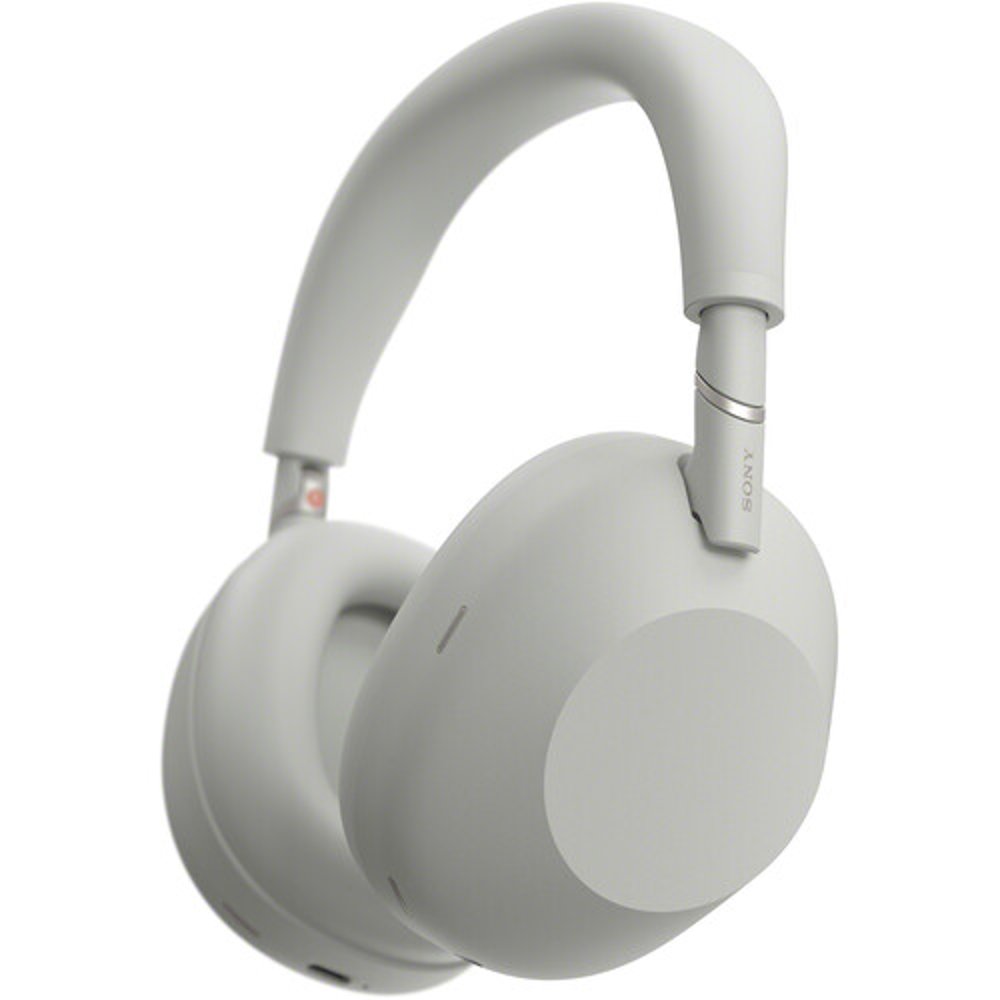
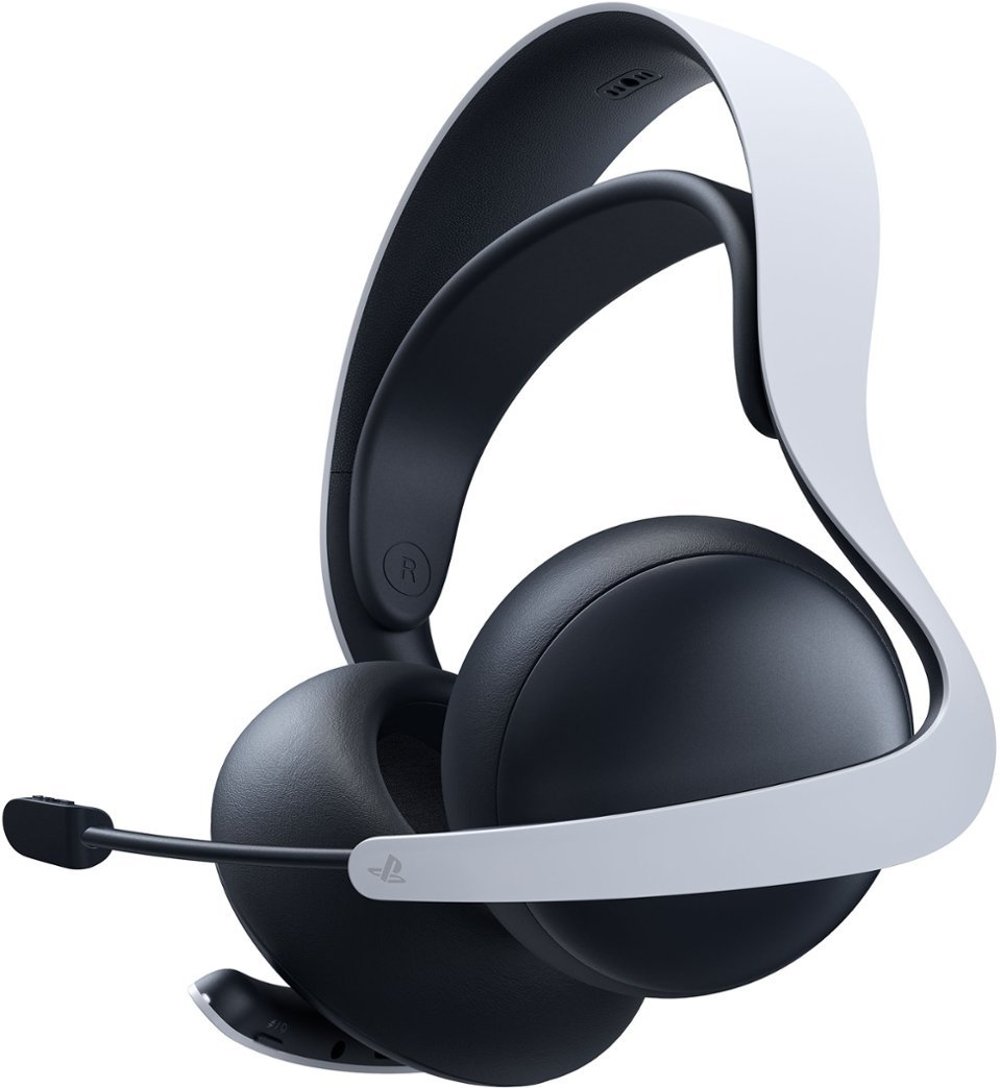
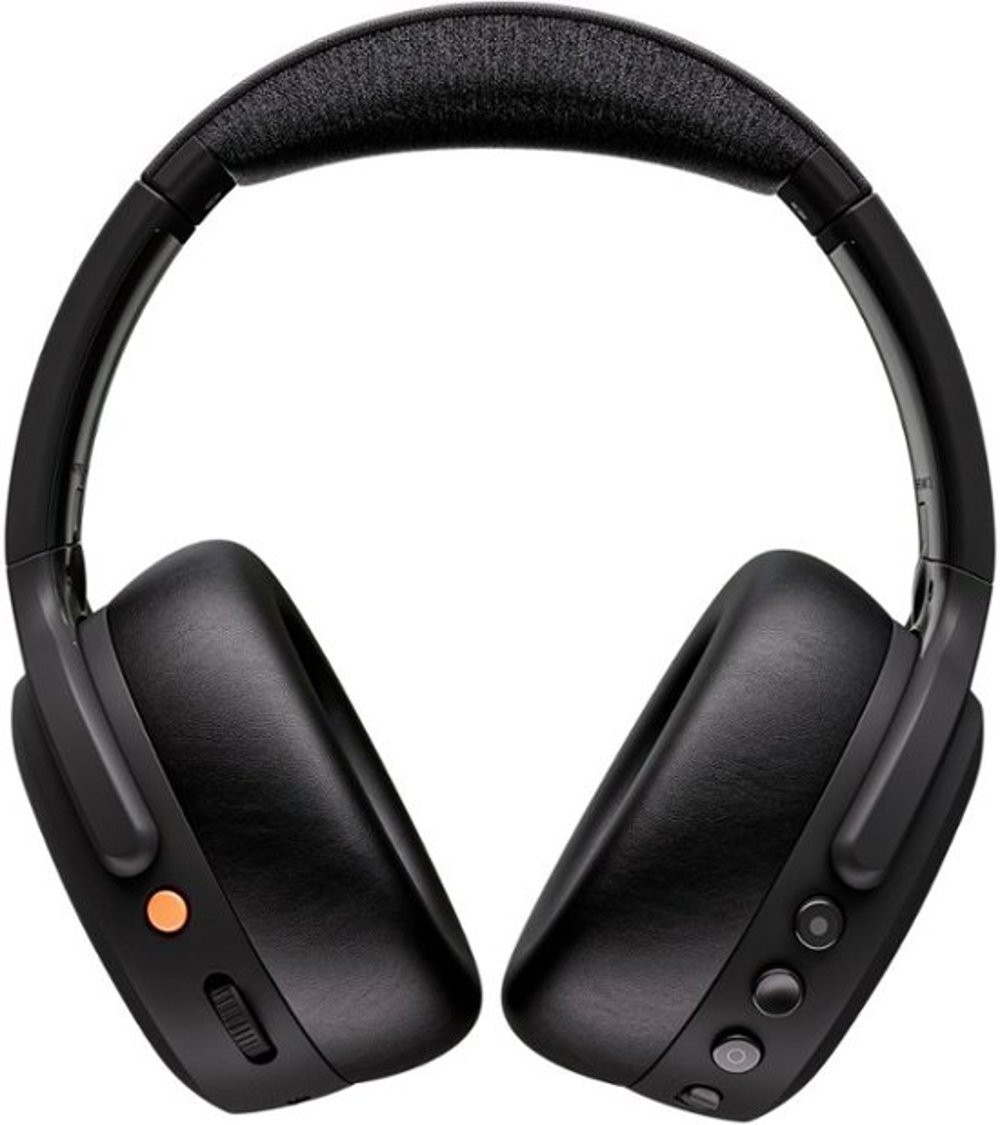
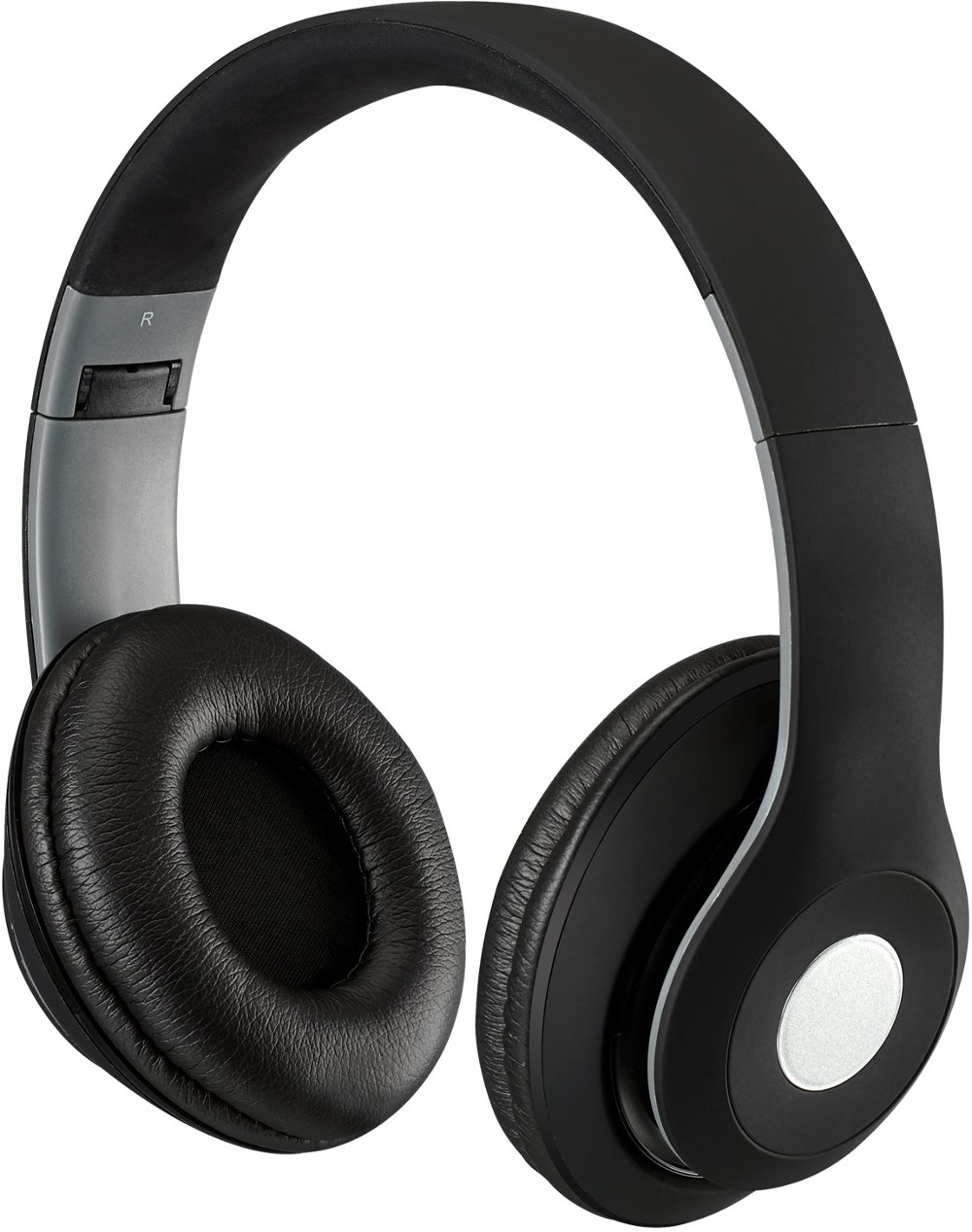
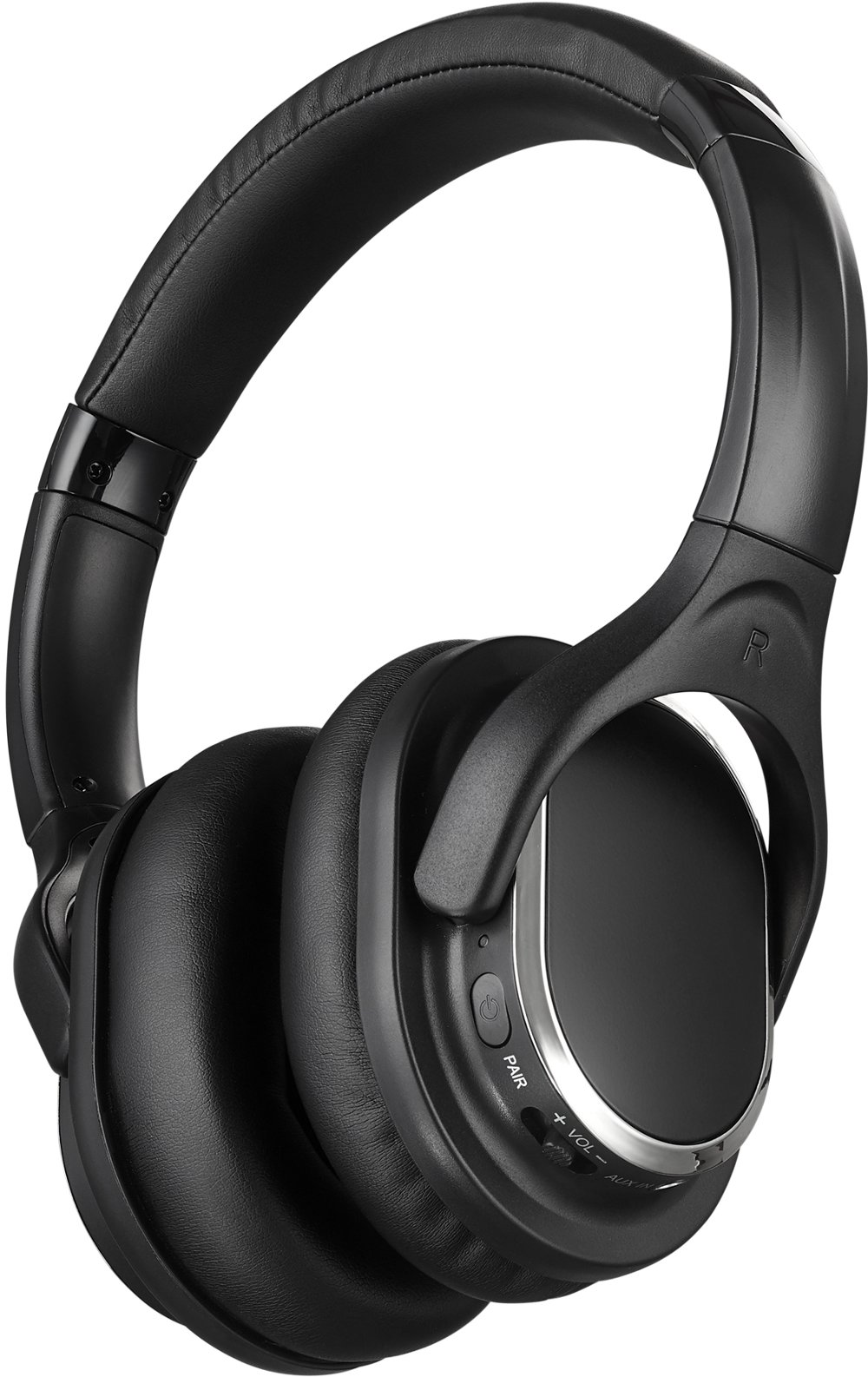
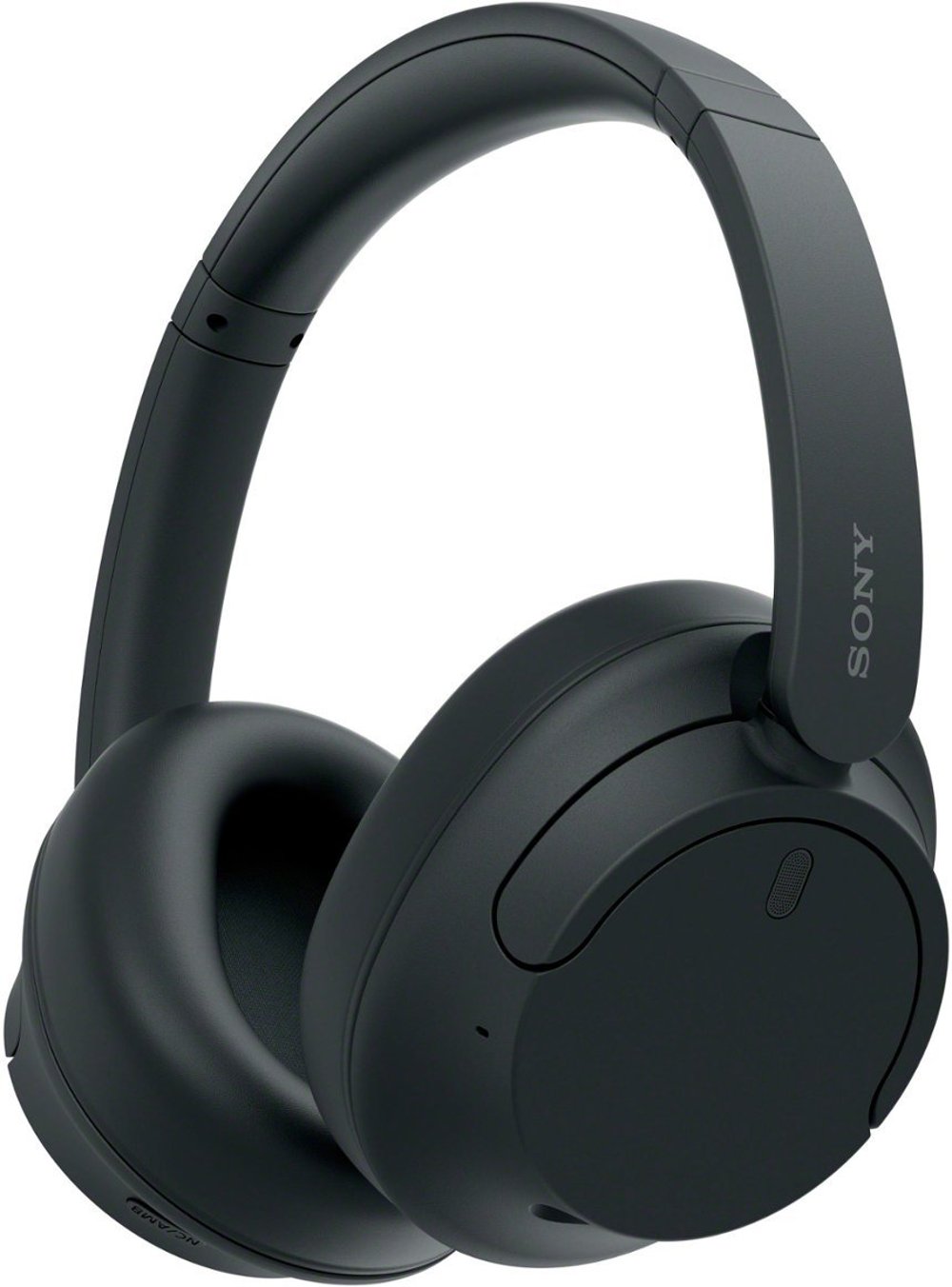
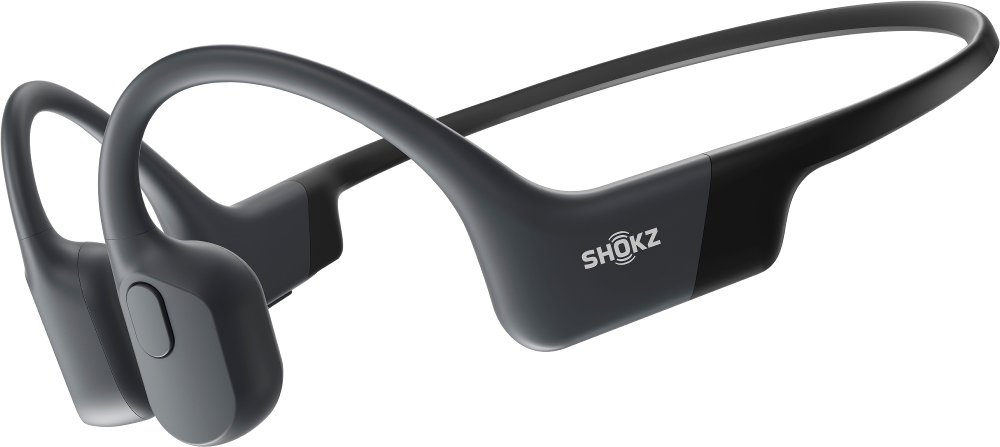
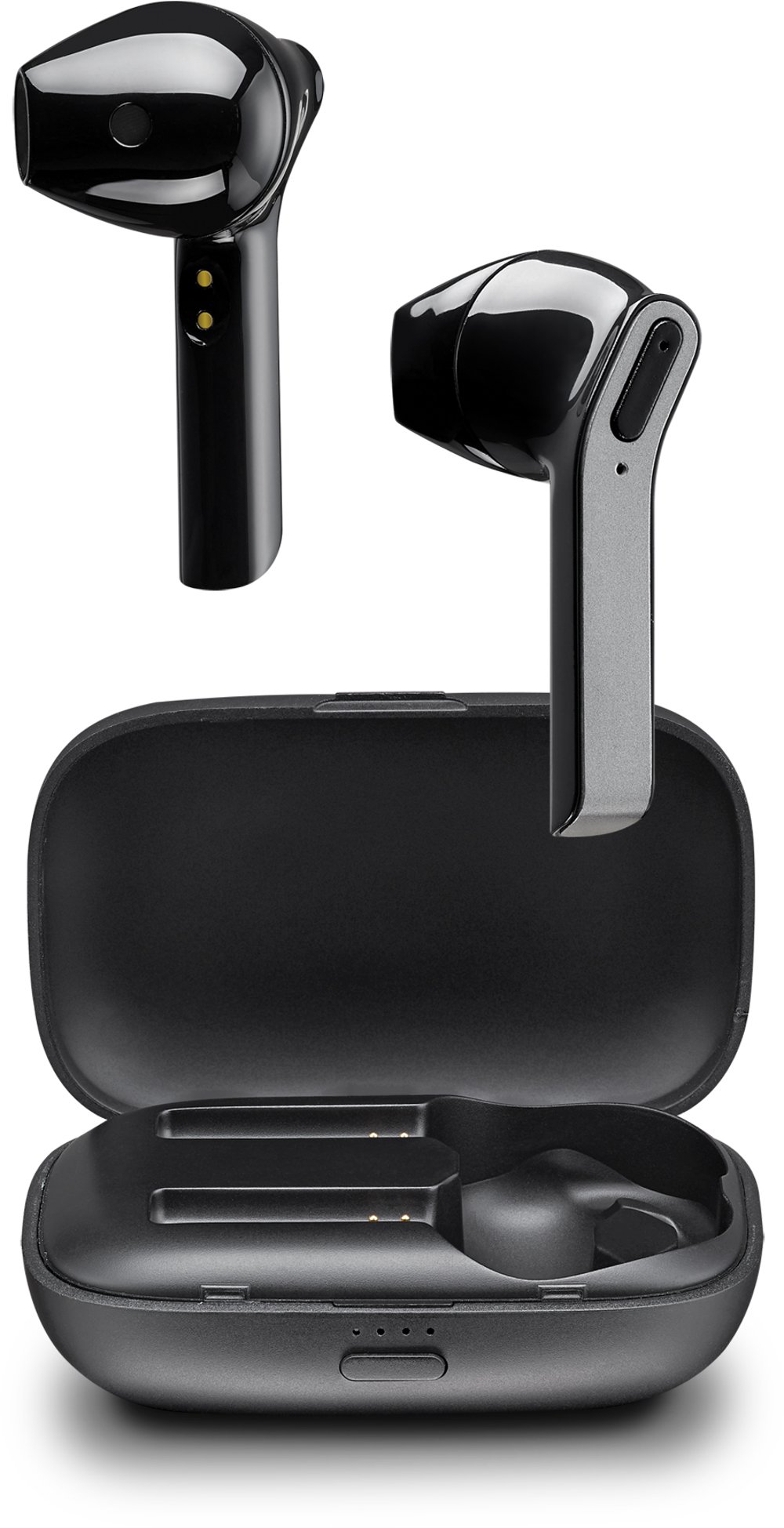
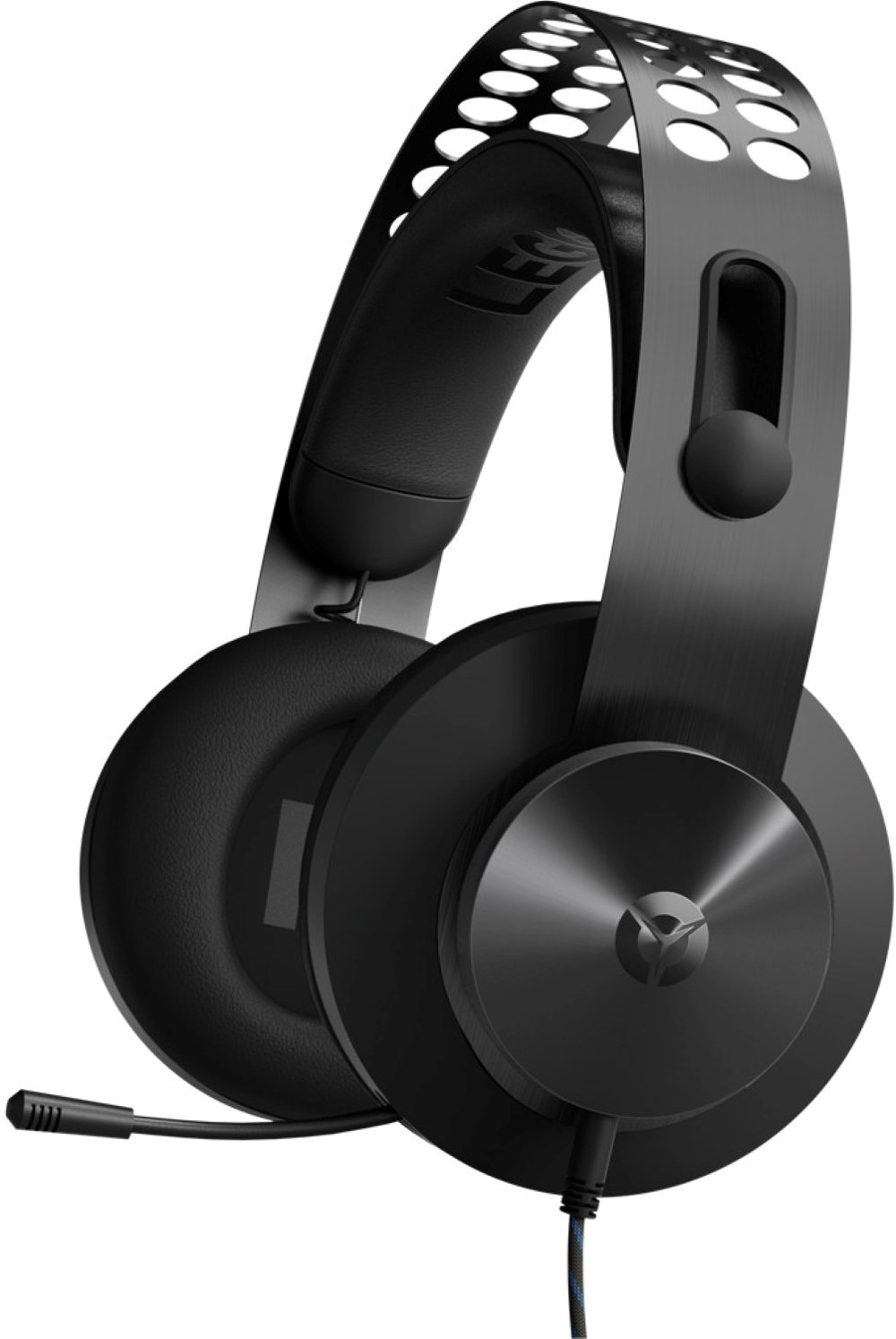
Wireless headsets combine headphones and a microphone with a wireless connection, letting you listen, speak, and move without an audio cable running to your device. They’re useful for video meetings, multiplayer gaming, online classes, phone calls, and everyday entertainment, especially when the same desk serves several purposes. Most connect through Bluetooth or a dedicated wireless receiver, often using a 2.4 GHz radio-frequency connection. Bluetooth works with many phones, tablets, and computers that have built-in Bluetooth support. A dedicated USB receiver typically provides lower audio delay than standard Bluetooth, making it a practical choice for gaming, where dialogue, sound effects, and on-screen action need to stay closely aligned. For calls and listening across mobile devices, Bluetooth Headsets offer a convenient connection without requiring a separate receiver on compatible devices. The right connection depends on where you’ll use the headset, not simply whether it’s labeled wireless. Computer, console, and mobile compatibility can differ, and a USB plug that fits doesn’t automatically guarantee support for both sound and microphone functions. Checking compatibility with your primary device helps keep setup straightforward. Some headsets support more than one connection method, while others focus on a single platform or receiver. Multipoint Bluetooth can keep a headset connected to two compatible devices, making it easier to move between a laptop meeting and a phone call. That feature isn’t the same as hearing both sources simultaneously, which requires separate support. Wireless range also depends on the room: walls, furniture, nearby electronics, and the placement of a receiver can affect the connection. At a desk, a clear path between the headset and receiver can help reduce interruptions. For a shared living space, a dependable wireless connection means you can settle into a game or conversation without a cord stretched across the keyboard, or stand to reach a nearby shelf while staying connected within the headset’s working range.
Comfort becomes just as important as connection quality when a quick call turns into an afternoon of meetings or a gaming session stretches past an hour. Over-ear wireless headsets surround the ears with cushions, while on-ear designs rest against them and can feel less bulky. A single-ear headset leaves one ear open, which can suit someone who needs to hear nearby conversations while handling calls. Fit depends on several details working together: headset weight, headband adjustment, ear-cup depth, cushion softness, and clamping pressure. A padded headband spreads contact across the top of the head, and swiveling ear cups can help the cushions sit more evenly. If you wear glasses, softer cushions and moderate pressure may make longer sessions more comfortable around the temples. Cushion materials also change the feel. Synthetic leather often creates a close seal and wipes clean easily, while woven fabric can feel more breathable. Foam padding adds cushioning, but its thickness and shape matter as much as softness. Plastic housings can help keep weight down, and metal reinforcement in high-stress areas may add durability; overall construction, hinge design, and careful handling still make a difference. Sound and microphone features should support the way you spend your time. Clear speech matters for conference calls and classes, while balanced audio helps dialogue, music, and game effects remain distinct. Some gaming headsets support spatial audio that can create a sense of direction with compatible software, though results depend on the headset, settings, and content. A boom microphone brings the pickup point closer to your mouth and can make your voice easier to hear. Microphone noise reduction helps limit background sounds sent to other people; active noise cancellation reduces certain sounds you hear through the ear cups. They serve different purposes, and neither guarantees complete silence. In a room with a humming fan or nearby conversation, these features can make listening and speaking more comfortable. A clear mute indicator, accessible volume control, and adjustable microphone add everyday convenience without requiring you to leave the screen.
Battery life, charging, and care help determine how smoothly a wireless headset fits into your routine. Manufacturer battery estimates reflect particular test conditions, so actual listening time can change with volume, active noise cancellation, lighting, connection mode, and other features. Longer runtime can be helpful for frequent gaming or back-to-back workdays, but charging habits matter, too. A headset that’s easy to recharge between sessions may suit a desk-based routine, while quick charging can help when you notice a low battery shortly before a call. Some headsets allow use while charging, and some offer a wired backup connection; those capabilities need to be confirmed rather than assumed. The charging port, included cable, and any dock or stand requirements are worth considering alongside battery life. Everyday handling has a real effect on durability. Lifting the headset by the headband rather than the microphone, setting it on a stable surface, and keeping charging cables free from sharp bends can reduce unnecessary strain. Ear cushions collect skin oils, dust, and hair products, so regular cleaning helps maintain a comfortable feel. Follow the manufacturer’s care directions, use a soft cloth, and keep excess moisture away from speakers, microphones, and charging ports. Let cleaned surfaces dry before wearing or charging the headset. Replaceable cushions can extend its useful life when padding flattens or coverings wear, while a protective case can help when carrying it between home, work, or school. Wireless headsets also make thoughtful gifts for students attending virtual classes, remote workers who spend much of the day on calls, and gamers who enjoy talking with teammates. Matching the headset to the recipient’s device and routine matters more than choosing the longest feature list. Someone moving between a phone and laptop may value easy switching, while a dedicated gamer may prioritize low delay, microphone clarity, and a secure fit. The most useful wireless headset brings those details together, making daily conversations and entertainment feel simpler and more comfortable.
Read More