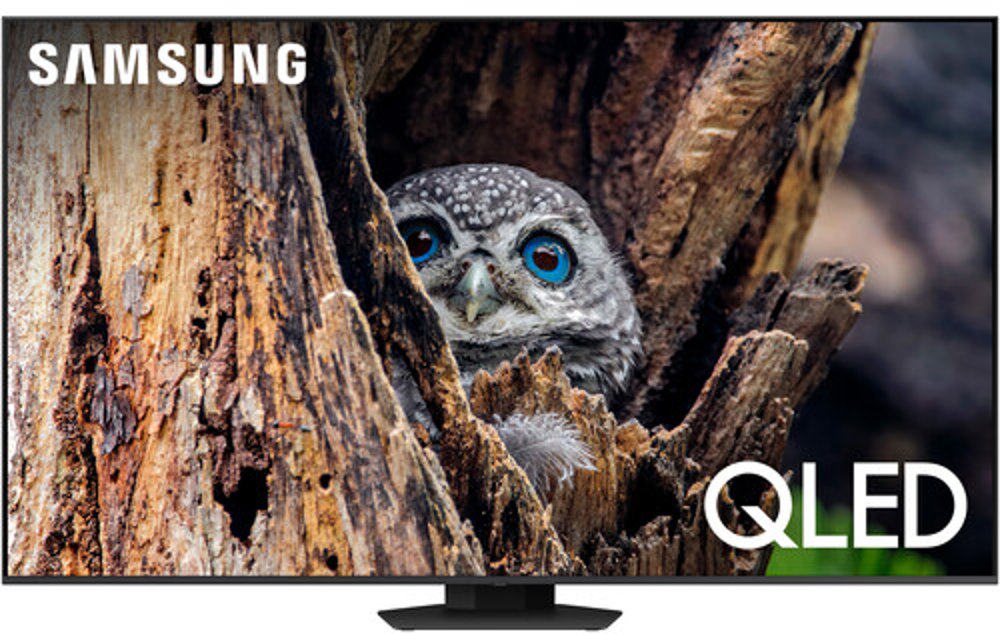
Q Symphony Compatible TVs bring the picture and sound together for a more immersive way to enjoy movies, shows, sports, music, and games at home. Q-Symphony is a sound feature available on selected Samsung televisions when paired with a compatible Samsung soundbar or Music Frame. Instead of relying on the television speaker or soundbar alone, the system is designed to coordinate audio from both devices, helping create a fuller soundstage that feels more connected to the action on screen. You may notice clearer dialogue, richer background sound, and a wider sense of depth during a favorite film or a big game. These TVs can fit naturally into many spaces, from a family room where everyone gathers for movie night to a bedroom where you unwind with a few episodes before turning in. They also make a thoughtful choice for a household refresh or a gift for someone who enjoys building a comfortable entertainment setup. If you’re comparing display options, consider how the TV’s screen size will work with your room, seating distance, available wall or console space, and everyday viewing habits. A larger screen can make cinematic content and live sports more engaging, while a compact size may suit an apartment, guest room, dorm, or cozy corner. Screen technology, resolution, brightness, contrast, smart features, and refresh rate can all shape the viewing experience, so it helps to focus on the features you’ll use most rather than choosing based on size alone. As the weather warms or the cooler months bring more evenings indoors, a well-matched television can become the place where the household settles in, shares a laugh, follows a series, or keeps up with the big moments.
Compatibility deserves close attention before you add a Q Symphony Compatible TV to your home. Q-Symphony works only with selected Samsung television models and a compatible Samsung soundbar or Music Frame, so check the specifications for both pieces of equipment before purchasing. Support is available across selected Neo QLED, OLED, QLED, Crystal UHD, and The Frame televisions released in recent model years, but compatibility can vary by model and release year. A television that supports the feature won’t automatically activate it with every soundbar, and a soundbar that offers the feature may need a compatible television to use it as intended. Matching equipment within the supported lineup can simplify setup and help you get the most from the coordinated audio experience. Connection options may include HDMI with eARC or ARC, an optical cable, or Wi-Fi, depending on the equipment you choose. HDMI eARC is often a practical choice for newer home theater setups because it can carry high-quality audio through a single connection, while optical audio can be useful with certain older or simpler arrangements. Wi-Fi may offer a clean setup with fewer visible cables, though a stable wireless network remains important. Before ordering, measure the space where the television will sit, confirm that your console can support its width and weight, and look at the location of nearby outlets. If you’re mounting the TV, review the wall, mounting pattern, and cable path ahead of time. Leaving enough room for ventilation and keeping cables accessible can make future adjustments much easier. For another type of large-screen comparison, you can also browse Sony Hd Tvs while considering which display features and entertainment connections best suit your space.
Once your compatible television and sound equipment are connected, Q-Symphony can typically be enabled through the television’s sound settings. Depending on the model and software interface, look under Settings, All Settings, Sound, and Q-Symphony Setup, or choose a sound output such as TV + Soundbar. The exact menu names can differ, so the instructions included with your television and soundbar should be the final reference for your setup. After activation, play familiar content that lets you compare voices, music, and action scenes at comfortable listening levels. A conversation-heavy show can help you judge dialogue clarity, while a concert, nature program, or movie soundtrack can reveal how the system handles layered sound. Placement also matters. Position the soundbar where it has a clear path into the room, keep the television centered with the seating area when possible, and avoid covering speakers with décor or other equipment. Adjusting the sound mode, bass, treble, or adaptive audio settings may help you create a more comfortable balance for different kinds of content. Families may appreciate stronger dialogue for evening shows, while movie fans may prefer a more expansive setting for dramatic scenes. A Q Symphony Compatible TV can serve as the foundation for a flexible entertainment area, whether you’re replacing an older screen, furnishing a new home, or creating a welcoming space for guests during gatherings. With thoughtful sizing, confirmed compatibility, a suitable connection, and careful placement, your television and audio equipment can work together smoothly for everyday viewing and memorable nights at home.
Read More