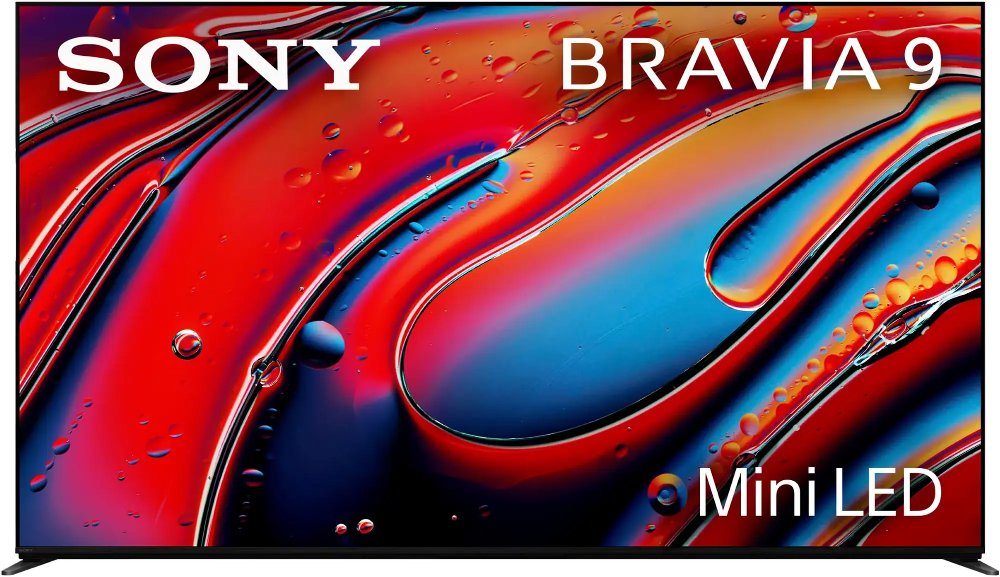
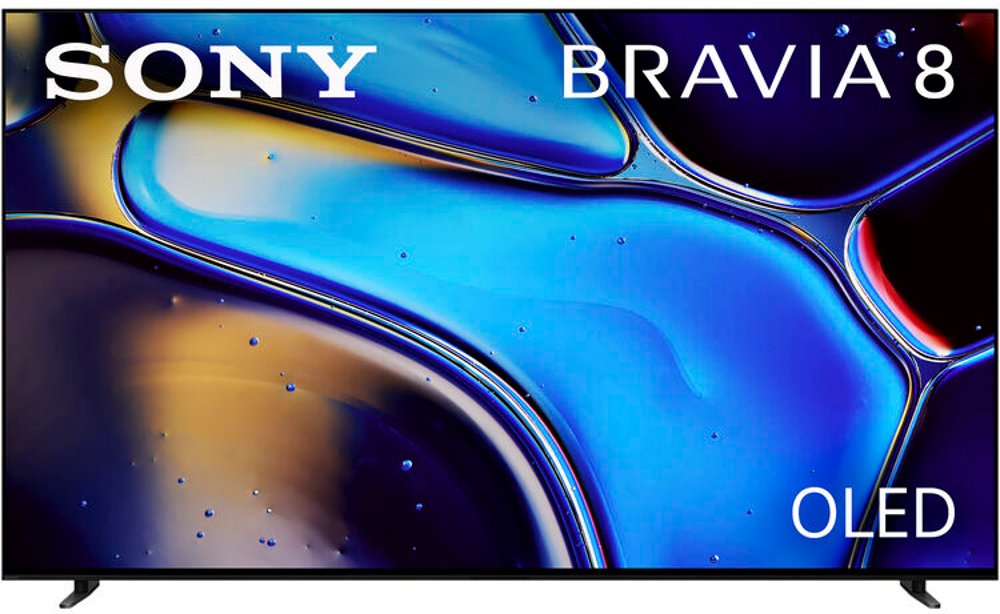
Ultra HD TVs bring fine detail, rich color, and a more immersive view to everyday entertainment, from a favorite series after dinner to a movie night with the whole family. Commonly called 4K TVs, these televisions have a resolution of 3,840 × 2,160 pixels—about 8.3 million pixels in all, or four times the pixel count of a 1080p Full HD screen. That extra resolution helps reveal small details such as the stitching on a jersey, individual leaves in a landscape, and texture in a close-up shot. For consumer televisions, the terms “4K” and “UHD” generally describe the same resolution, though professional digital cinema uses a slightly wider 4K format. Picture quality also depends on contrast, brightness, color accuracy, and the quality of the source, so resolution is only part of what makes a scene feel lifelike. Native 4K movies, shows, and games make the most of a UHD display. Upscaling processes lower-resolution video to fit the screen and can improve its appearance, but it doesn’t recreate all the detail captured in native 4K content. High dynamic range, or HDR, adds another dimension when the television and content support it, allowing a broader range between bright highlights and dark shadows, often alongside richer color. A sunlit window can look bright while details remain visible in the room around it, rather than the whole image appearing washed out. HDR performance varies with the screen’s capabilities; support for an HDR format alone doesn’t guarantee strong highlights or deep blacks. These differences matter whether the TV will anchor a living room, provide a comfortable bedroom viewing spot, or give a dedicated entertainment space its finishing touch. A well-matched Ultra HD television fits both the content you enjoy and the way your household gathers, making dialogue-heavy dramas, nature documentaries, live broadcasts, and casual streaming feel equally at home.
Screen size and display technology help shape how an Ultra HD TV works in your space. Screen measurements run diagonally, not across the width, so the television’s actual dimensions matter when fitting it into an entertainment center or above a media console. Stand width and depth deserve attention, too: widely spaced feet can require a broader surface than a center-mounted pedestal. A larger screen can make subtitles easier to read and bring more of a theater feeling to a spacious seating area, while a more modest size may suit a bedroom or compact apartment. Viewing distance, furniture placement, and personal comfort all influence that balance. The picture should feel engaging without making you turn your head to follow everyday action. Display construction affects the experience just as much as size. LED TVs use an LCD panel illuminated by an LED backlight. Mini-LED designs use smaller backlight elements and may offer more precise local dimming, depending on their construction. Quantum-dot technology can expand color performance, but it doesn’t by itself specify how the screen is lit. OLED panels use self-lighting pixels that can switch off individually, producing deep blacks without a separate backlight. For movie-focused spaces and seating arrangements where people watch from different angles, OLED HDR TVs offer a combination of pixel-level contrast and generally wide viewing angles. A room with substantial daylight may place more emphasis on screen brightness and reflection handling, while a room with controlled lighting makes subtle shadow detail particularly noticeable. Placement still matters with any panel type: a window reflected directly in the screen can distract from even a detailed picture. Slim frames, metal or plastic housings, and different stand finishes also affect how naturally the television blends with existing furniture. Wall mounting can free console space, provided the mount matches the television’s mounting pattern and weight and is secured appropriately. Keeping the screen near seated eye level supports a more relaxed view during longer movies or back-to-back episodes.
Everyday convenience comes from the features behind the picture as well as the screen itself. Smart Ultra HD TVs typically include internet connectivity and built-in access to streaming apps, though app support, account requirements, and subscriptions vary. A reliable connection helps maintain higher-quality streaming; wired Ethernet can be useful where wireless coverage is inconsistent. Enough HDMI inputs allow a streaming device, game console, and other equipment to stay connected without frequent cable swapping. An HDMI connection with enhanced audio return channel, commonly called eARC, can simplify audio connections to compatible sound equipment. That matters in an open living area, where a slim television’s built-in speakers may have trouble delivering the dialogue clarity or impact you prefer. For gaming, low input lag helps actions feel responsive, while variable refresh rate can reduce screen tearing with compatible equipment. A native 60 Hz panel suits much everyday viewing. A native 120 Hz panel can display more frequent image updates, which may benefit fast action and gaming when the source supports it. Advertised motion ratings aren’t always the same as native refresh rates, and 4K gaming at 120 frames per second requires compatible hardware, ports, and cables throughout the connection. Beyond performance, practical details such as readable menus, closed captions, accessible controls, and a straightforward remote can make a television easier for everyone in the household to enjoy. Those details are especially thoughtful when choosing a TV as a housewarming or graduation gift, along with confirming the recipient’s room dimensions and entertainment setup. Good placement and gentle care help protect that investment in daily enjoyment. Leave the ventilation clearance specified by the manufacturer, route cables away from walkways, and secure freestanding televisions against tipping. For cleaning, turn off the screen and follow its care instructions, generally using a clean, dry microfiber cloth without pressing hard or spraying liquid directly onto the panel. Avoid abrasive cleaners that could damage screen coatings. With OLED displays, built-in panel protection features and varied viewing habits can help reduce the risk of permanent image retention from prolonged static images. Matching the screen to its intended use, then caring for it consistently, supports a comfortable entertainment setup for years to come.
Read More